Platform 3D Resource Index
RflySim3D/RflySimUE5 includes a rich collection of 3D models and scene resources. Each model style is described by an XML index file, and its preview image is stored beside the XML file with the same name. Press F2 in the corresponding engine to export the complete model-style index for the current installation as ModelData.csv.
Unique3DClassID formula:
Unique3DClassID = DisplayOrder × 100000 + ClassIDAutomatic synchronization: After updating resources in either engine, run
python scripts/sync_3d_resource_index.py --content-root C:\PX4PSP\RflySim3D\RflySim3D\Content --content-root C:\PX4PSP\RflySimUE5\RflySim3D\Content. The script reads the XML registries from both installations, synchronizes same-name previews, corrects existingUnique3DClassIDvalues, and updates UE4/UE5 availability notes and previously unlisted models and scenes.
I. 3D Models
Grouped by ClassID; each card displays the style name, Unique3DClassID, dimensions/type (if available), Chinese name (if available), and version/engine difference notes (if available).
Version and engine notes: The Free Edition ships only RflySim3D (UE4) and does not include RflySimUE5. The Full Edition and above provide both RflySim3D (UE4) and RflySimUE5 (UE5), and their resource sets are not fully identical. This page uses RflySim3D (UE4) as the baseline:
(Full Edition and above only): Not included in the Free Edition's RflySim3D;(Not included in RflySimUE5)/(Not registered in RflySimUE5): Available in RflySim3D (UE4) only, not in RflySimUE5;(Only registered in RflySimUE5): Exclusive to RflySimUE5, not available in RflySim3D (UE4);- No annotation means the resource is available in both the Free Edition RflySim3D and the Full Edition RflySim3D/RflySimUE5.
There is also a version-independent annotation:
(User-reserved range): A ClassID range not occupied by the platform and reserved for user-imported models. See Section II for the allocation rules.
Quadcopter (ClassID=3)
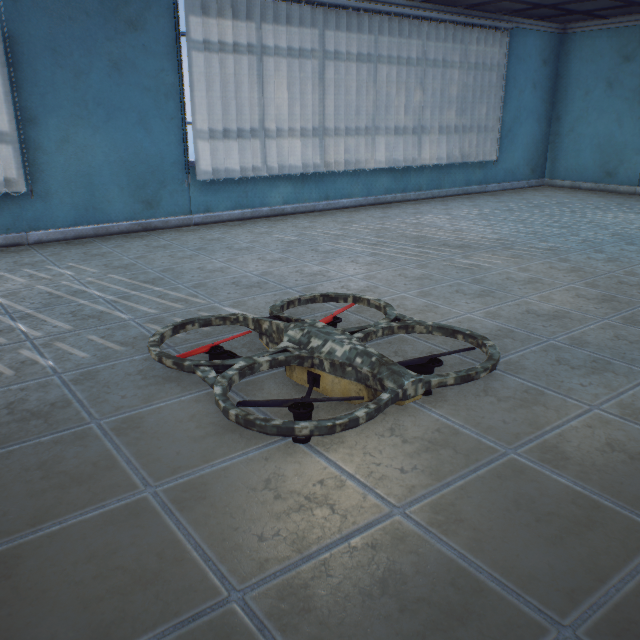
AR_Drone_Army
10700000351-51-11cm (Static Mesh)
AR_Drone Camouflage
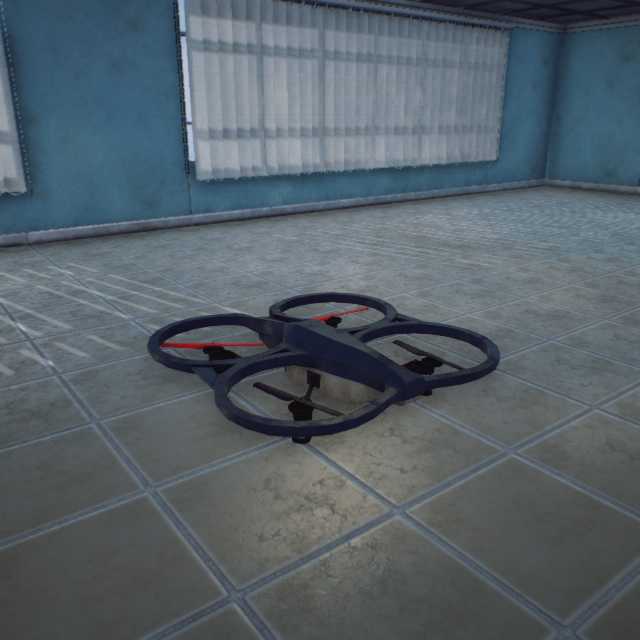
AR_Drone_BlackGreen
10500000351-51-11cm (Static Mesh)
AR_Drone Dark Green
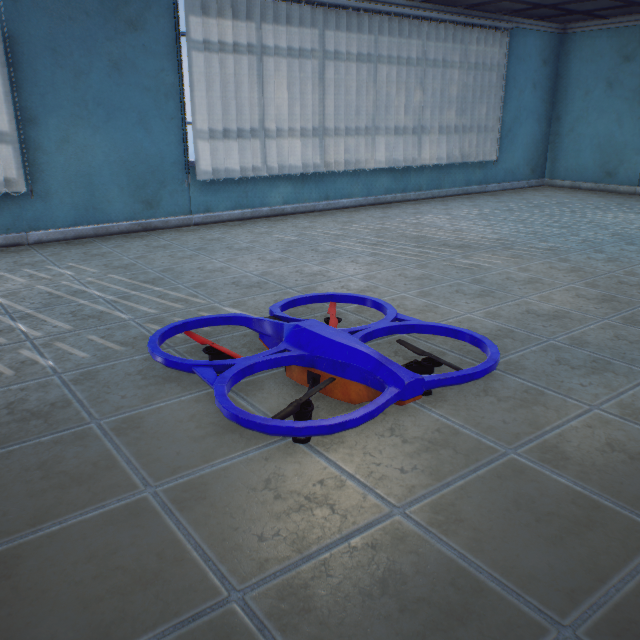
AR_Drone_Blue
10600000351-51-11cm (Static Mesh)
AR_Drone Blue
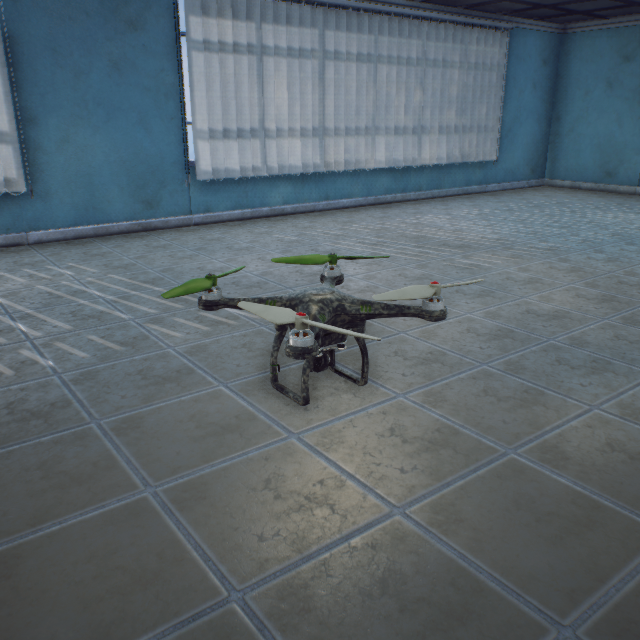
DJI_Phantom_Army
10400000329-28-16cm (Static Mesh)
DJI Phantom Camouflage
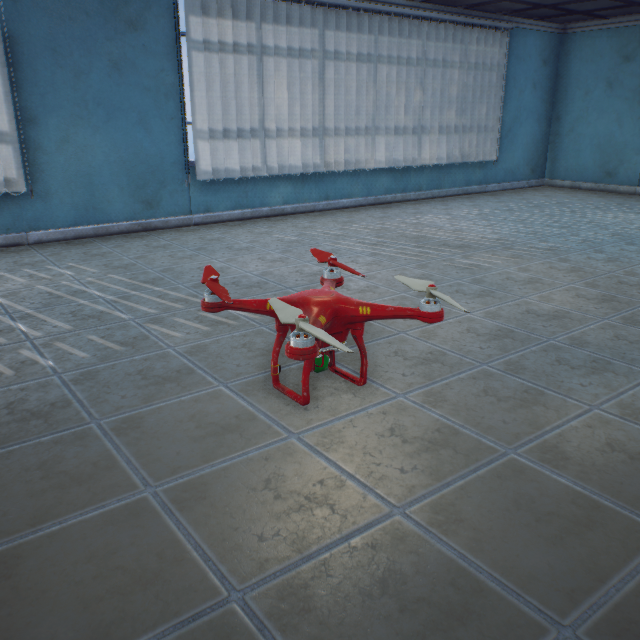
DJI_Phantom_Red
10300000329-28-16cm (Static Mesh)
DJI Phantom Red
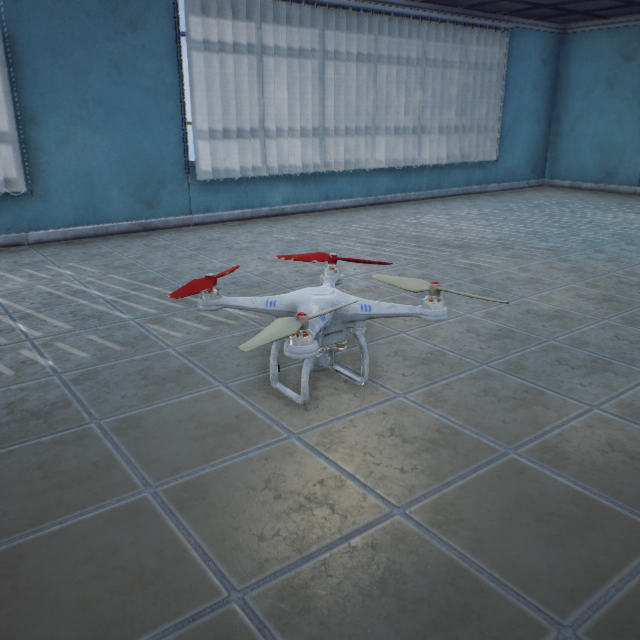
DJI_Phantom_White
10200000329-28-16cm (Static Mesh)
DJI Phantom White
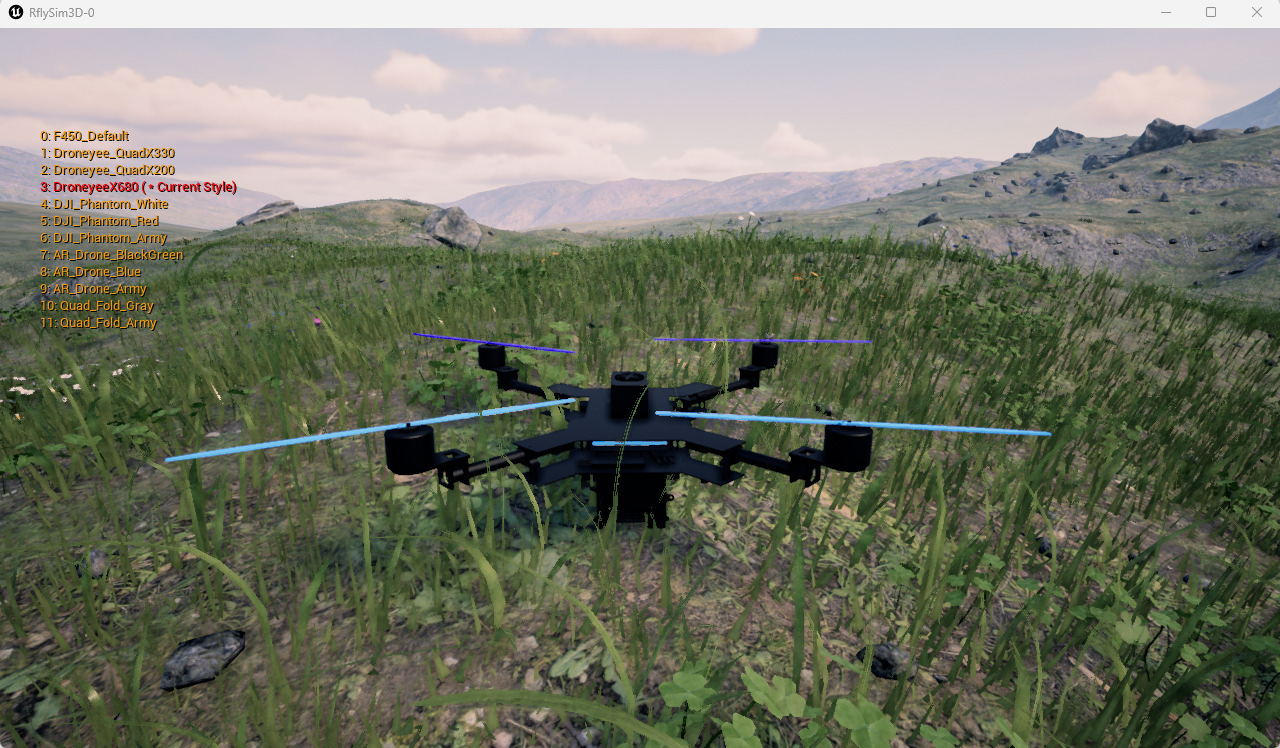
DroneyeeX680
101500003Static Mesh Assembly
Droneyee X680 Frame
(Static Mesh Assembly Model Import Example)
(Not a built-in platform asset)
(Not registered in the current installation)
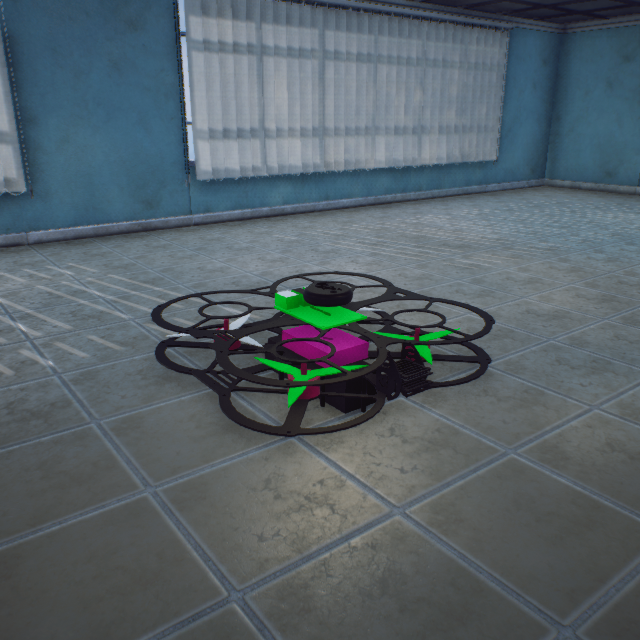
Droneyee_QuadX200
10110000329-29-11cm (Static Mesh)
QuadX200
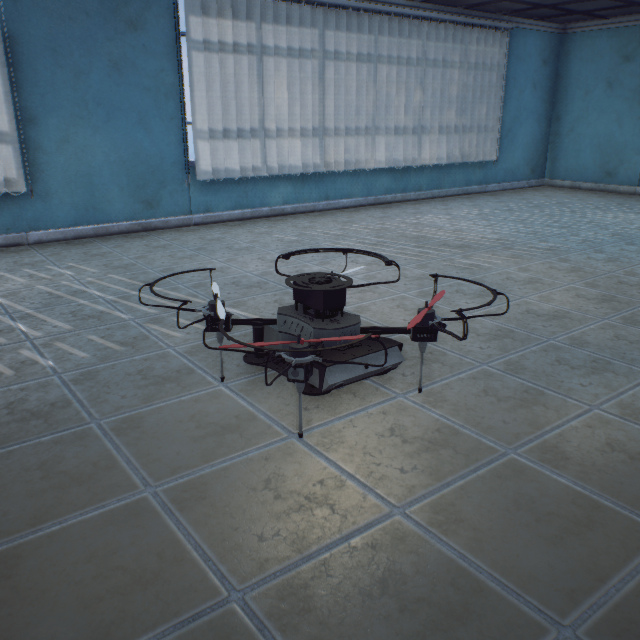
Droneyee_QuadX330
10100000353-50-21cm (Static Mesh)
QuadX330
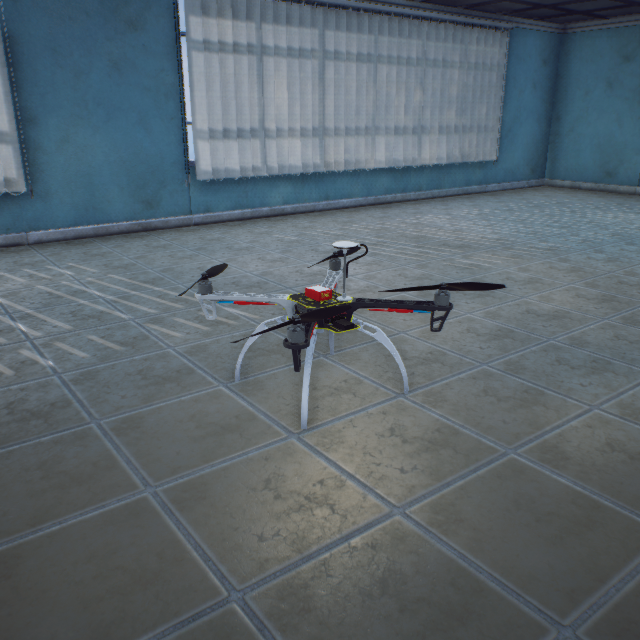
F450_Default
10000000337-37-29cm (Static Mesh)
F450
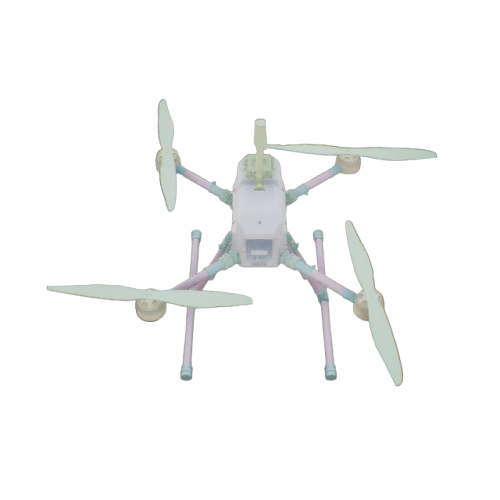
FSJ690
110000003Static Mesh
Feisi J690 Quadcopter (System Identification Example)
(Not included in RflySimUE5)
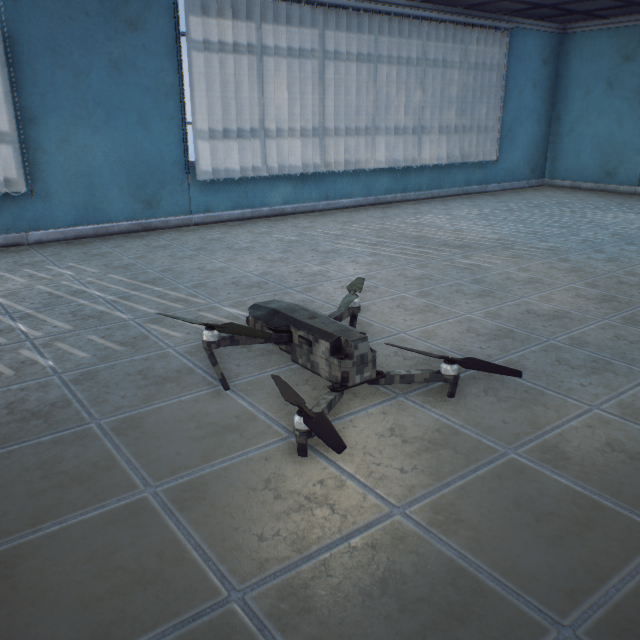
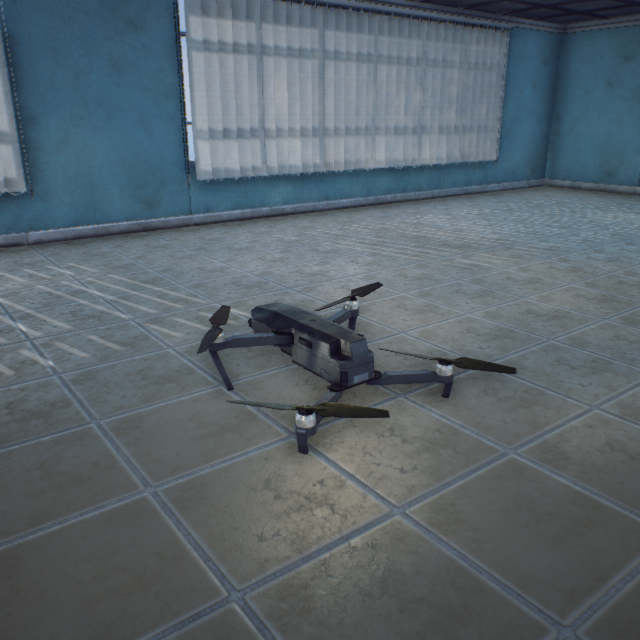
Quad_Fold_Army
10900000335-34-12cm (Static Mesh)
Foldable Quadcopter Camouflage
Quad_Fold_Gray
10800000335-34-12cm (Static Mesh)
Foldable Quadcopter Gray
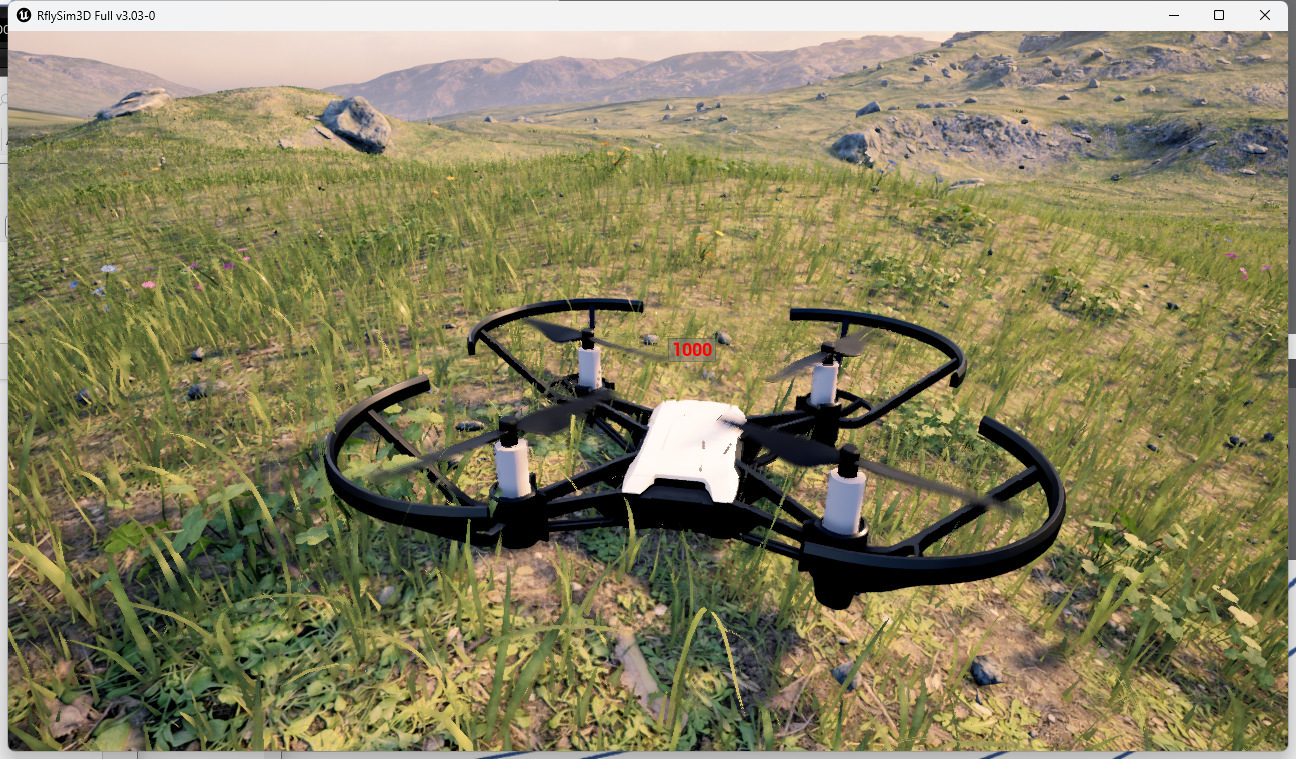
Tello
111000003Blueprint Import (ModelType=2)
Tello Micro Quadcopter
(Blueprint Model Import Example)
(Not a built-in platform asset)
(Not registered in the current installation)
BlueprintCopter (ClassID=4)
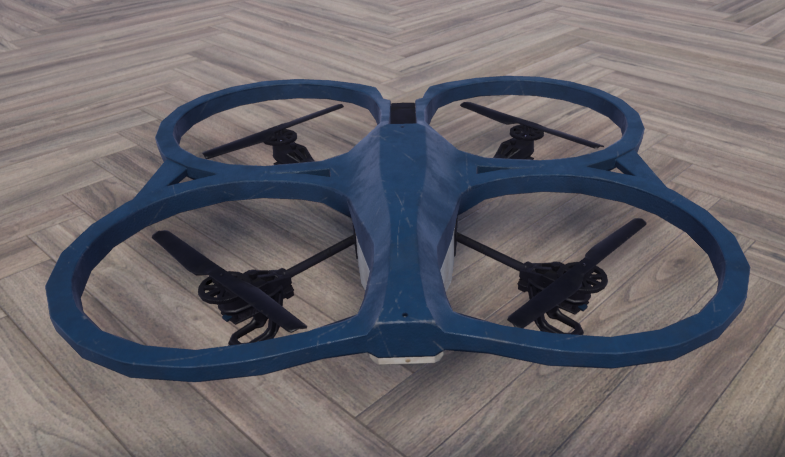
BlueprintCopter
100000004Blueprint import (ModelType=2)
Blueprint composite multirotor (actuators and lights encapsulated)
(Blueprint multirotor dynamics example)
(Not built into RflySimUE5)
HexaCopter_550 (ClassID=5/6)
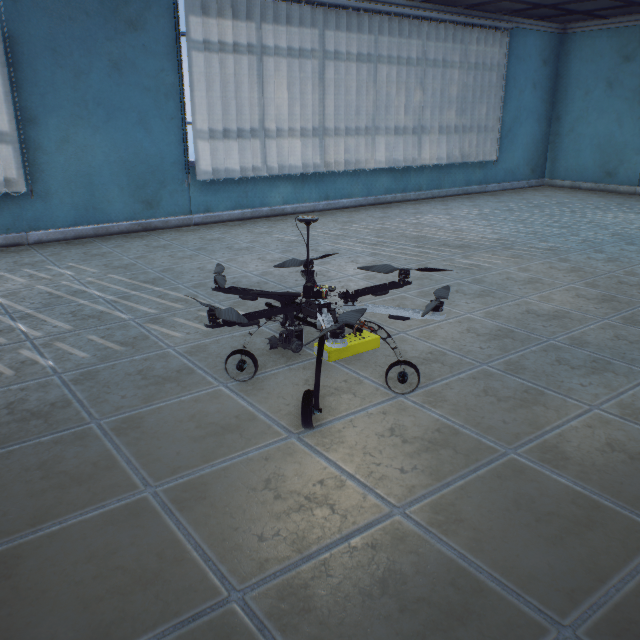
HexaCopter_550
10000000548-55-39cm (Static Mesh)
Hexacopter UAV
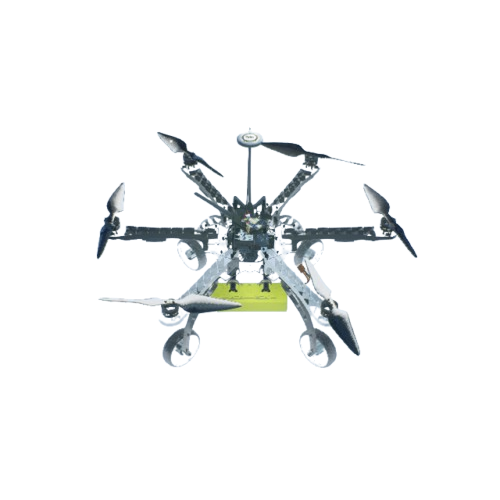
HexaCopter_550
10000000648-55-39cm (Static Mesh)
Hexacopter UAV X-configuration
Octocopter (ClassID=8)
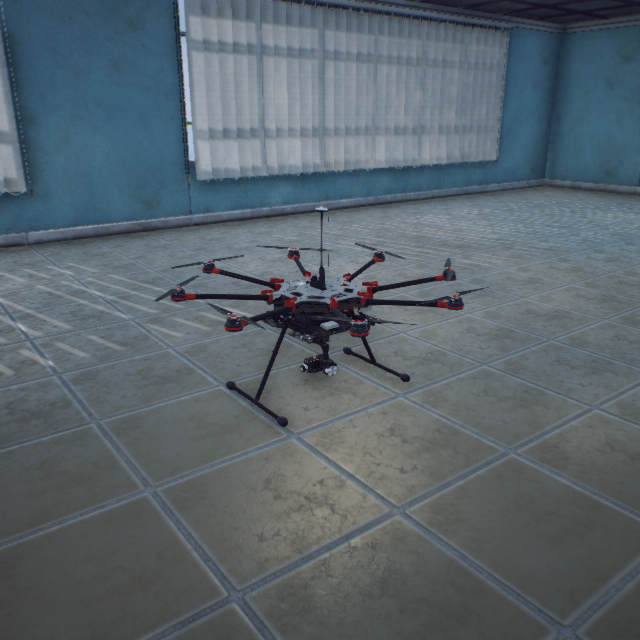
Octocopter
100000008133-134-77cm (Static Mesh)
Octocopter UAV
X8_OCTO (ClassID=10)
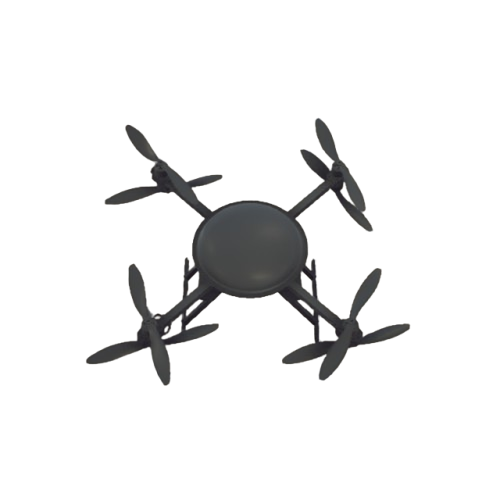
X8_OCTO
10000001056-56-25 (Static Mesh)
Quadcopter with 8 rotors
(Not built into RflySimUE5)
CompositeUAV (ClassID=11)
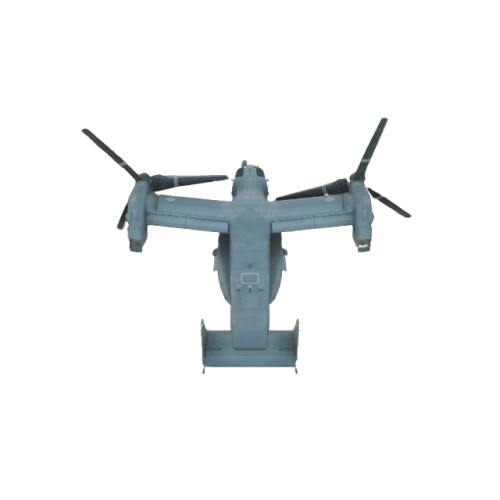
CompositeUAV
100000011Static mesh assembly
Tiltrotor composite wing (QZXY)
(Not built into RflySimUE5)
Characters (ClassID=30)
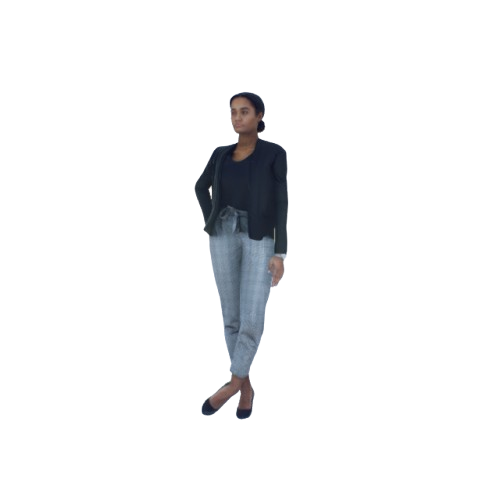
Carla_Standing
107000030239-70-268cm (Skeletal Animation)
Carla Standing
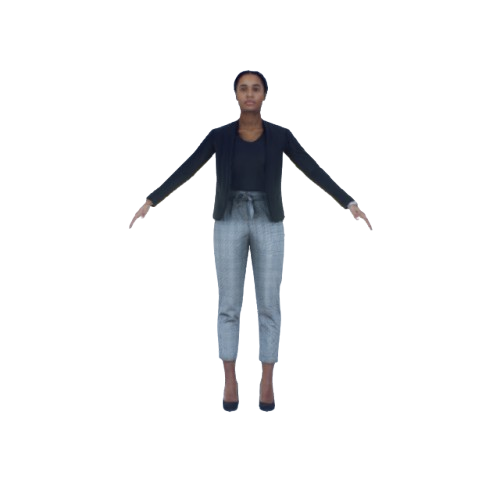
Carla_Static
105500030239-70-268cm (Skeletal Animation)
Carla Static Model
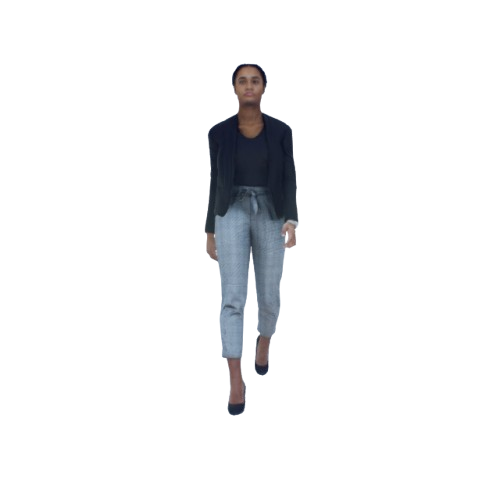
Carla_Walking
106000030239-70-268cm (Skeletal Animation)
Carla Walking
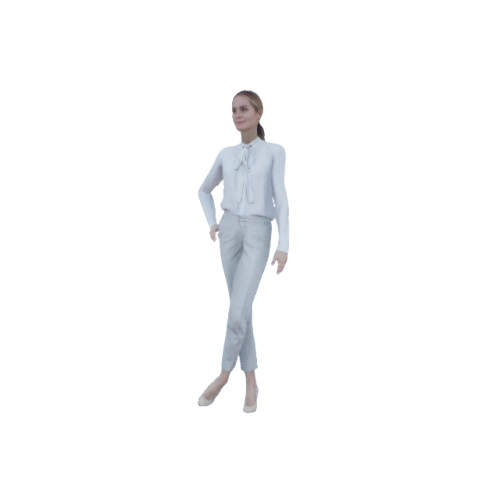
Claudia_Standing
109000030239-70-268cm (Skeletal Animation)
Claudia Standing
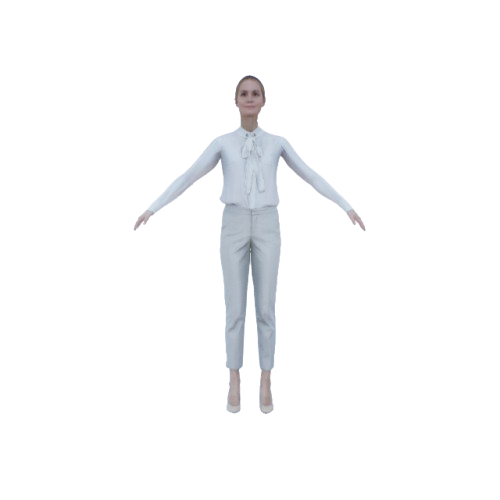
Claudia_Static
107500030239-70-268cm (Skeletal Animation)
Claudia Static Model
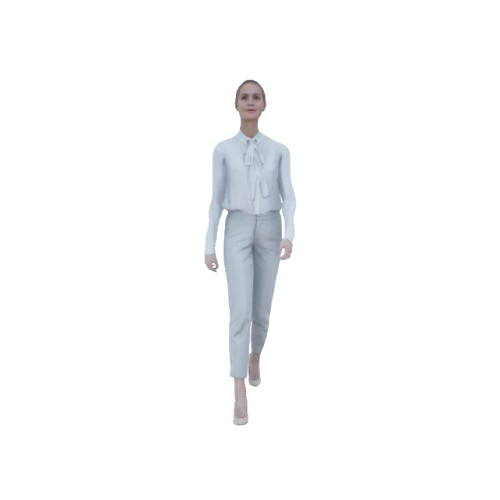
Claudia_Walking
108000030239-70-268cm (Skeletal Animation)
Claudia Walking
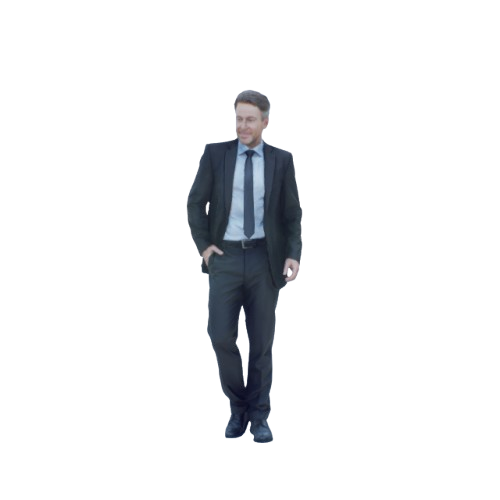
Dennis_Static
100000030239-70-268cm (Skeletal Animation)
Dennis Static Model
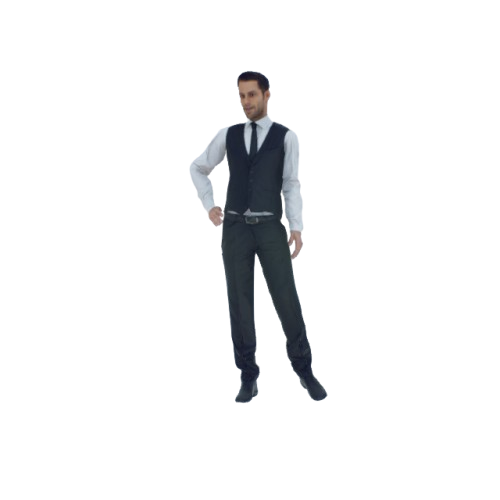
Eric_Standing
111000030239-70-268cm (Skeletal Animation)
Eric Standing
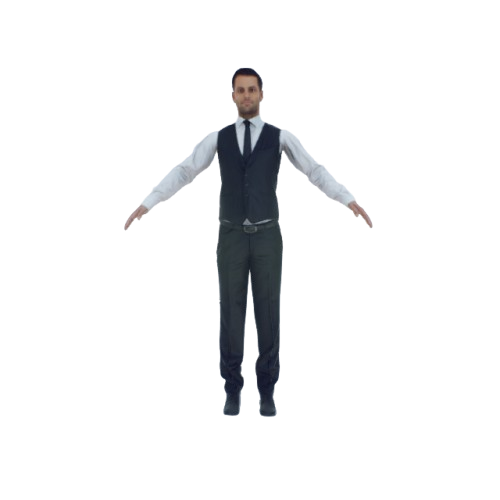
Eric_Static
109500030239-70-268cm (Skeletal Animation)
Eric Static Model
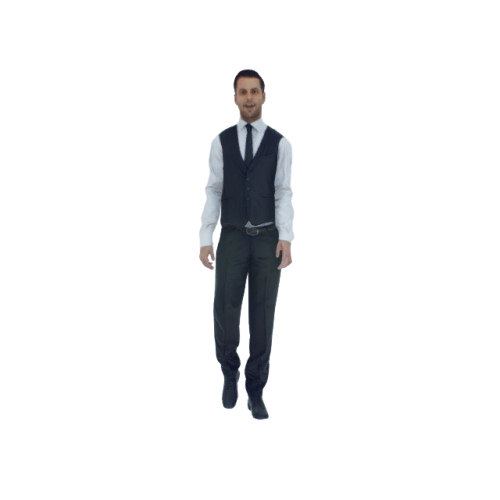
Eric_Walking
110000030239-70-268cm (Skeletal Animation)
Eric Walking
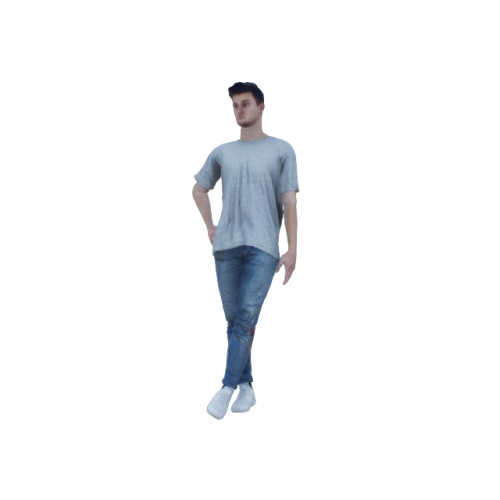
Manuel_Standing
113000030239-70-268cm (Skeletal Animation)
Manuel Standing
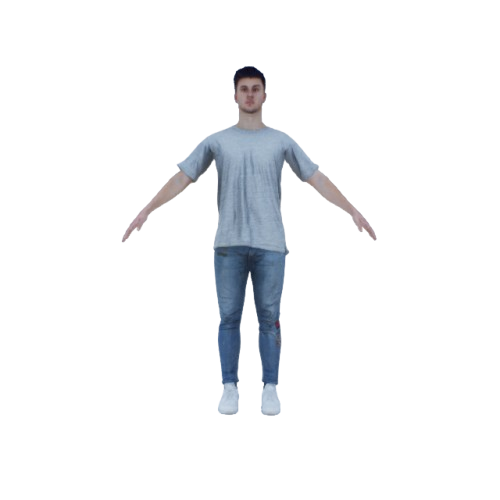
Manuel_Static
111500030239-70-268cm (Skeletal Animation)
Manuel Static Model
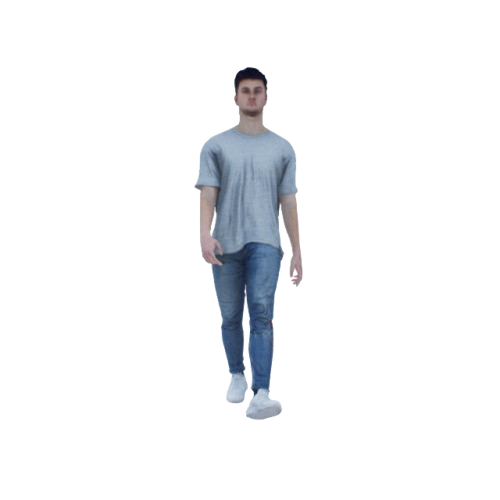
Manuel_Walking
112000030239-70-268cm (Skeletal Animation)
Manuel Walking
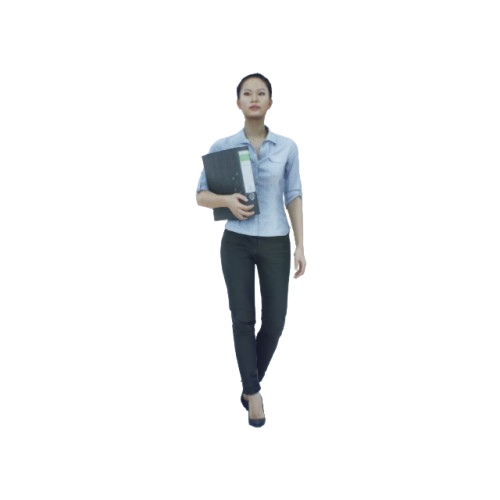
Mei_Static
101000030239-70-268cm (Skeletal Animation)
Mei Standing
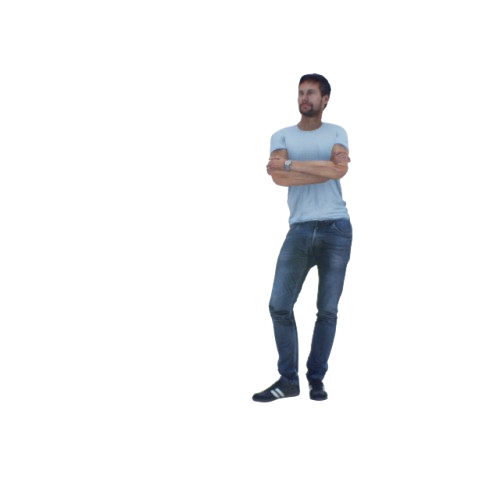
Nathan_Dancing
105000030239-70-268cm (Skeletal Animation)
Nathan Dancing
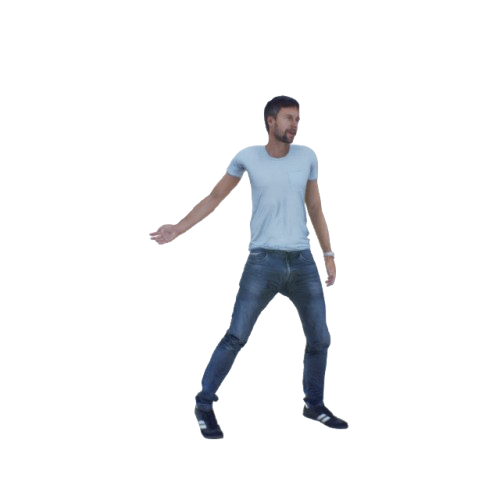
Nathan_Standing
104000030239-70-268cm (Skeletal Animation)
Nathan Standing
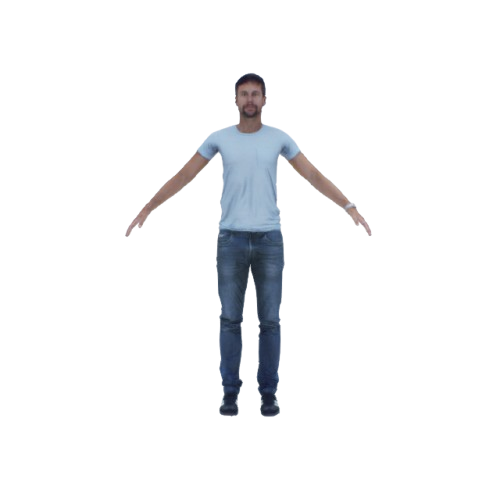
Nathan_Static
102000030239-70-268cm (Skeletal Animation)
Nathan Static Model
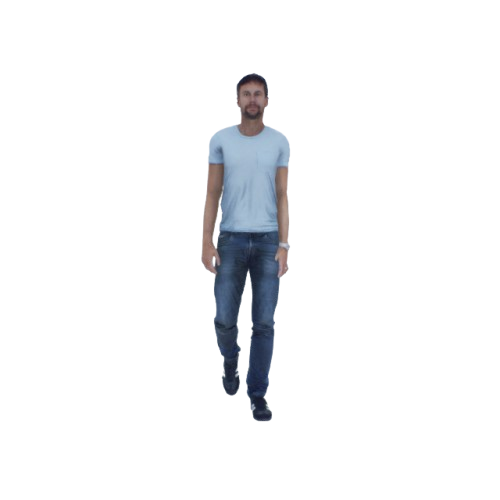
Nathan_Walking
103000030239-70-268cm (Skeletal Animation)
Nathan Walking
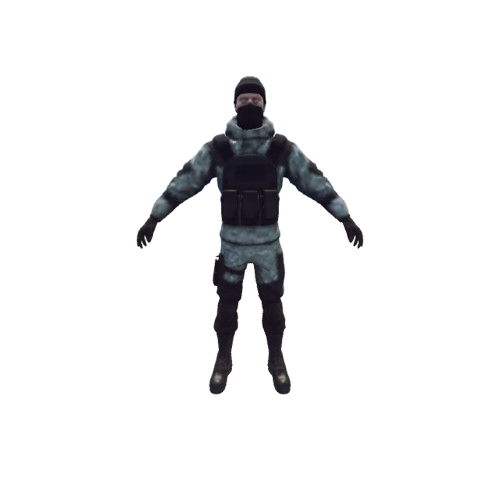
Soldier_Static
116000030Skeletal Animation
Soldier Static Model
(Only registered in RflySimUE5)
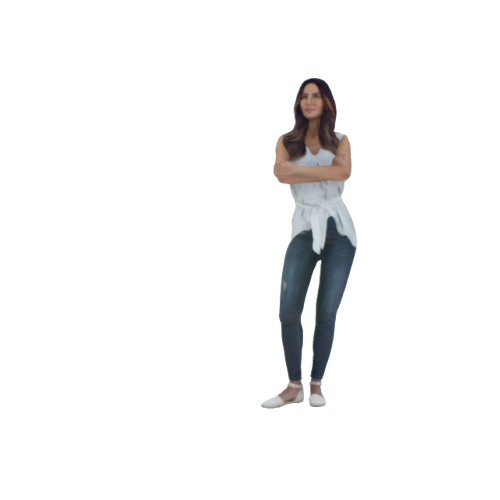
Sophia_Standing
115000030239-70-268cm (Skeletal Animation)
Sophia Standing
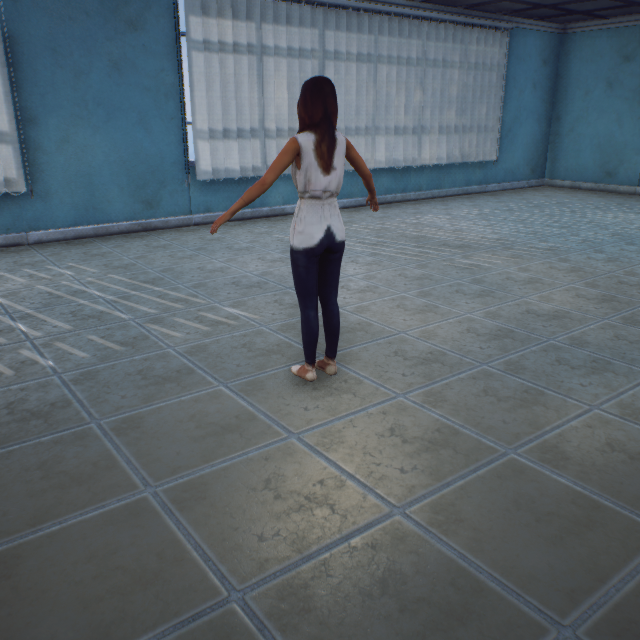
Sophia_Static
113500030239-70-268cm (Skeletal Animation)
Sophia Static Model
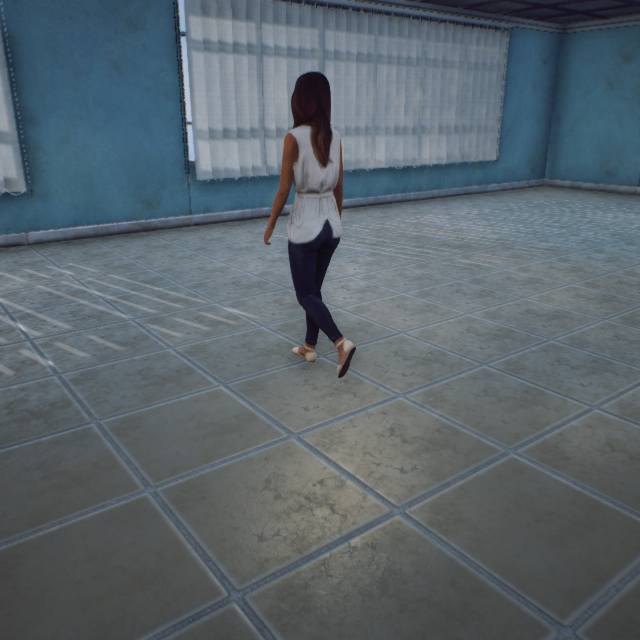
Sophia_Walking
114000030239-70-268cm (Skeletal Animation)
Sophia Walking
Calibration Board (ClassID=40)
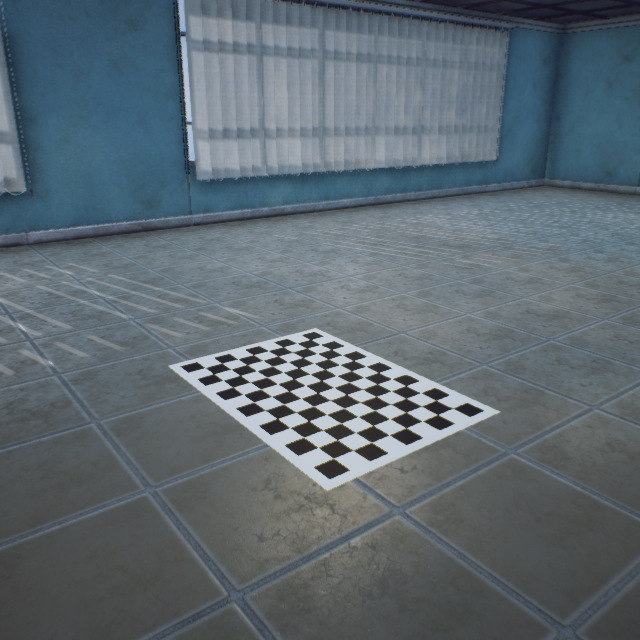
CheckerBoard
100000040Calibration board 60cm_84cm_60mm
Square checkerboard
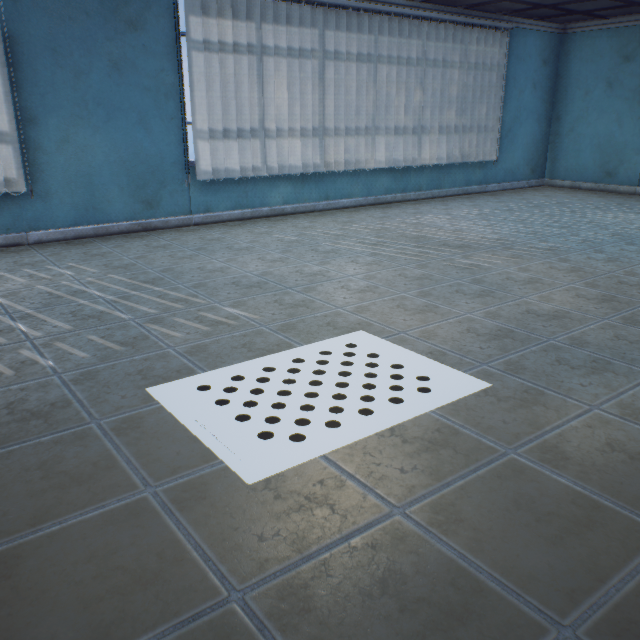
CirclePattern
100100040Calibration board 60cm_84cm_60mm
Circular checkerboard
ArUco Calibration Marker (ClassID=43)
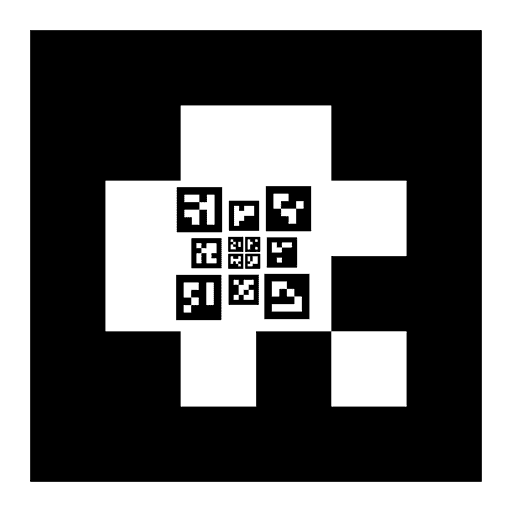
Aruco_Custom
10000043ArUco marker with customizable ID
(Not built into RflySimUE5)
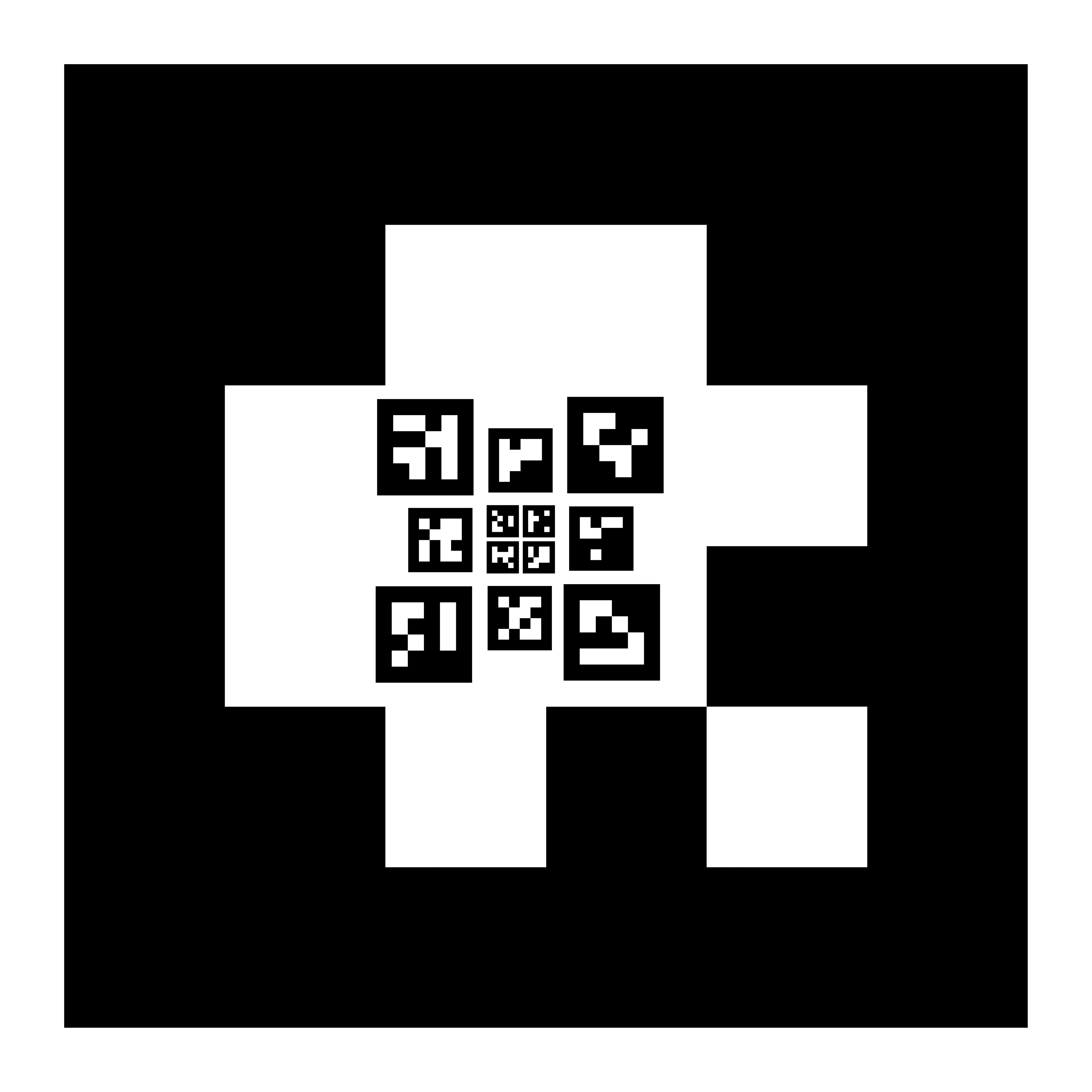
ArucoEX_Custom
100000043ArUco marker extended calibration board
(Not built into RflySimUE5)
Ground Vehicle (ClassID=50)
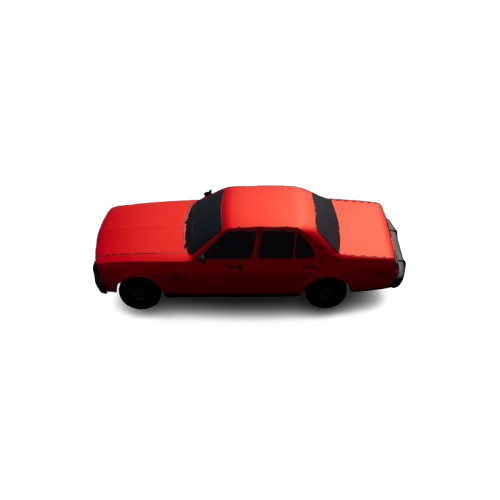
BlueprintCar
101000050Vehicle blueprint (ModelType=3)
Blueprint vehicle (PhysX vehicle physics)
(Not built into RflySimUE5)
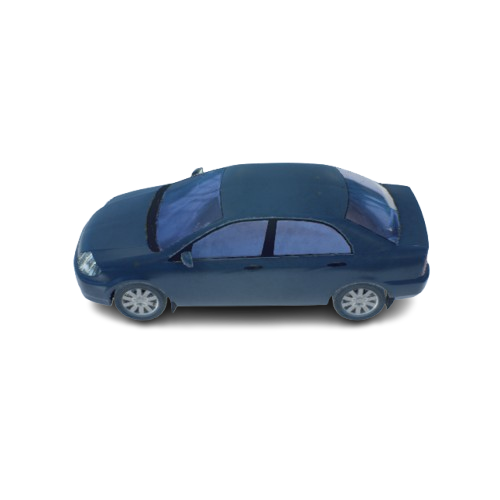
Car_GreenBlack
101000051502-226-171cm (Static Mesh)
Dark blue car
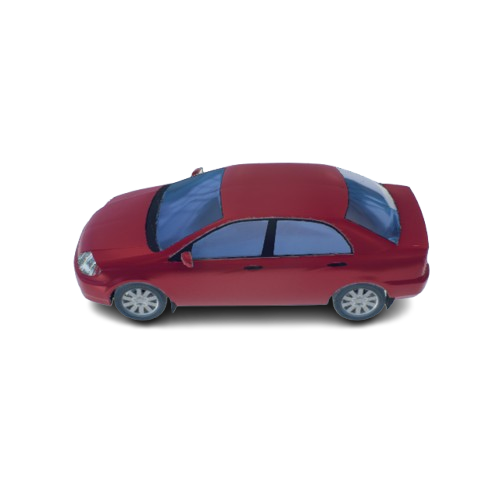
Car_Red
102000051502-226-171cm (Static Mesh)
Red car
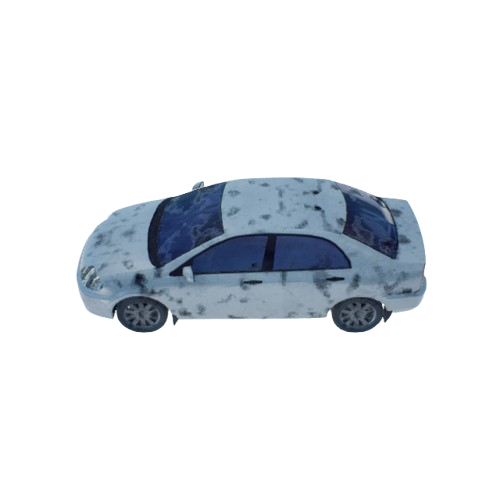
Car_White
100000051502-226-171cm (Static Mesh)
White car
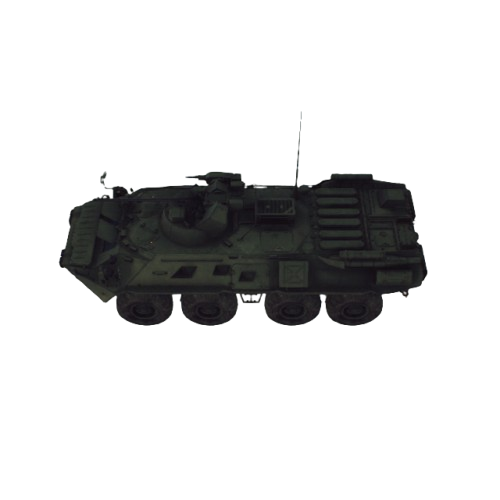
UnmannedVehicle_EightWheeled
102000050Blueprint import (ModelType=2)
Eight-wheeled unmanned vehicle / BTR-82 armored vehicle
(Not built into RflySimUE5)
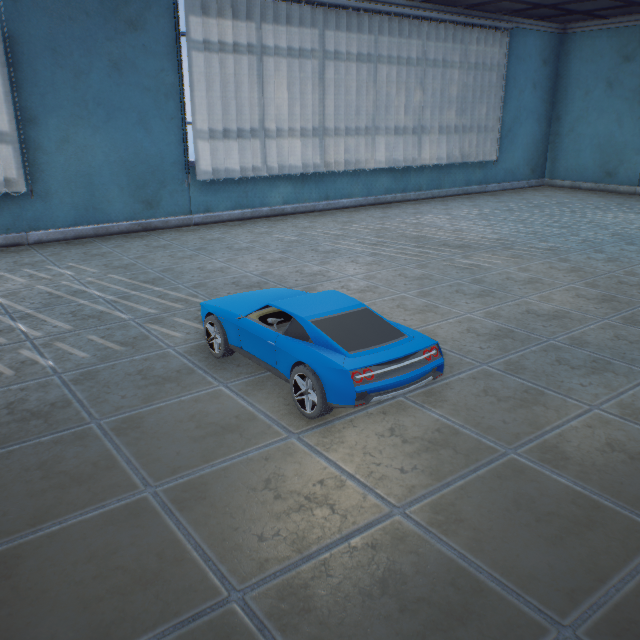
Standard_Car_Blue
100000050272-118-62cm (Static Mesh)
Blue car
Engineering Vehicle (ClassID=51)
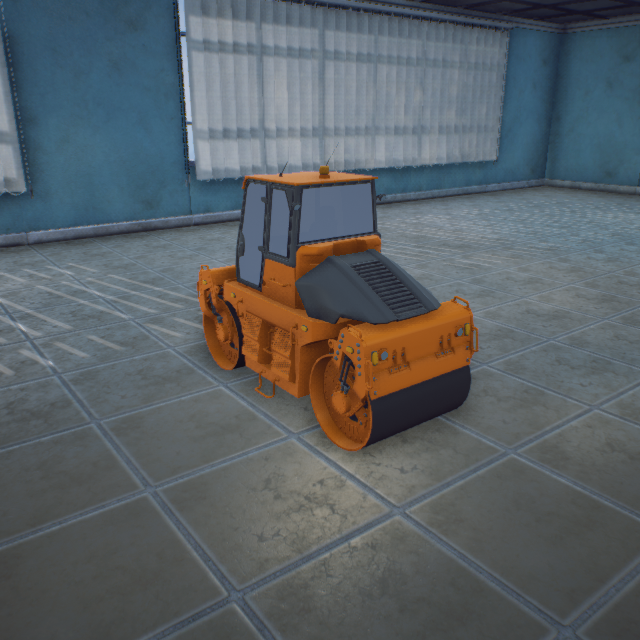
Roller8
109000051Static Mesh
Roller
(Not built into RflySimUE5)
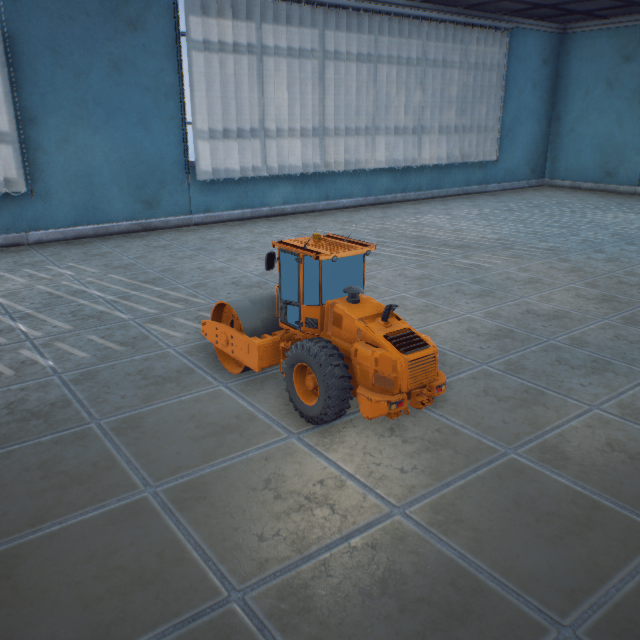
Roller9
118000051Static Mesh
Roller
(Not built into RflySimUE5)
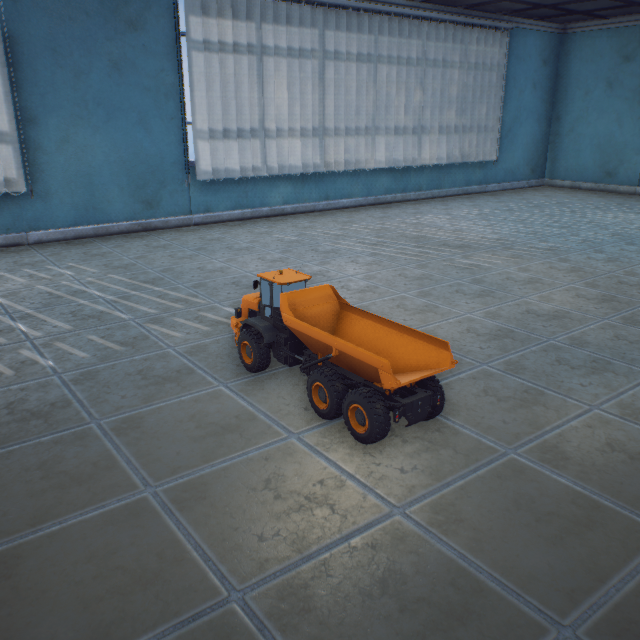
Trunk
125000051Static Mesh
Transport truck
(Not built into RflySimUE5)
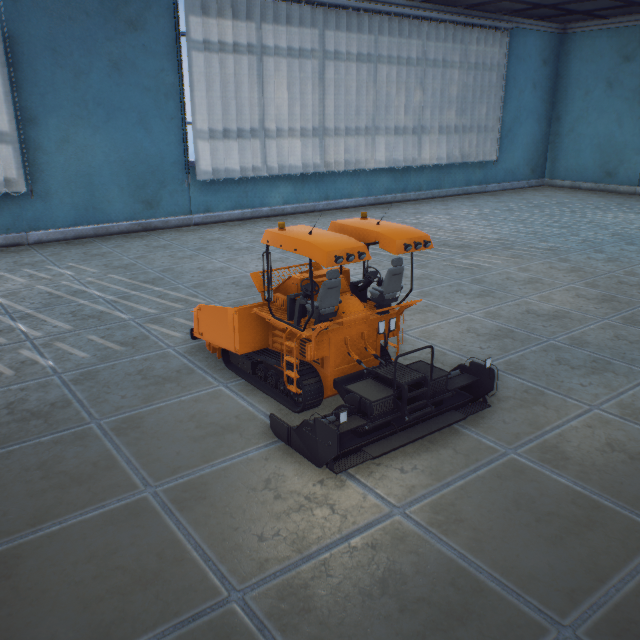
paver
119000051Static Mesh
Paver
(Not built into RflySimUE5)
RD20 (ClassID=52)
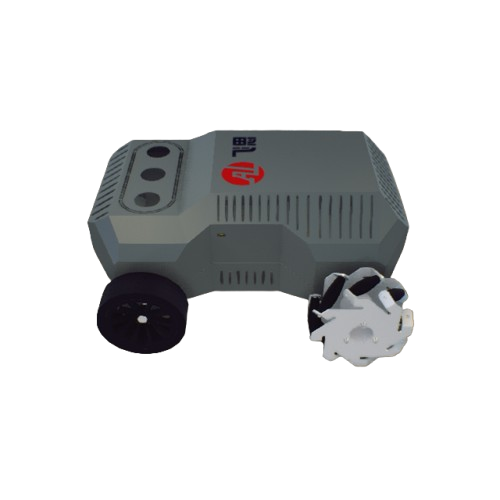
RD20
100000052Differential drive UGV / VTOL UAV
(Not built into RflySimUE5)
Light Emitters (ClassID=60)
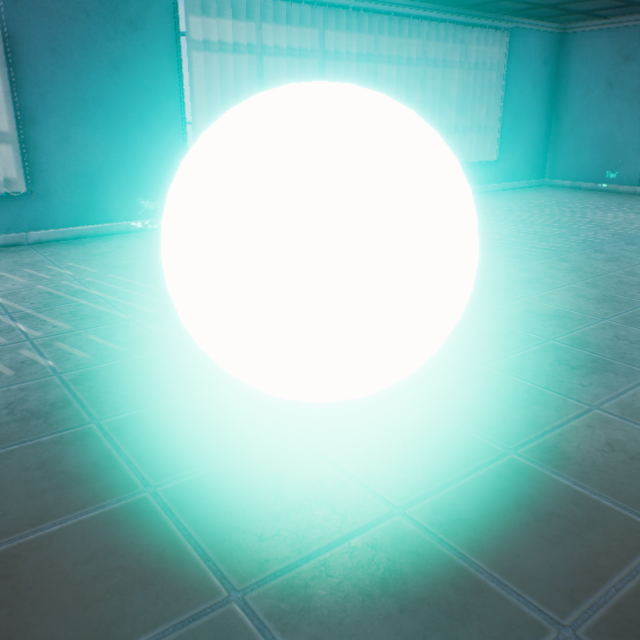
Light_Aqua
106000060Emissive Material
Light Point Aqua
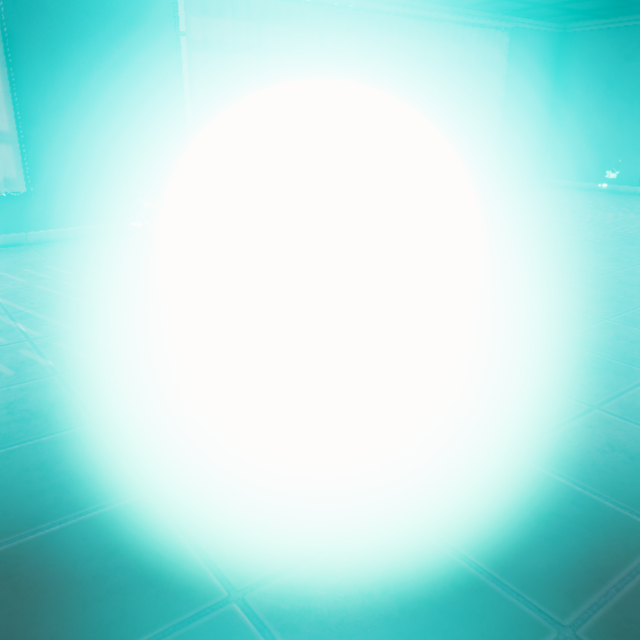
Light_Aqua_Strong
113000060Emissive Material
Light Point Aqua Strong
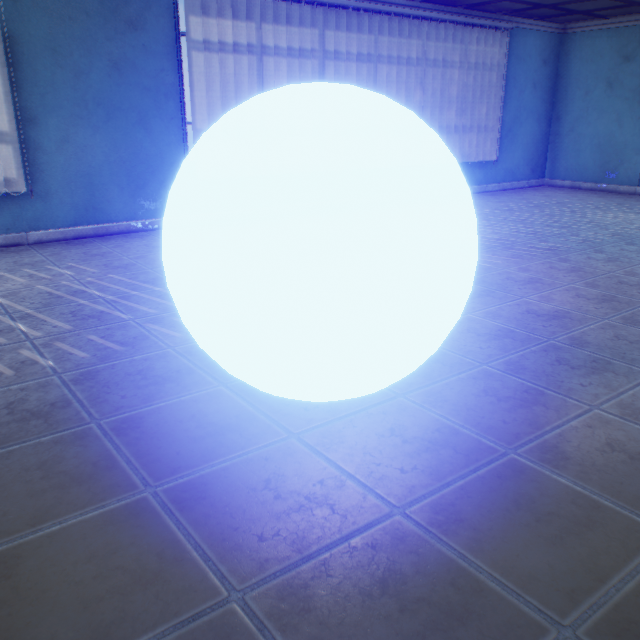
Light_Blue
103000060Emissive Material
Light Point Blue
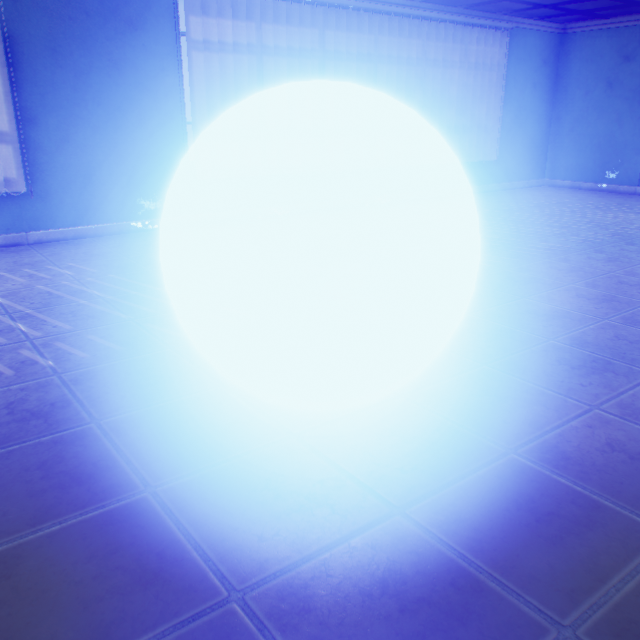
Light_Blue_Strong
110000060Emissive Material
Light Point Strong Light
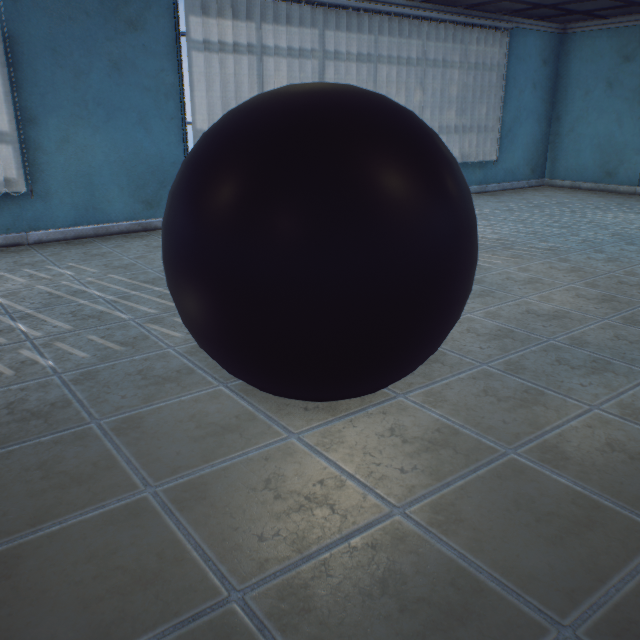
Light_Dark
114000060Emissive Material
Light Point Anhui
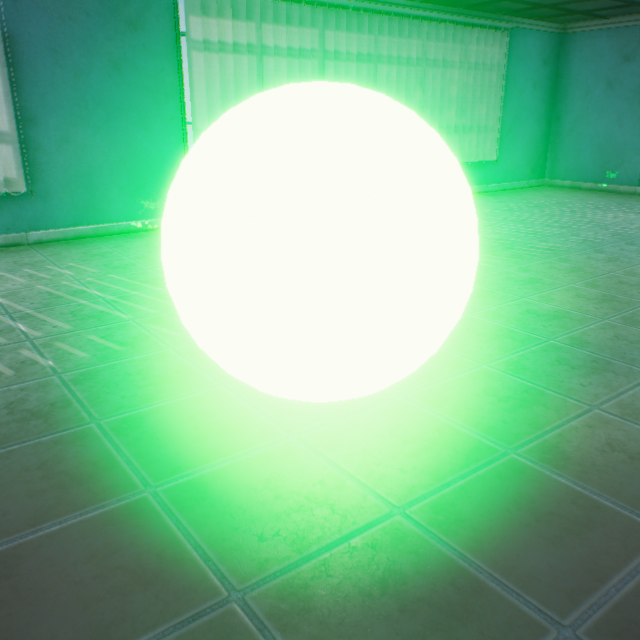
Light_Green
102000060Emissive Material
Light Point Green
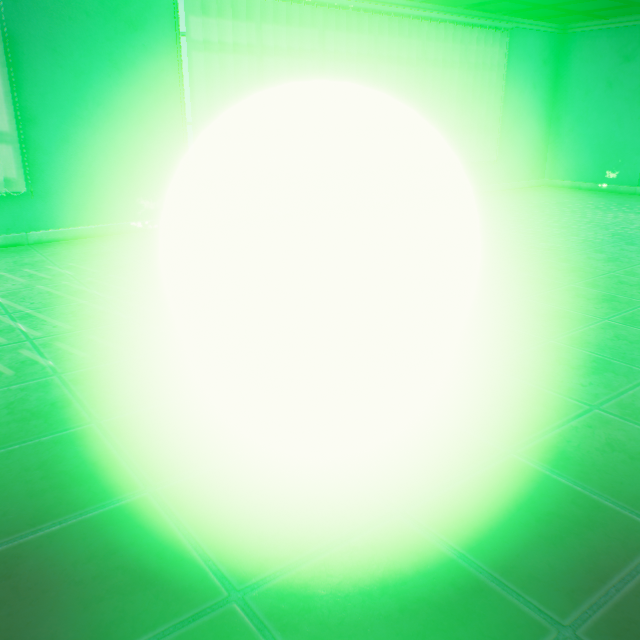
Light_Green_Strong
109000060Emissive Material
Light Point Green Strong
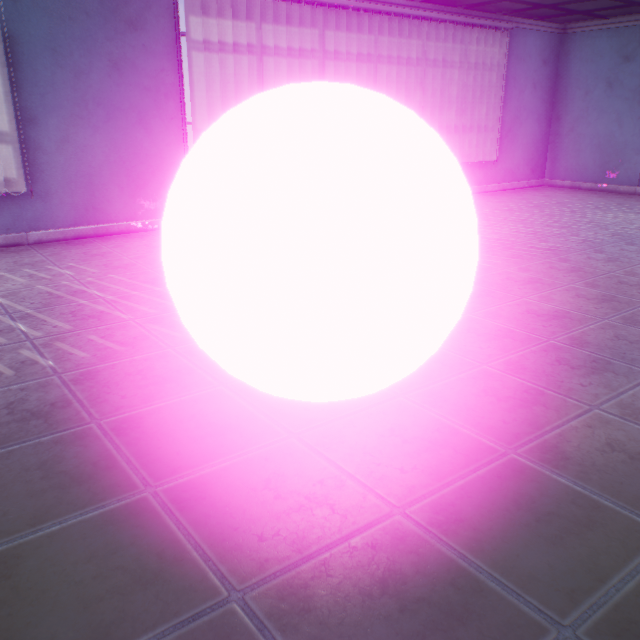
Light_Purple
104000060Emissive Material
Light Point Purple
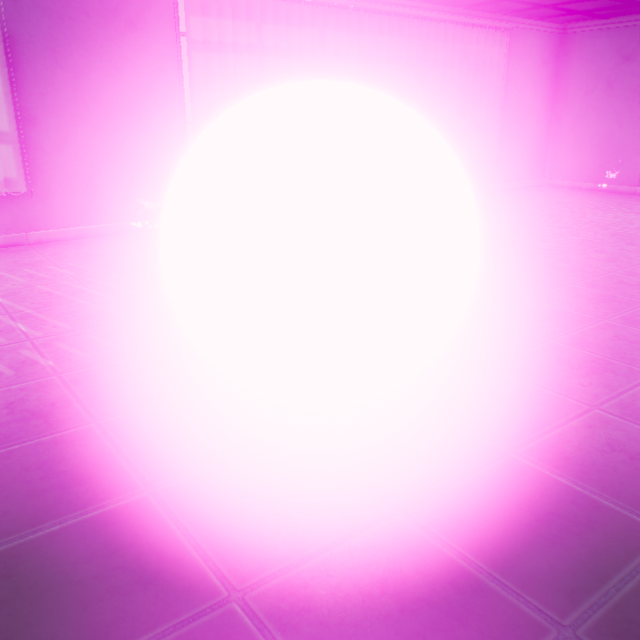
Light_Purple_Strong
111000060Emissive Material
Light Point Purple Strong
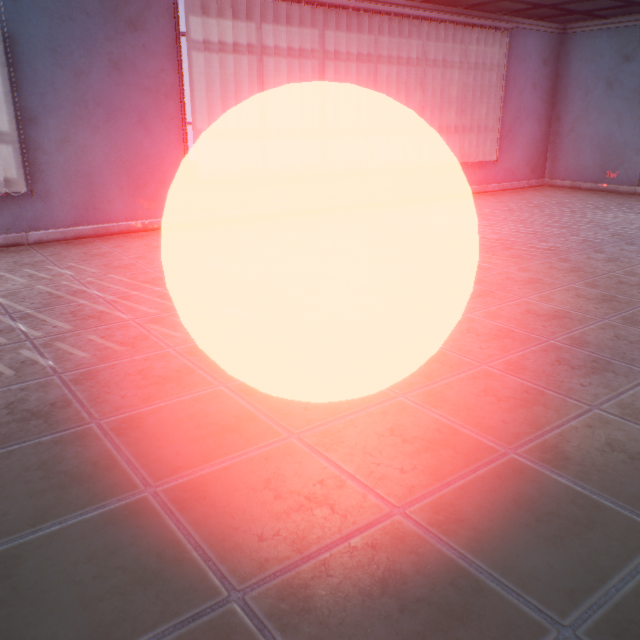
Light_Red
101000060Emissive Material
Light Point Red
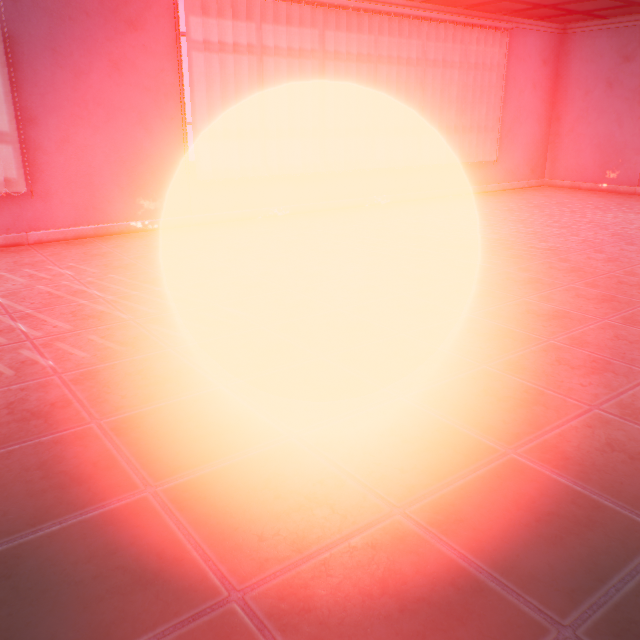
Light_Red_Strong
108000060Emissive Material
Light Point Black Strong
Light_White
100000060Emissive Material
Light Point White
Light_White_Strong
107000060Emissive Material
Light Point White Strong
Light_Yellow
105000060Emissive Material
Light Point Yellow
Light_Yellow_Strong
112000060Emissive Material
Light Point Yellow Strong
Fixed-Wing/Flying-Wing (ClassID=100)
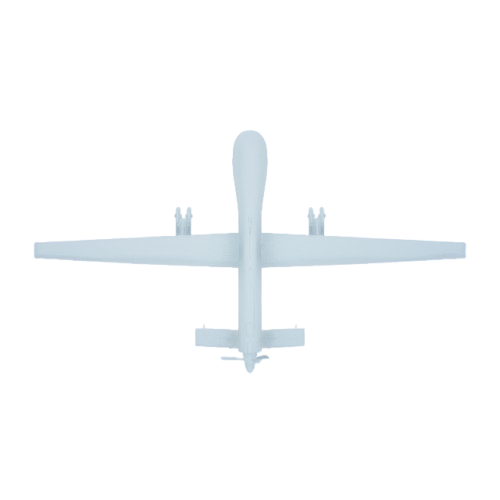
Fixed_Wing
90000100750-1464-240cm (Static Mesh)
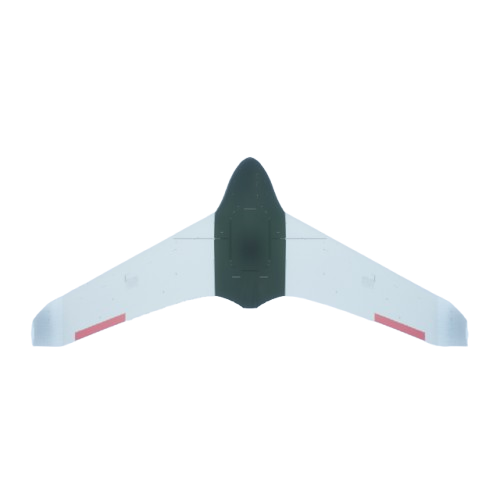
Flying_Wing
10000010075-167-18cm (Static Mesh)
Flying-wing UAV / Large reconnaissance-strike integrated UAV
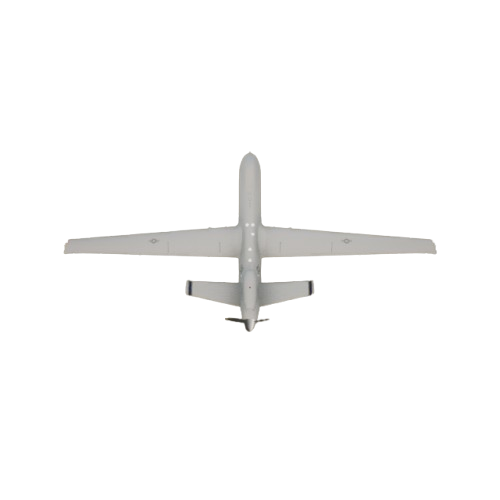
MQ-9Reaper
80000100MQ-9 Reaper UAV
BlueprintPlane (ClassID=101)
BlueprintPlane
100000101Blueprint aircraft (ModelType=4)
Blueprint fixed-wing (control surfaces and propellers encapsulated)
(Not built into RflySimUE5)
Cylinder (ClassID=120)
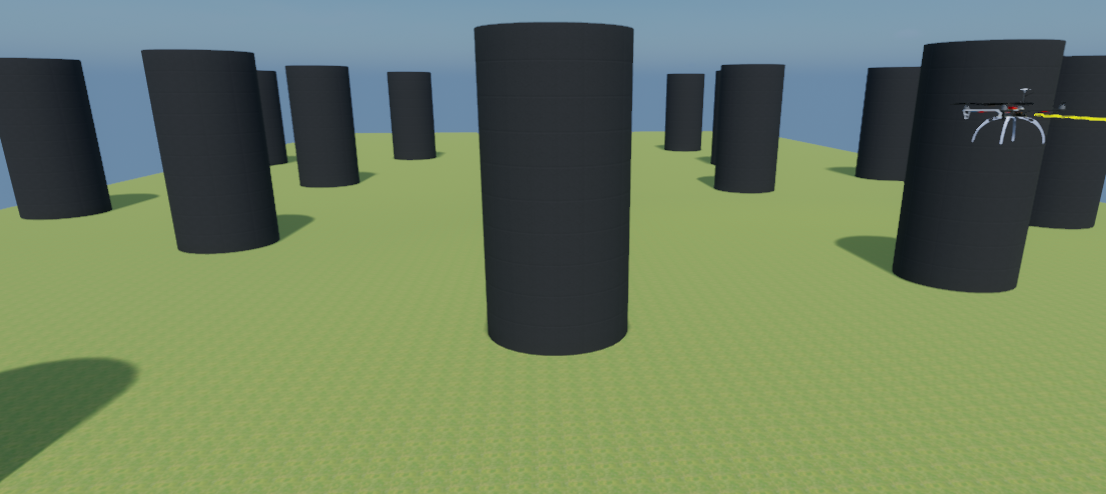
Cylinder
100000120Static Mesh
Cylindrical obstacle (swarm obstacle avoidance example prop)
(Not built into RflySimUE5)
Circular Ring (ClassID=150)
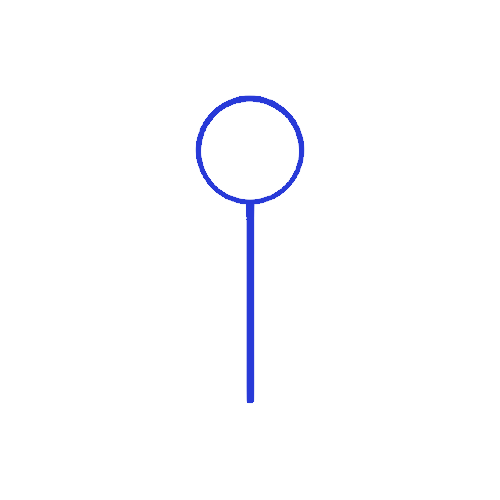
Ring_Target_Blue
10000015050-959-2763cm (Static Mesh)
Circular ring Blue

Ring_Target_Green
10100015050-959-2763cm (Static Mesh)
Circular ring Green

Ring_Target_Red
10000015050-959-2763cm (Static Mesh)
Red circular ring target (shares index with Ring_Target_Blue)
Square Ring (ClassID=151)
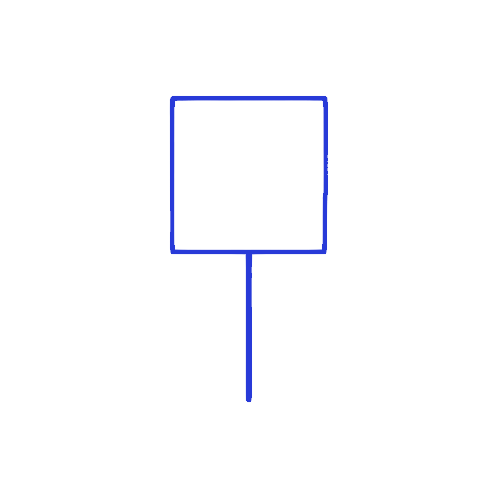
Quad_Target_Blue
10200015150-2050-4025cm (Static Mesh)
Square frame Blue

Quad_Target_Green
10100015150-2050-4025cm (Static Mesh)
Square frame Green
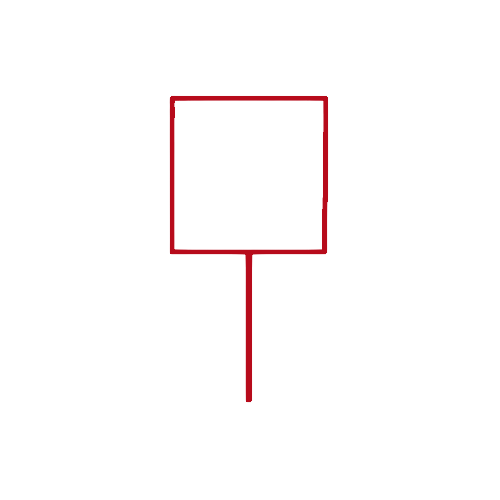
Quad_Target_Red
10000015150-2050-4025cm (Static Mesh)
Square frame Red
Sphere (ClassID=152)
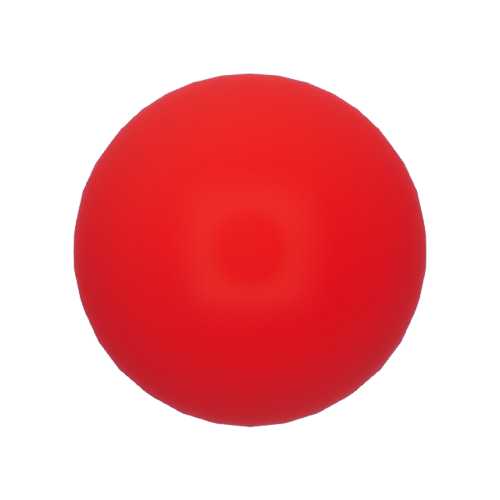
Sphere_Target_Red
100000152100-100-100cm (Static Mesh)
Marker point Red
160 (ClassID=160)
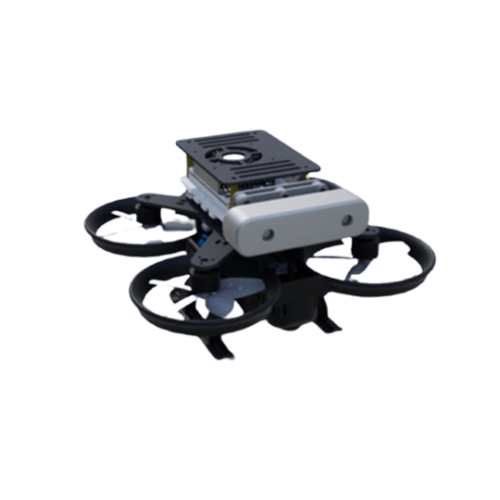
160
100000160
(Not built into RflySimUE5)
FSV900 (ClassID=201)
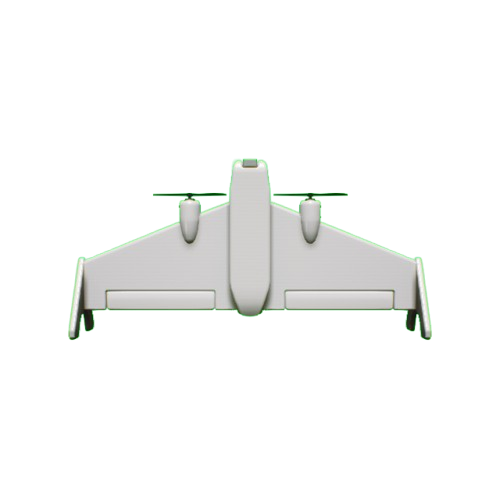
FSV900
10000020145-89-22cm (Static Mesh)
FSV900
(Not built into RflySimUE5)
Transport Aircraft (ClassID=202)

WestTransportC130J
100000202Blueprint import (ModelType=2)
C-130J Transport Aircraft
(Blueprint import example, not a built-in platform asset)
(Not registered in the current installation)
EastBomberSU24 (ClassID=208)
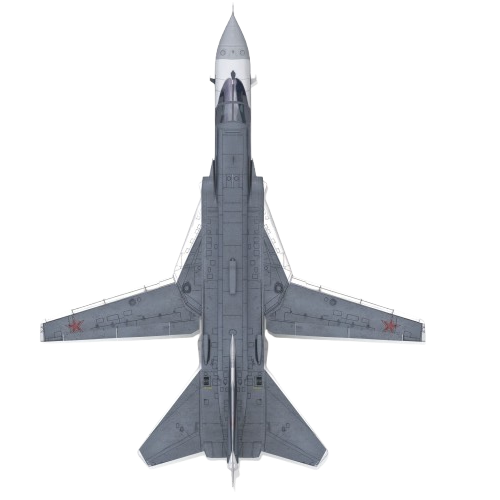
EastBomberSU24
1000002082398-1682-620cm (Animation Blueprint)
SU24 Fighter-Bomber
(Not built into RflySimUE5)
Tanker (ClassID=210)
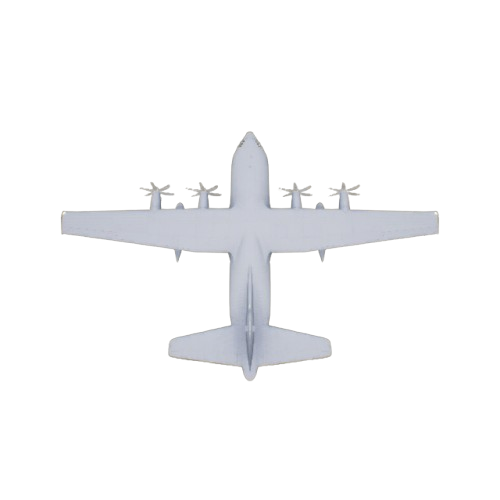
Tanker
10000210Aerial Refueling Tanker
(Not built into RflySimUE5)
Hose (ClassID=211)
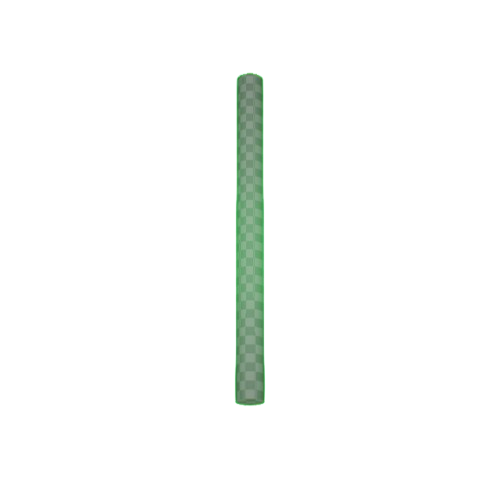
Hose
10000211Refueling Hose
(Not built into RflySimUE5)
Drogue (ClassID=212)
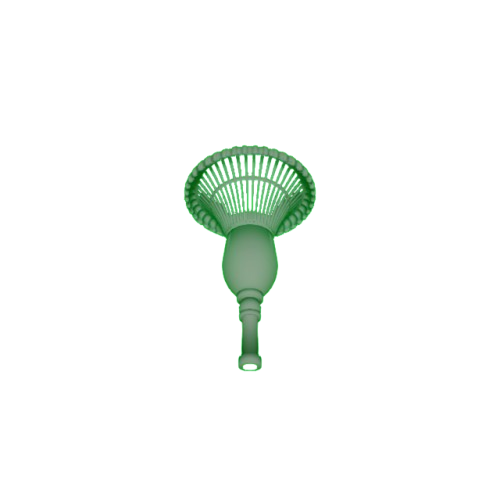
Drogue
10000212Refueling Drogue
(Not built into RflySimUE5)
Fighter Aircraft (ClassID=213)
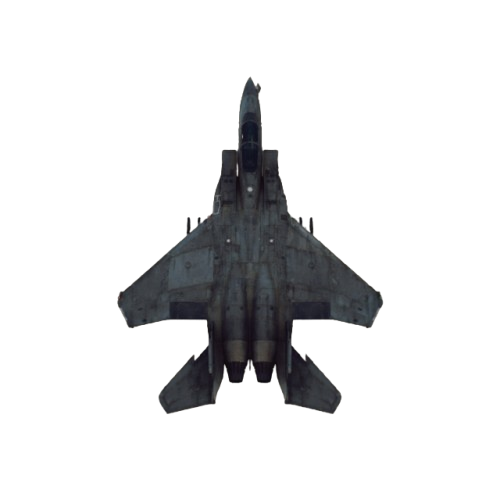
West_Fighter_F15E
10000213F15E Fighter Aircraft
(Not built into RflySimUE5)
Helicopter1 (ClassID=229)
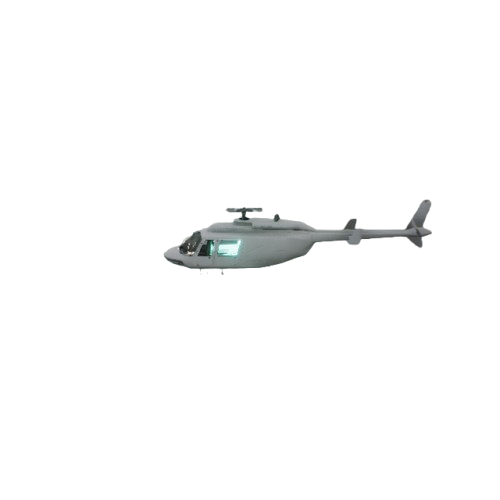
Helicopter1
100000229198-1178-334cm (Animation Blueprint)
Helicopter
UltraStick25E (ClassID=234)
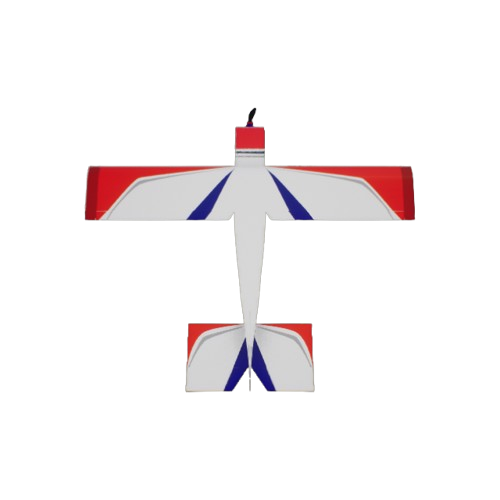
UltraStick25E
100000234134-152-39cm (Animation Blueprint)
Micro RC Aircraft
Tailsitter (ClassID=243)
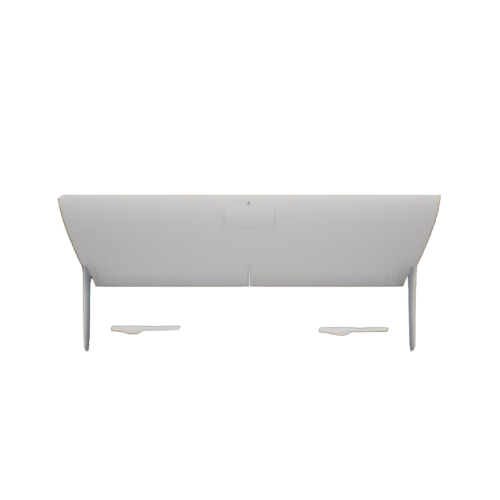
Tailsitter
10000024343-101-50cm (Animation Blueprint)
Wing
(Not built into RflySimUE5)
X47B (ClassID=244)
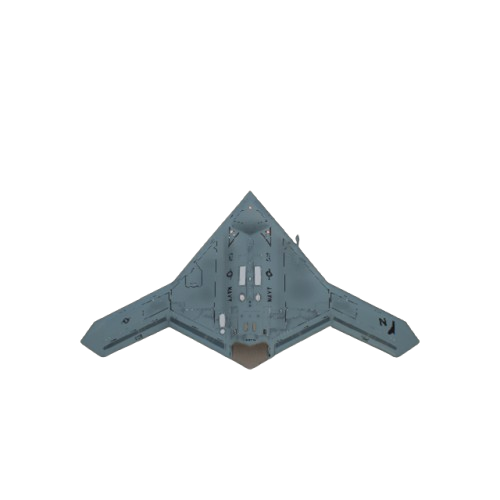
X47B
10000244X47B Unmanned Bomber
(Not built into RflySimUE5)
J150 (ClassID=251)
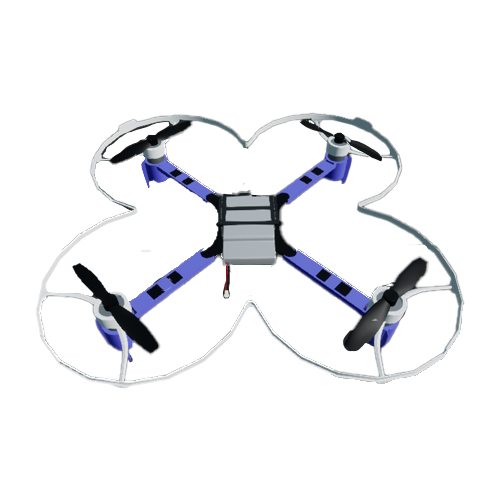
CrazyFile
100700251
(Not built into RflySimUE5)
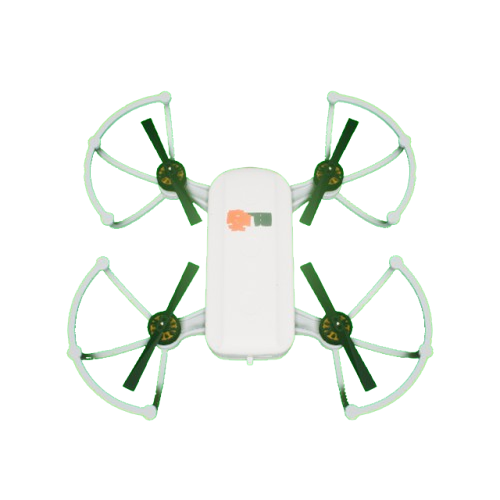
FSJ150
10000025131-21-21cm (Animation Blueprint)
FSJ150 Default
(Not built into RflySimUE5)
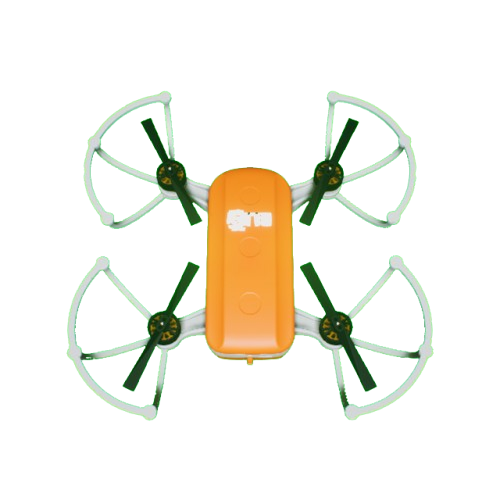
FSJ150_Orange_DBPanddles
100300251FSJ150 Orange Straight Blades
(Not built into RflySimUE5)
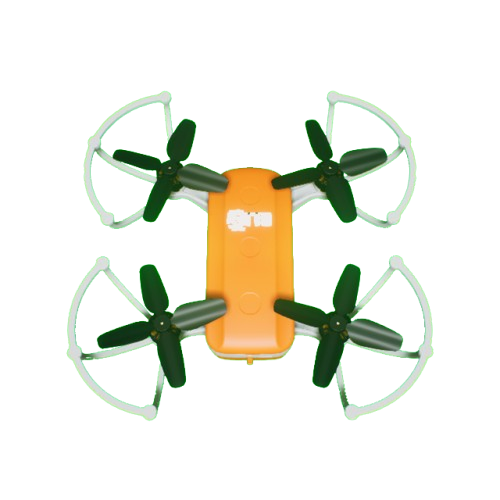
FSJ150_Orange_FBPanddles
100600251FSJ150 Orange Cross Blades
(Not built into RflySimUE5)
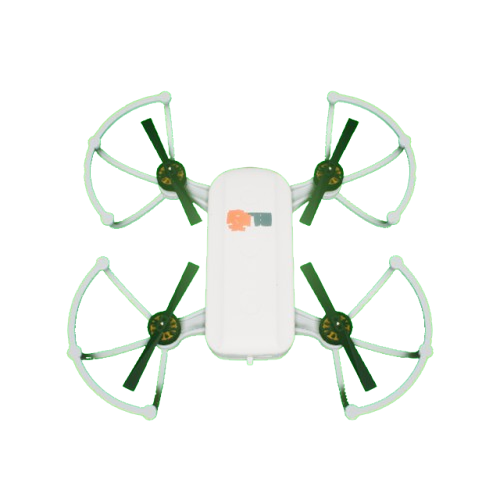
FSJ150_White_DBPanddles
100100251FSJ150 White Straight Blades
(Not built into RflySimUE5)
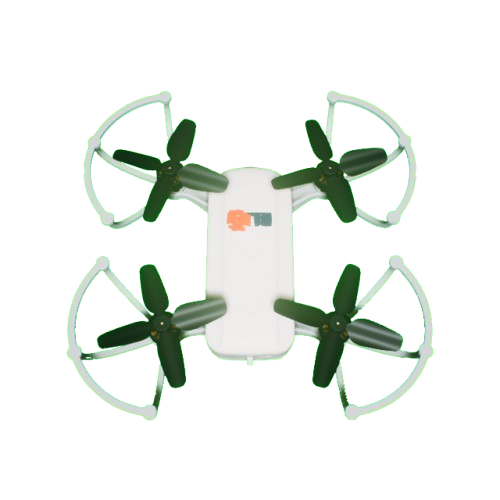
FSJ150_White_FBPanddles
100400251FSJ150 White Cross Blades
(Not built into RflySimUE5)
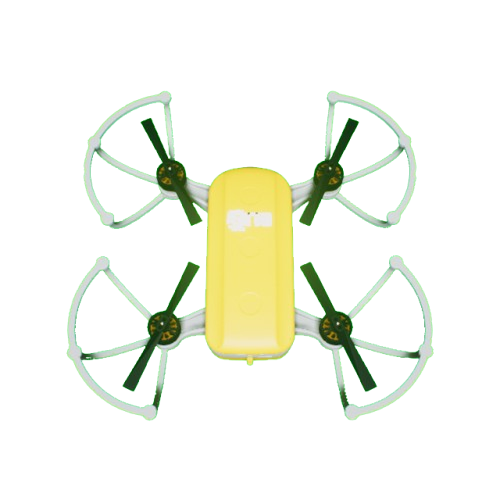
FSJ150_Yellow_DBPanddles
100200251FSJ150 Yellow Straight Blades
(Not built into RflySimUE5)
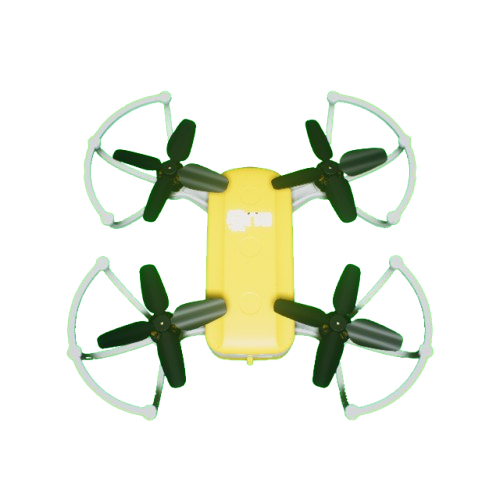
FSJ150_Yellow_FBPanddles
100500251FSJ150 Yellow Cross Blades
(Not built into RflySimUE5)
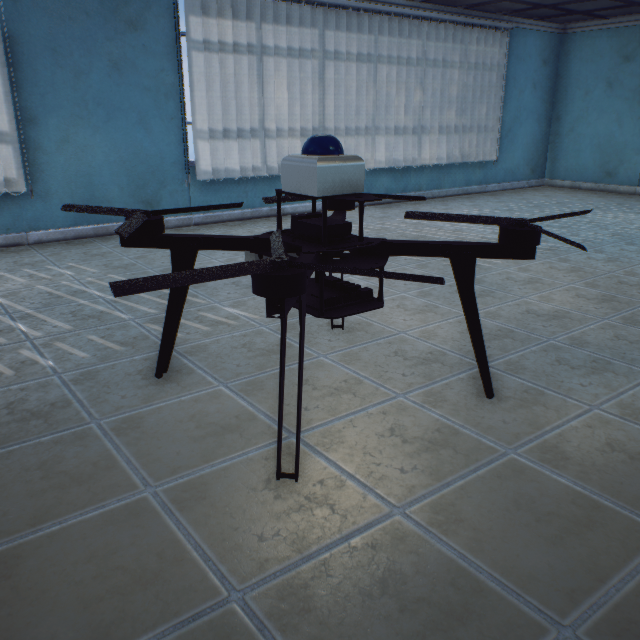
FS310 (ClassID=310)
FS310
1010031054-57-30cm (Animation Blueprint)
FS310
(Not built into RflySimUE5)
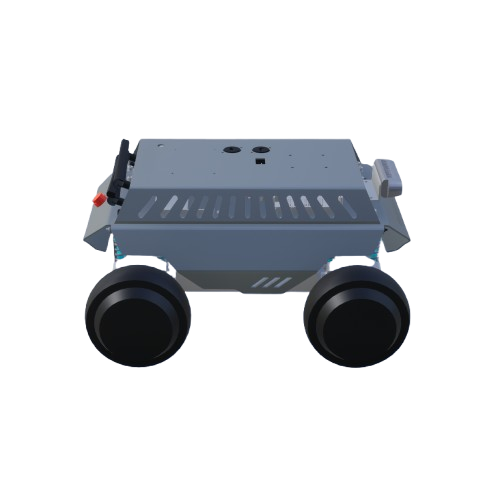
Car (ClassID=444)
Car
100000825Red car
(Not built into RflySimUE5)
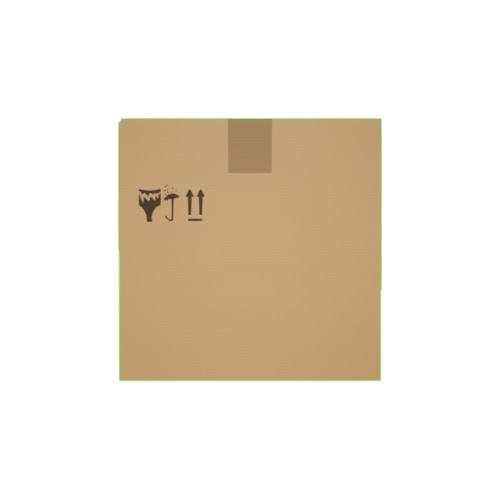
Carton (ClassID=500)
carton_500
100000500Carton 500x500
(Not registered in the current installation)
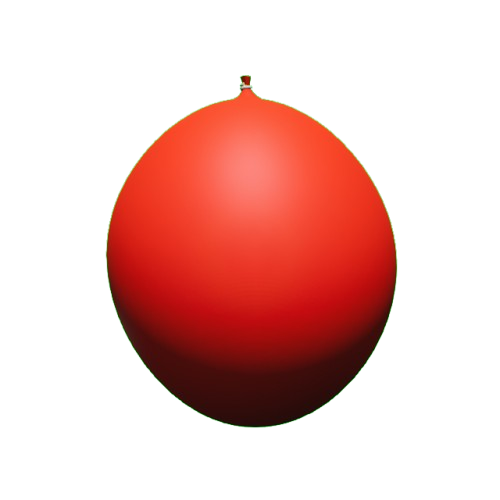
Balloon (ClassID=501)
Balloon
100000501Balloon
(Not built into RflySimUE5)
Submarine2 (ClassID=600)
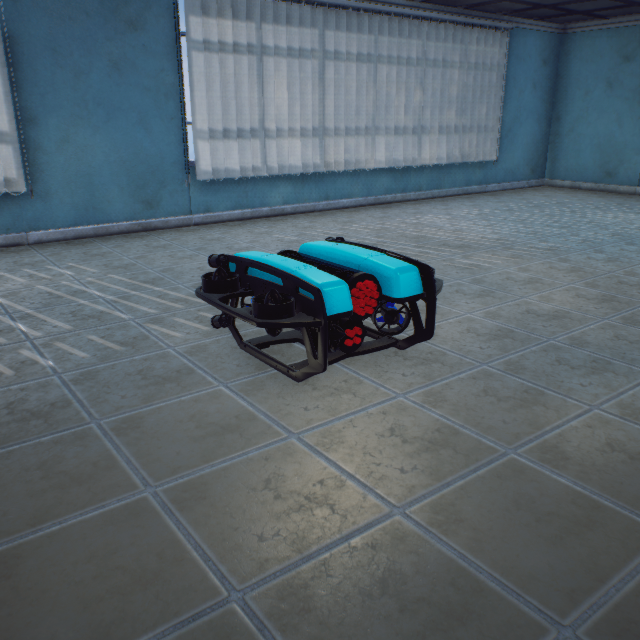
Submarine2
100000600(1766-2399-1521) 0.1cm (Animation Blueprint)
Unmanned underwater vehicle
StandardVtol2 (ClassID=602)
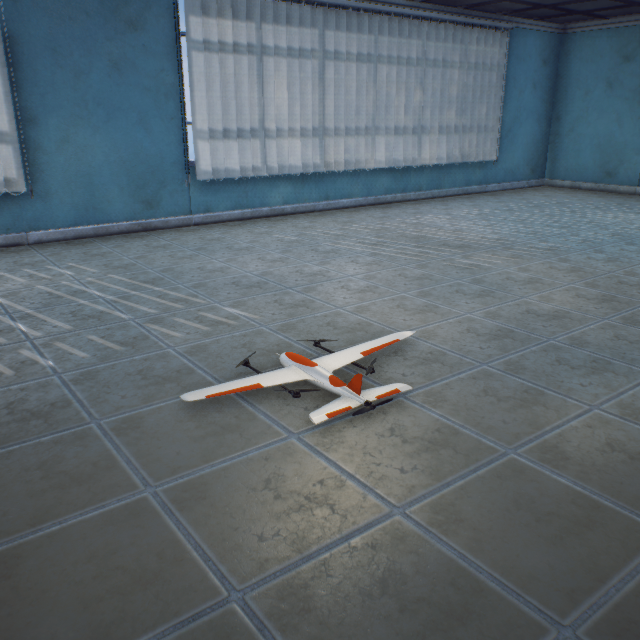
StandardVtol2
100000602143-249-32cm (Animation Blueprint)
Quadcopter VTOL fixed-wing UAV
TriRotorVTOL (ClassID=603)
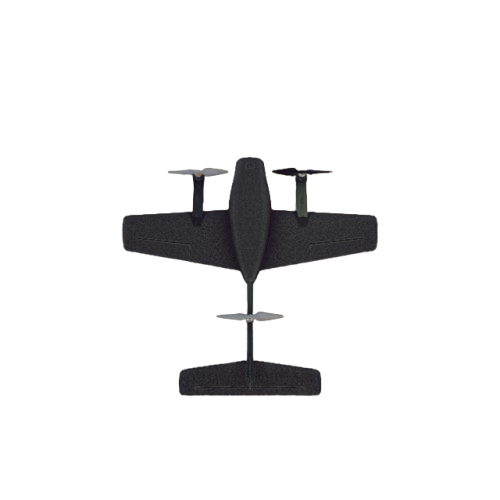
TriRotorVTOL
100000603
(Not built into RflySimUE5)
MilitaryBoat01 (ClassID=604)
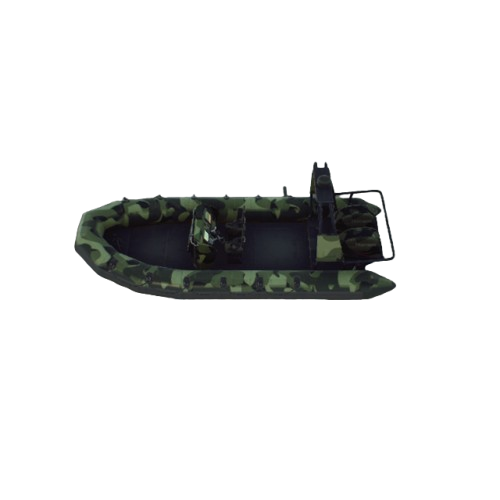
MilitaryBoat01
100000604Blueprint import (ModelType=2)
Military boat (with mooring cables)
(Not built into RflySimUE5)
Boat (ClassID=610)
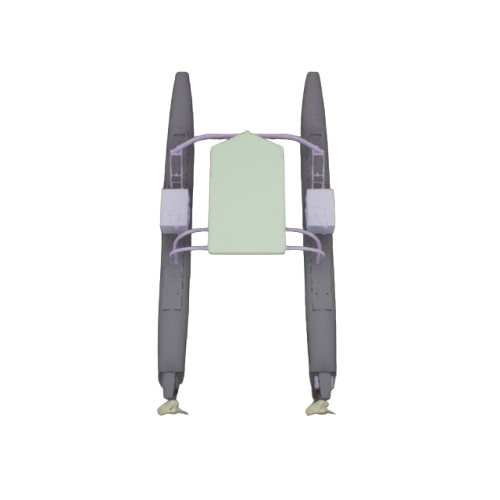
Boat
100000610Unmanned surface vehicle
(Not built into RflySimUE5)
SCK_Casual01 (ClassID=666)
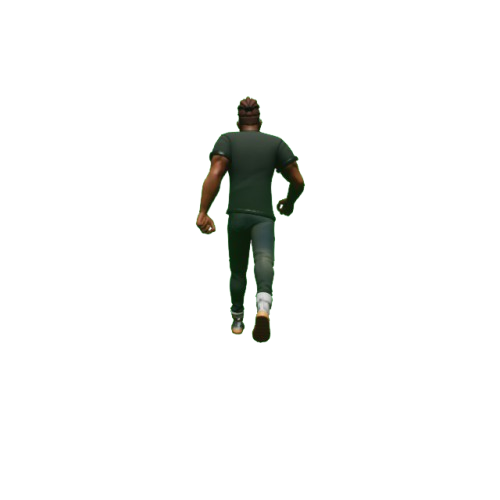
SCK_Casual01
100000666Cartoon character
(Not built into RflySimUE5)
carton_750 (ClassID=750)
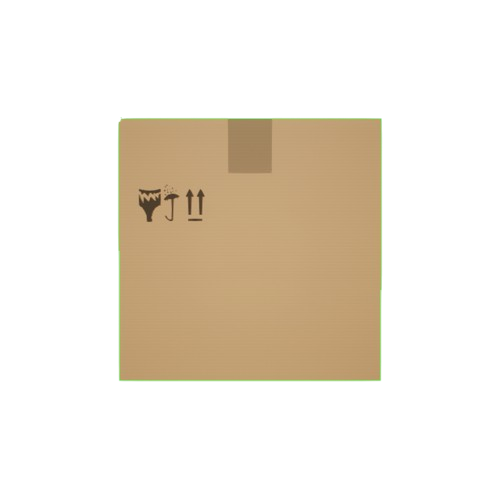
carton_750
100000750Carton 750x750
(Not registered in the current installation)
Comm (ClassID=802)

Comm
100802Pipeline effect
(Not built into RflySimUE5)
Pipeline (ClassID=803)
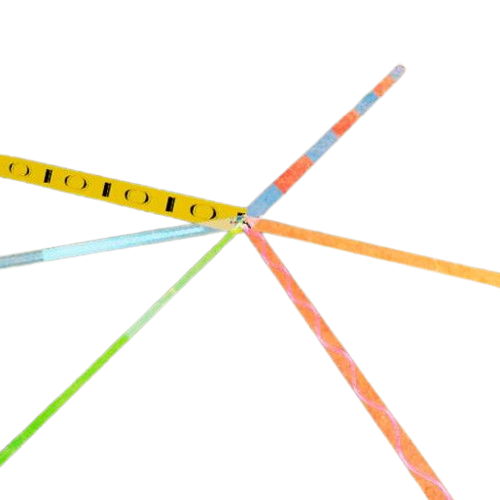
Pipeline
100000803Communication effect
(Not built into RflySimUE5)
CirclePlane (ClassID=809)

CirclePlane
100000809Green circular target
(Not built into RflySimUE5)
H Marker (ClassID=810)

H
100000821H marker
(Not built into RflySimUE5)
Line (ClassID=811)

Line
10000811Circle marker
(Not built into RflySimUE5)
Pane (ClassID=812)
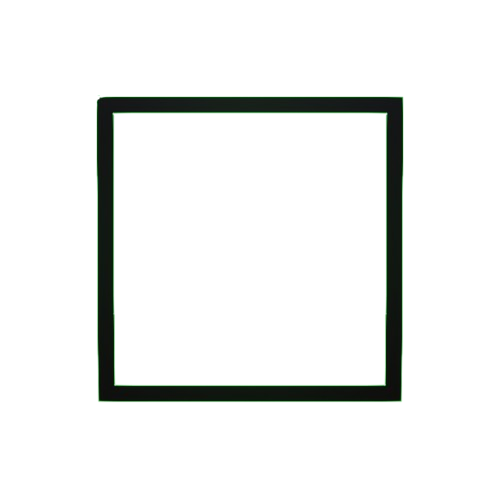
Pane
10000812Box
(Not built into RflySimUE5)
Obstacle Pillar (ClassID=813)
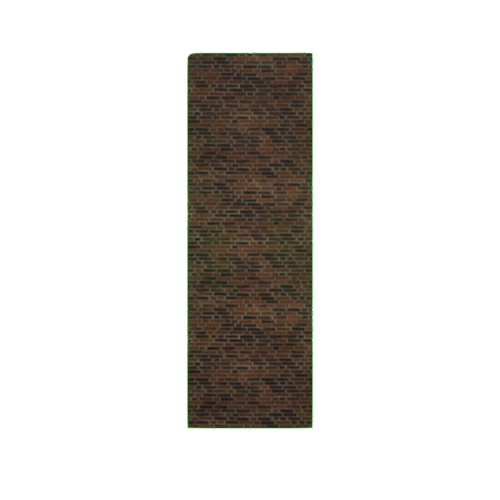
Pillar
100000824
(Not built into RflySimUE5)
QR Code Car (ClassID=814)
Car
100000825QR Code Car
(Not built into RflySimUE5)
Box Obstacle (ClassID=815)
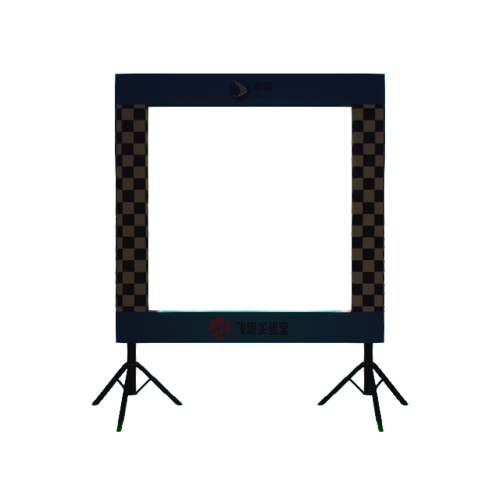
Box
100000820Square gantry
(Not built into RflySimUE5)
Circle (ClassID=816)
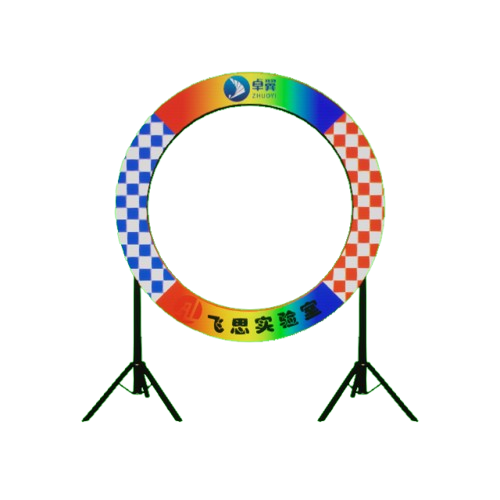
Circle
10000816Circular gantry
(Not built into RflySimUE5)
Box Obstacle (ClassID=818)
Box
100000820Box obstacle
(Not built into RflySimUE5)
Competition Arena (ClassID=819)
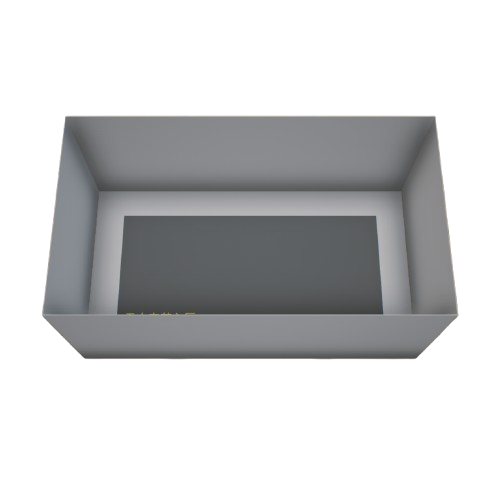
Floor
100000819Competition arena
(Not built into RflySimUE5)
Box Obstacle (ClassID=820)
Box
100000820Rectangular gantry
(Not built into RflySimUE5)
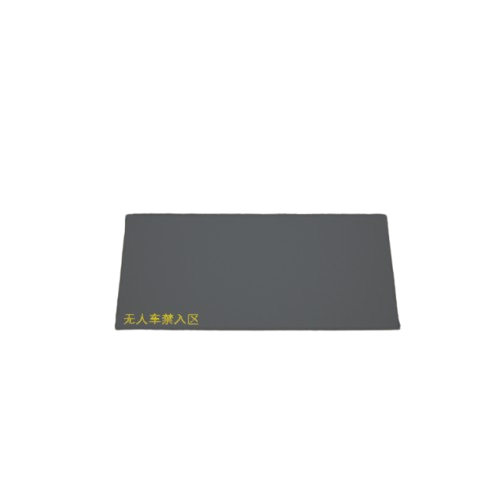
Carpet
100000820Competition arena ceiling
(Not built into RflySimUE5)
H-shaped Marker (ClassID=821)
H
100000821
(Not built into RflySimUE5)
P1 (ClassID=822)

P1
100000822P1 marker
(Not built into RflySimUE5)
P2 (ClassID=823)

P2
100000823P2 marker
(Not built into RflySimUE5)
Obstacle Pillar (ClassID=824)
Pillar
100000824Red brick pillar
(Not built into RflySimUE5)
Unmanned Vehicle (ClassID=825)
Car
100000825
(Not built into RflySimUE5)
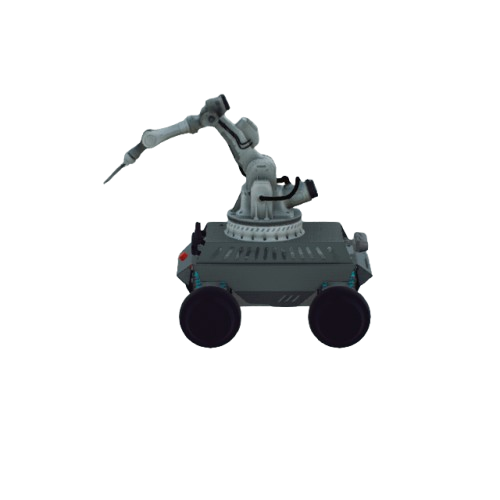
RD40
101000825
(Not built into RflySimUE5)
CoaxialRotorUAV (ClassID=830)
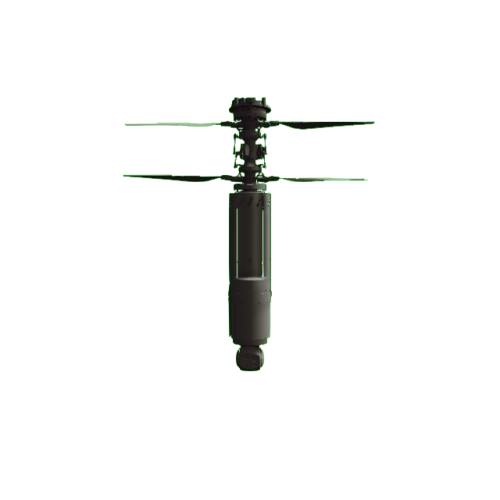
CoaxialRotorUAV
100000830Coaxial counter-rotating UAV
Robot Dog (ClassID=831)
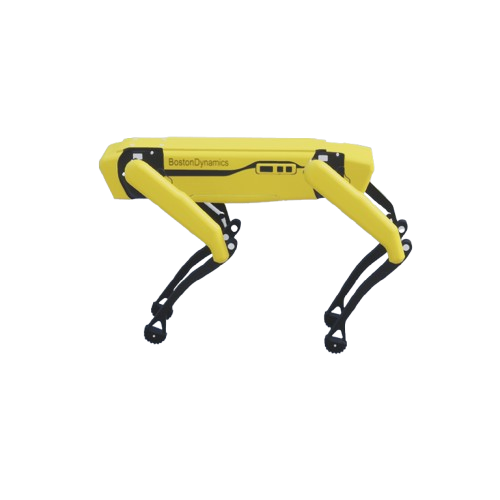
BostonRobotDog
100100831Boston Dynamics robot dog
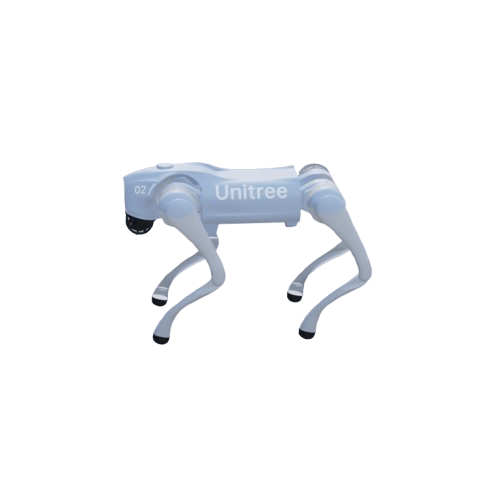
Unitree_GO2
100000831Unitree robot dog GO2
CustomPipeline (ClassID=832)

CustomPipeline
100000832Custom pipeline
LightShowSphere (ClassID=833)

LightShowSphere
100000833Custom light point
MooringRope (ClassID=852)
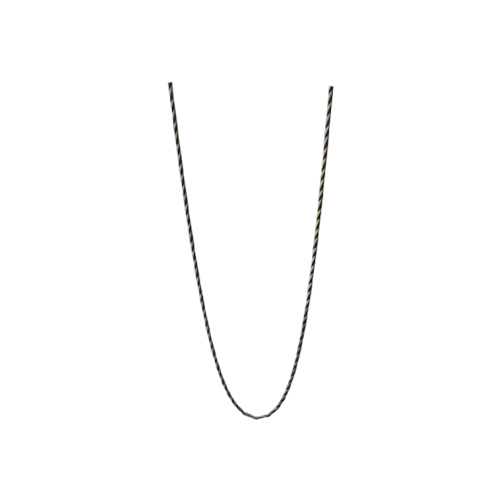
MooringRope
100000852UAV mooring rope
Spherical Obstacle (ClassID=853)
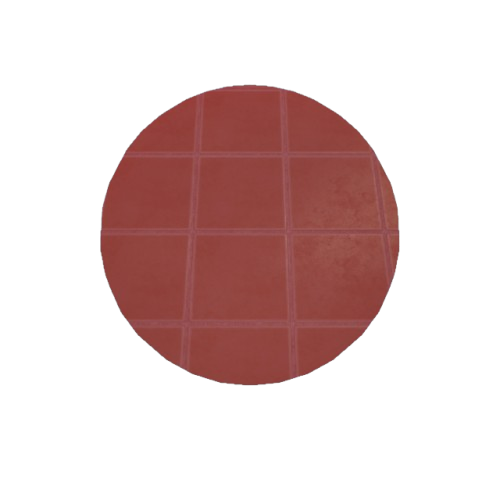
BP_Sphere
100000200Defense zone sphere
(Not built into RflySimUE5)
East_LUV_3151 (ClassID=888)
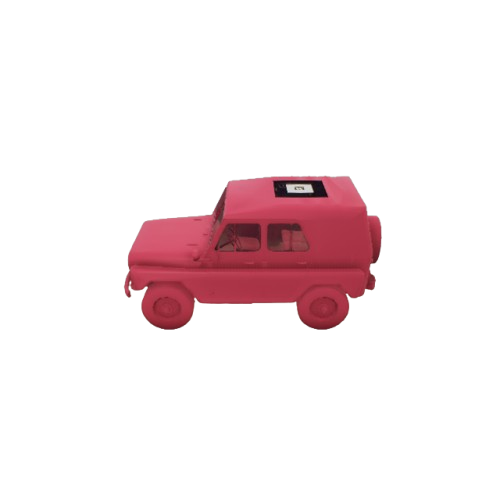
East_LUV_3151
100000888Dongfang light tactical vehicle
(Not built into RflySimUE5)
Animals (ClassID=900)
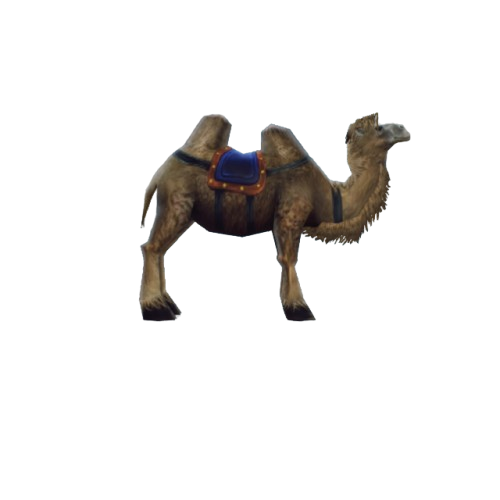
SM_Camel
100000900
(Not built into RflySimUE5)
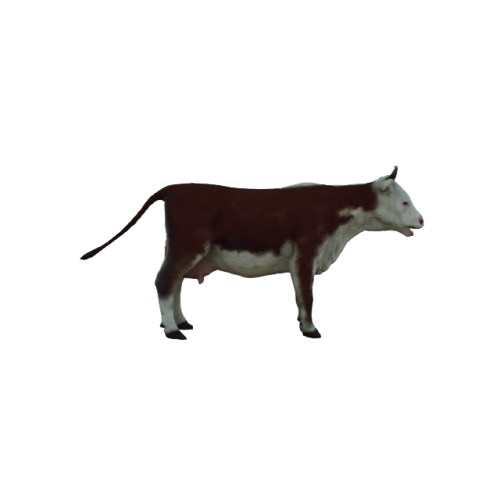
SM_Cow_01
100100900
(Not built into RflySimUE5)
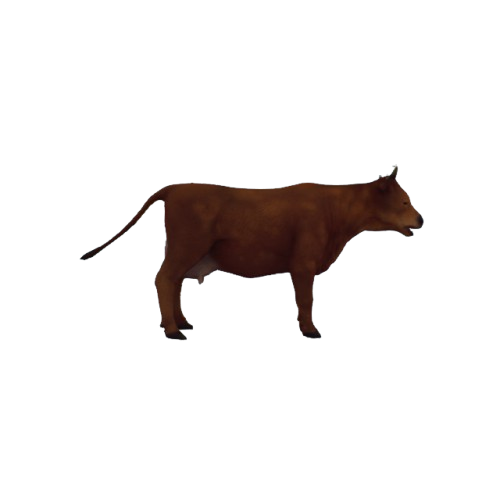
SM_Cow_02
100200900
(Not built into RflySimUE5)
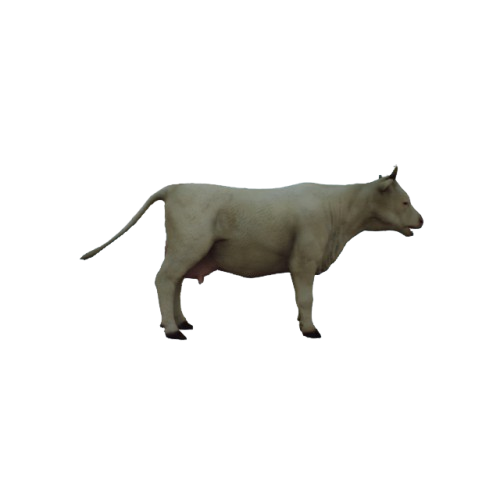
SM_Cow_03
100300900
(Not built into RflySimUE5)
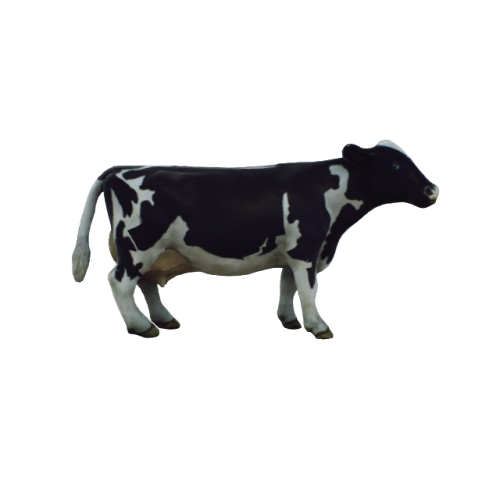
SM_Cow_04
100400900
(Not built into RflySimUE5)
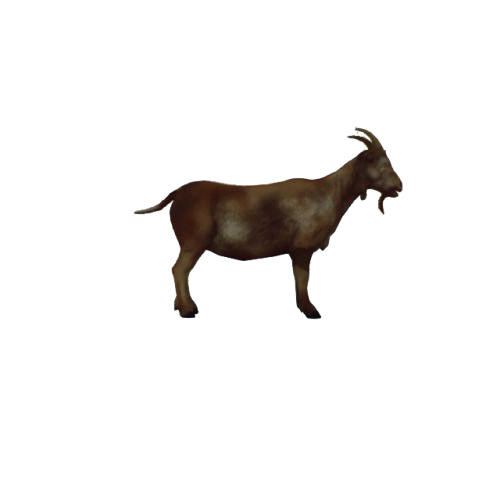
SM_Goat
100500900
(Not built into RflySimUE5)
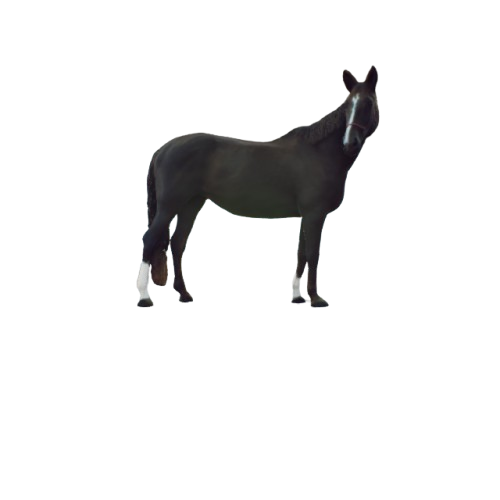
SM_Horse_01
100600900
(Not built into RflySimUE5)
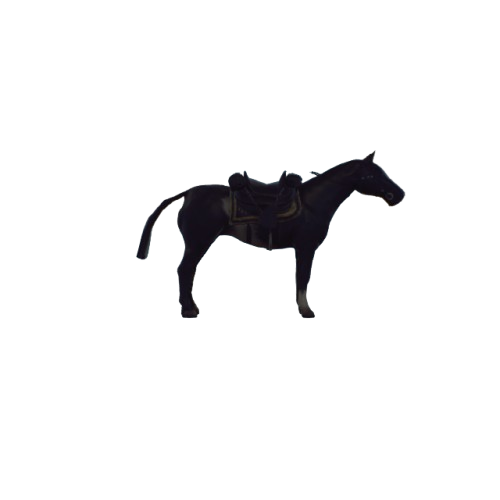
SM_Horse_02
100700900
(Not built into RflySimUE5)
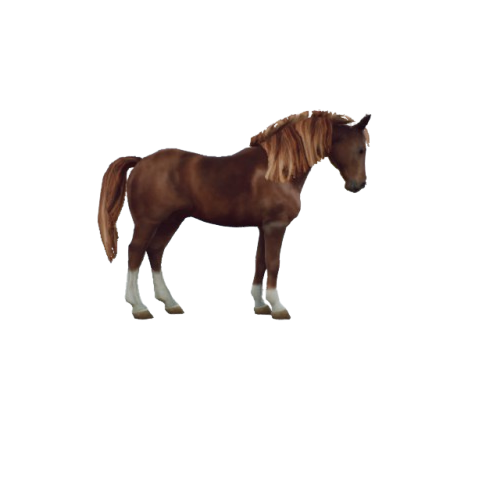
SM_Horse_03
100800900
(Not built into RflySimUE5)
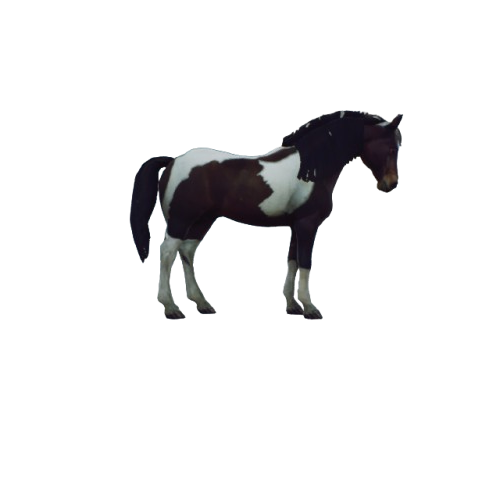
SM_Horse_04
100900900
(Not built into RflySimUE5)
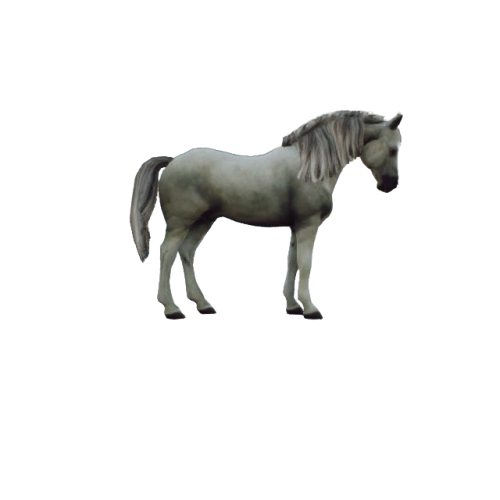
SM_Horse_05
101000900
(Not built into RflySimUE5)
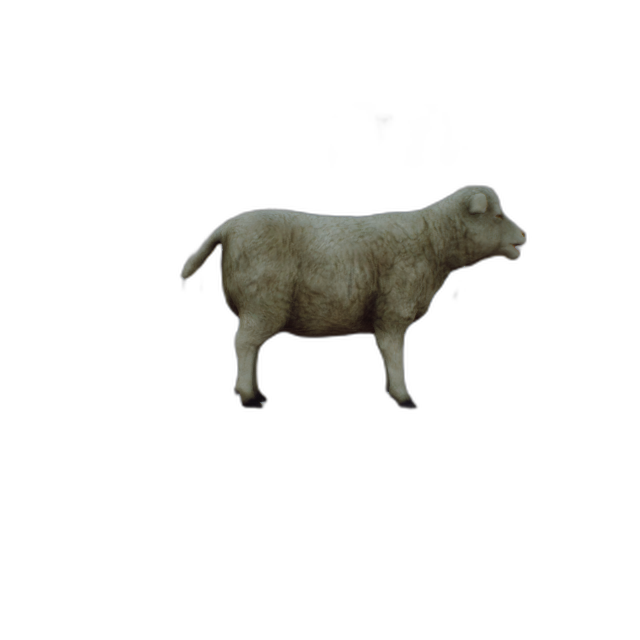
SM_Sheep
101200900
(Not built into RflySimUE5)
Rocks/Tree Stumps (ClassID=901)
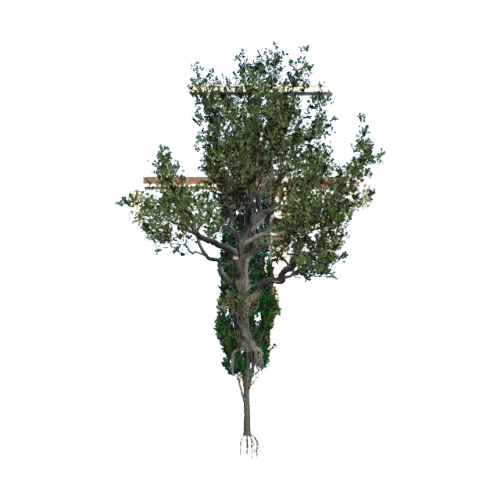
SM_Aspen
100700901
(Not built into RflySimUE5)
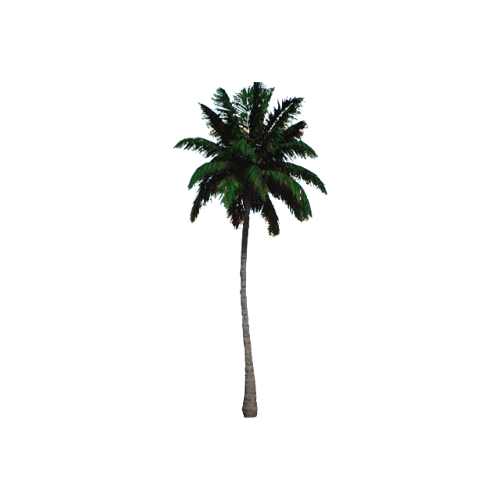
SM_Coconut
100800901
(Not built into RflySimUE5)
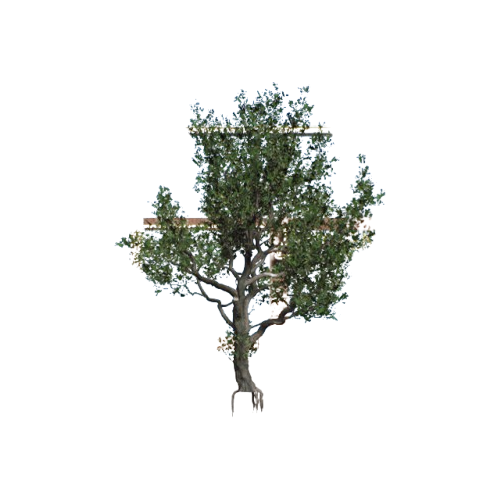
SM_Cork_Oak
100900901
(Not built into RflySimUE5)
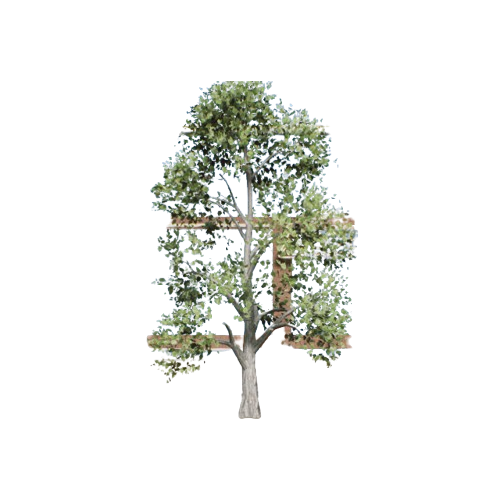
SM_HP_Tree
101000901
(Not built into RflySimUE5)
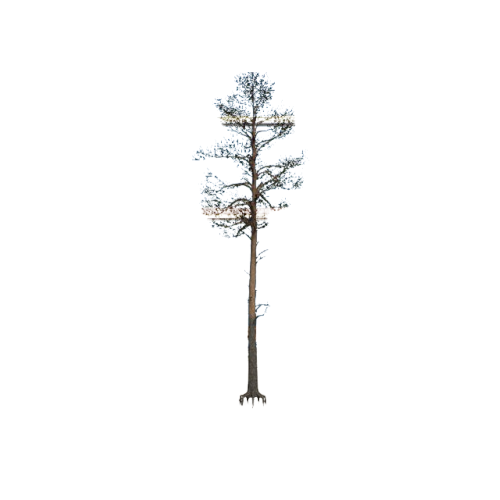
SM_Pine
101800901
(Not built into RflySimUE5)
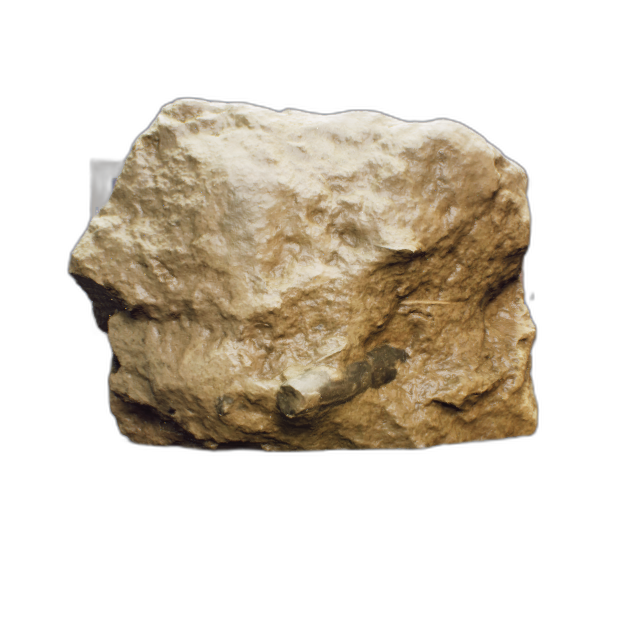
SM_Stone_01
100000901
(Not built into RflySimUE5)
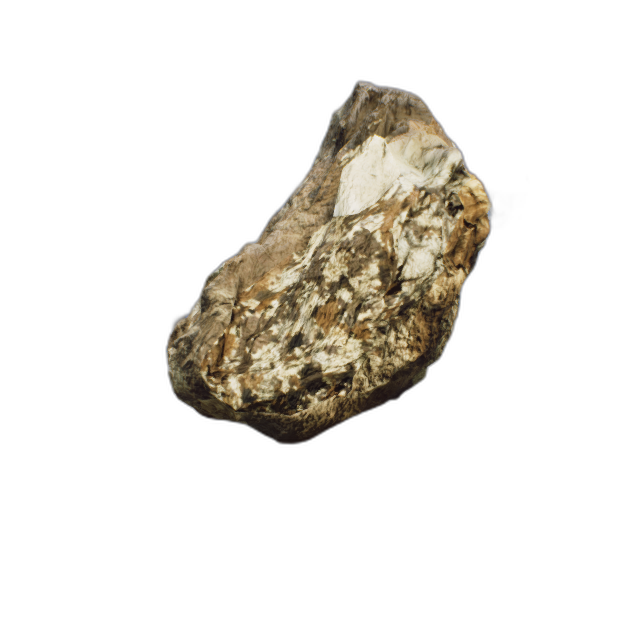
SM_Stone_02
100100901
(Not built into RflySimUE5)
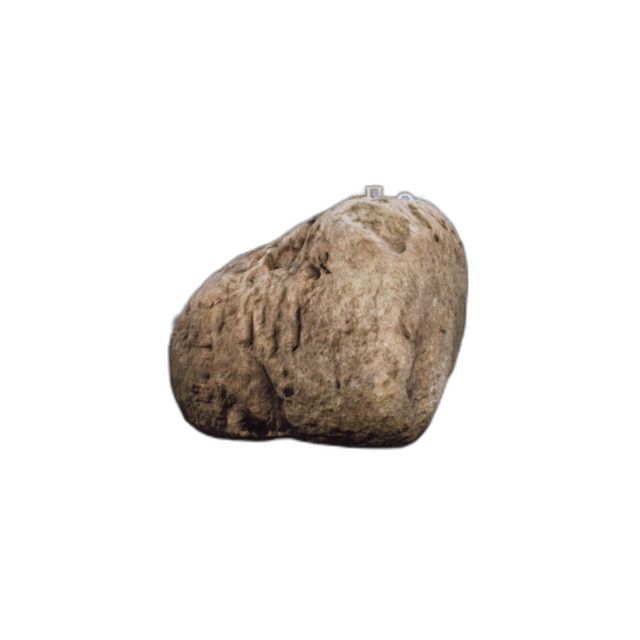
SM_Stone_03
100200901
(Not built into RflySimUE5)
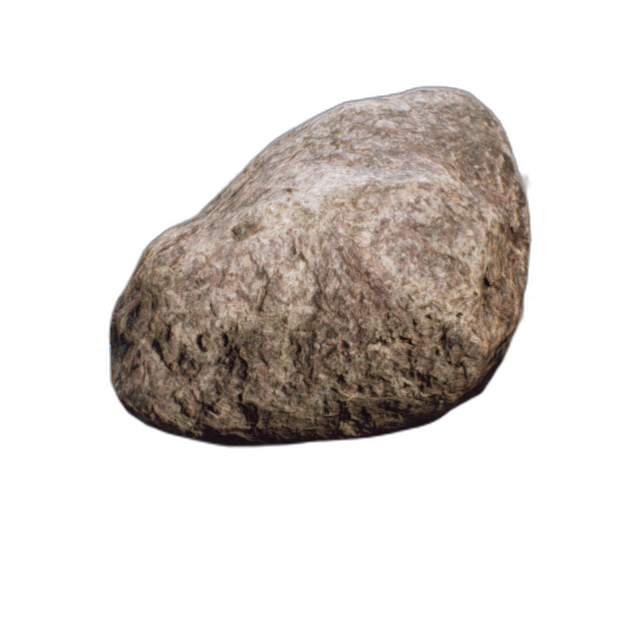
SM_Stone_04
100300901
(Not built into RflySimUE5)
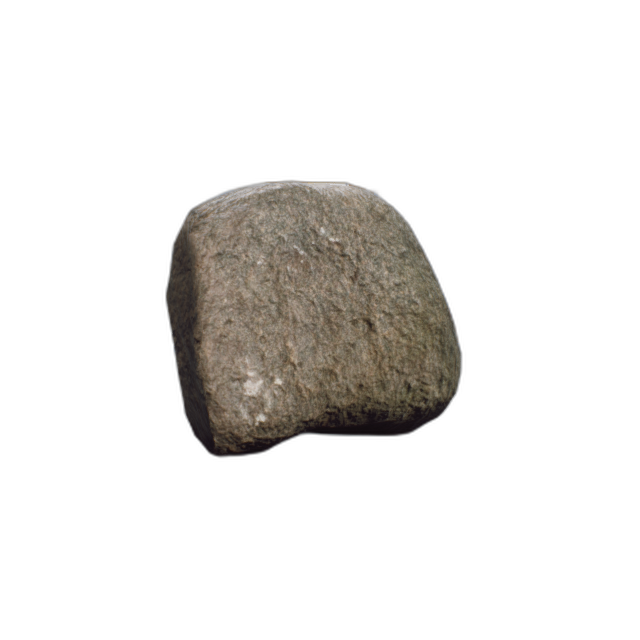
SM_Stone_05
100400901
(Not built into RflySimUE5)
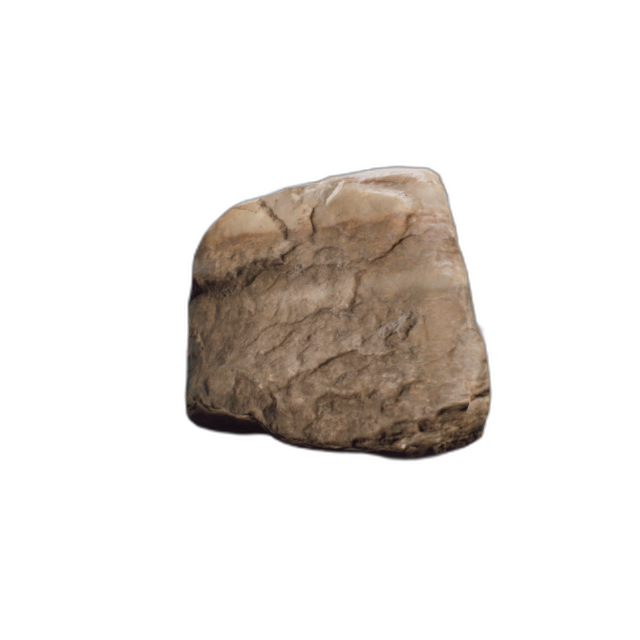
SM_Stone_06
100500901
(Not built into RflySimUE5)
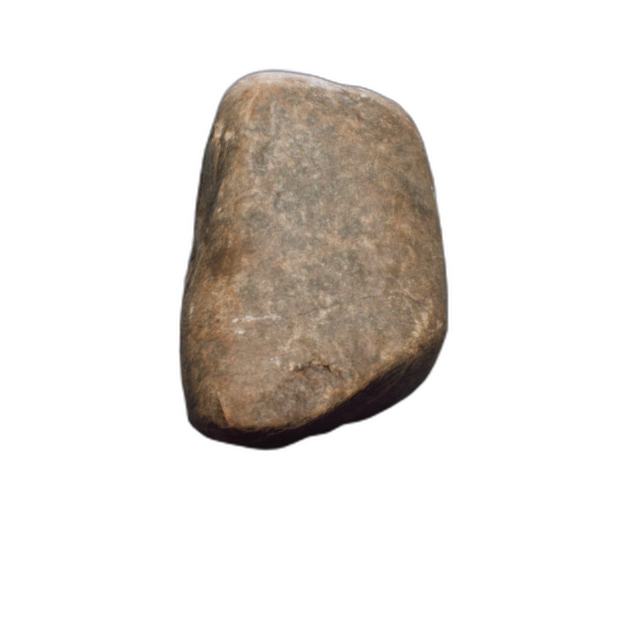
SM_Stone_07
100600901
(Not built into RflySimUE5)
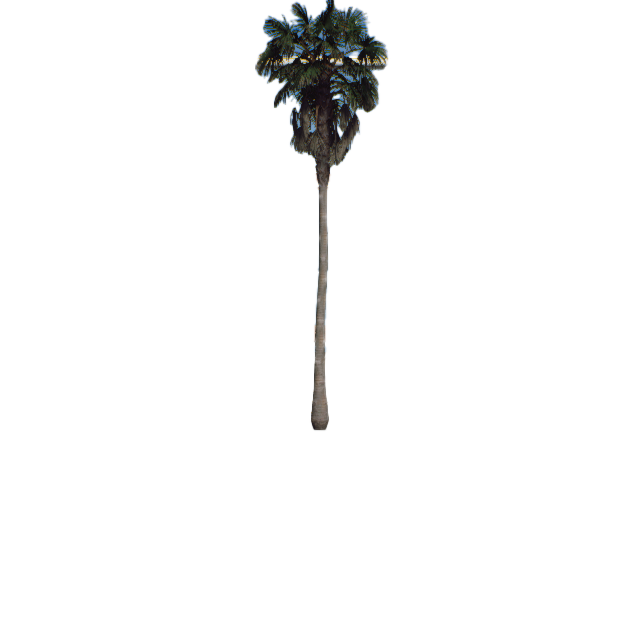
SM_Windmill_Palm
101900901
(Not built into RflySimUE5)
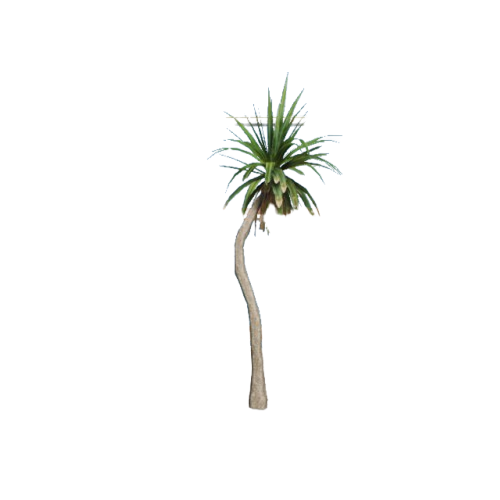
SM_pandanu_01
101100901
(Not built into RflySimUE5)
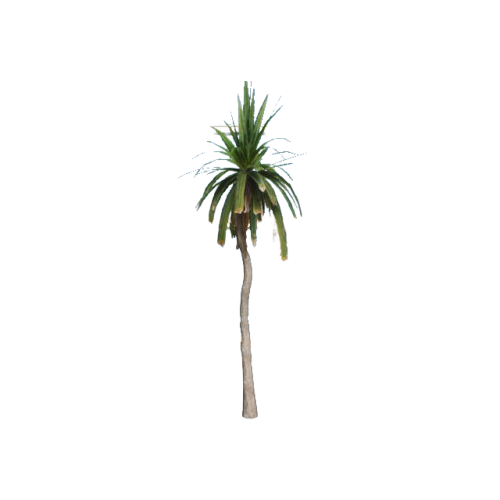
SM_pandanu_02
101200901
(Not built into RflySimUE5)
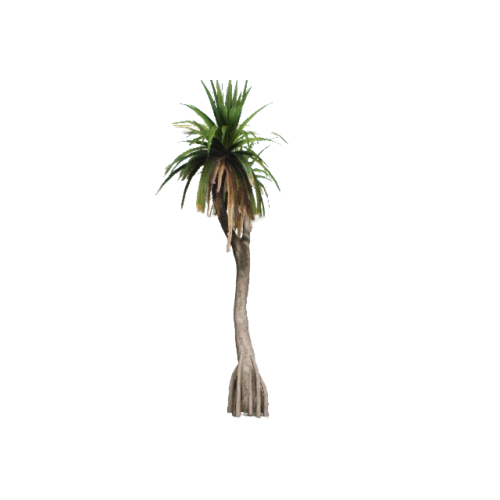
SM_pandanu_03
101300901
(Not built into RflySimUE5)
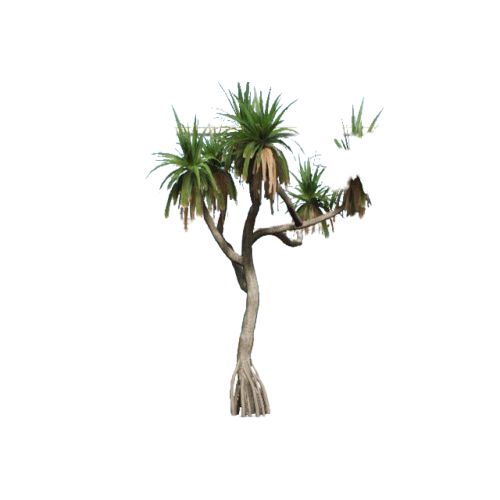
SM_pandanu_04
101400901
(Not built into RflySimUE5)
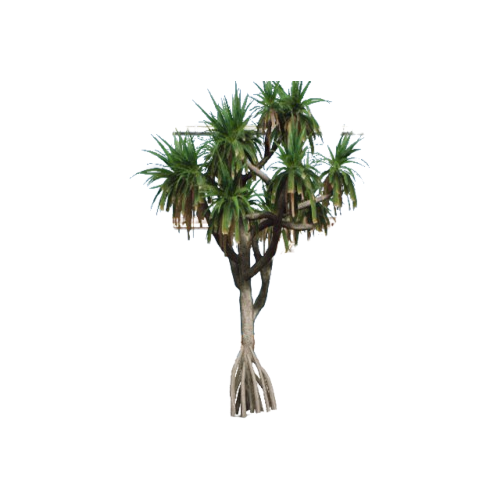
SM_pandanu_05
101500901
(Not built into RflySimUE5)
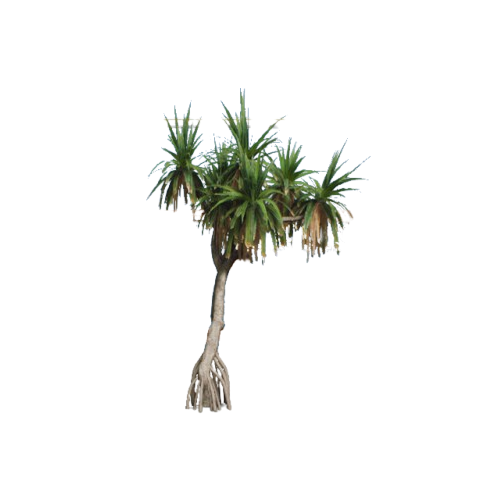
SM_pandanu_06
101600901
(Not built into RflySimUE5)
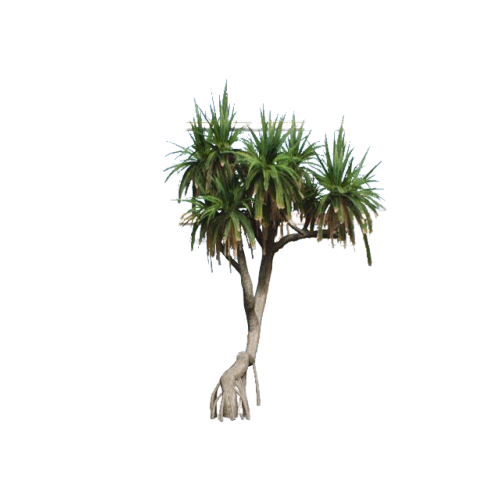
SM_pandanu_07
101700901
(Not built into RflySimUE5)
City Buildings (ClassID=902)
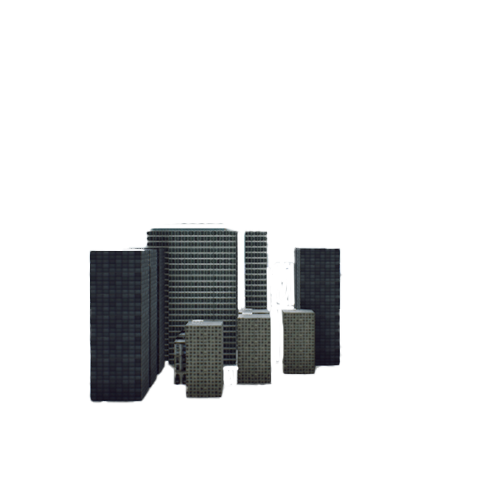
BP_City_A
100300902
(Not built into RflySimUE5)
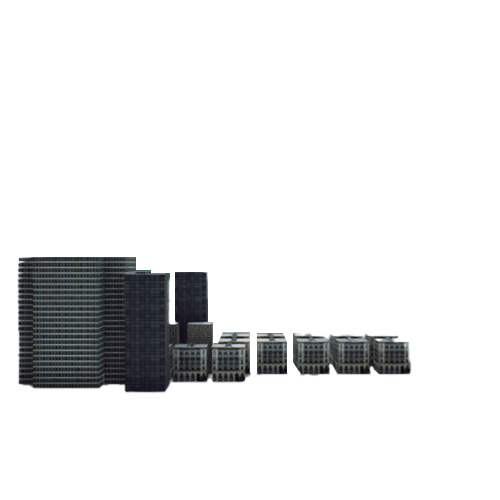
BP_City_B
100400902
(Not built into RflySimUE5)
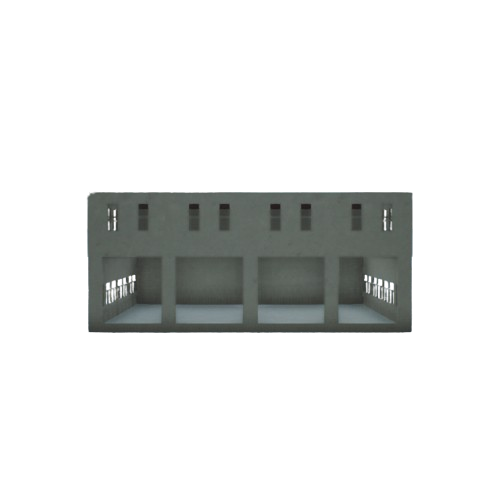
SM_Factory_01
100500902
(Not built into RflySimUE5)
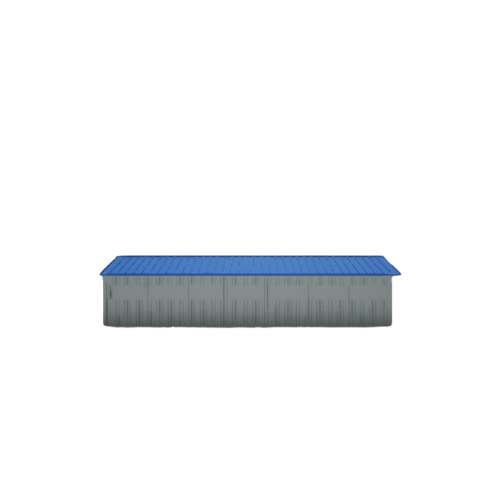
SM_Factory_02
100600902
(Not built into RflySimUE5)
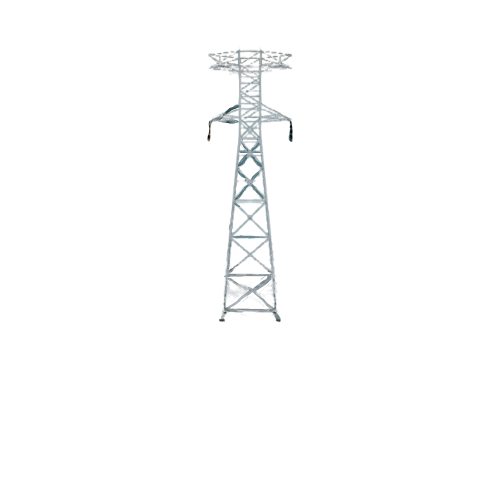
SM_PowerTower_01
100700902
(Not built into RflySimUE5)
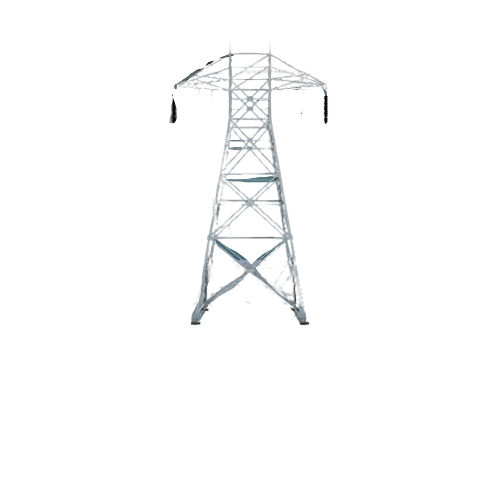
SM_PowerTower_02
100800902
(Not built into RflySimUE5)
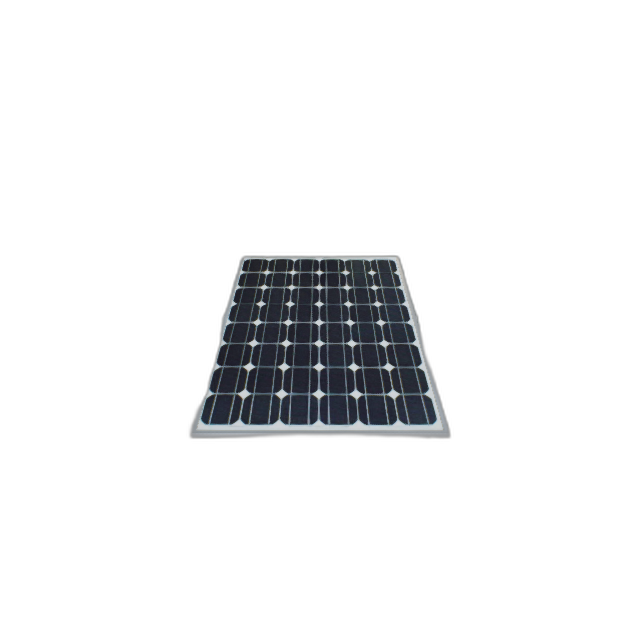
SM_SolarPanel
100900902
(Not built into RflySimUE5)
Road Surface (ClassID=960)
Road_01
100800960Concrete road surface
Sidewalks_01
102700960Sidewalk
Ground Debris (ClassID=961)
GroundTrash_01
101100961Trash pile
Pebbles_01
100400961Pebbles
Industrial Props (ClassID=962)
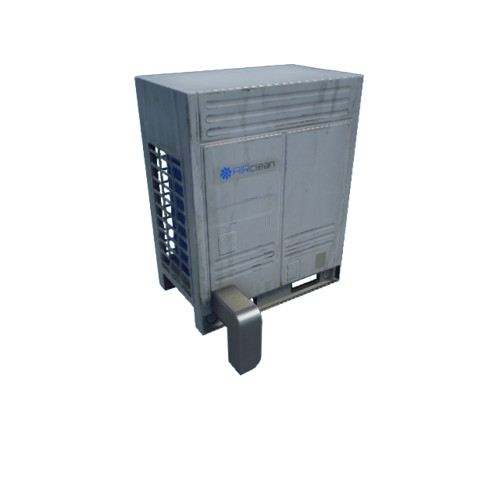
Aircond_01
101200962Industrial refrigerator
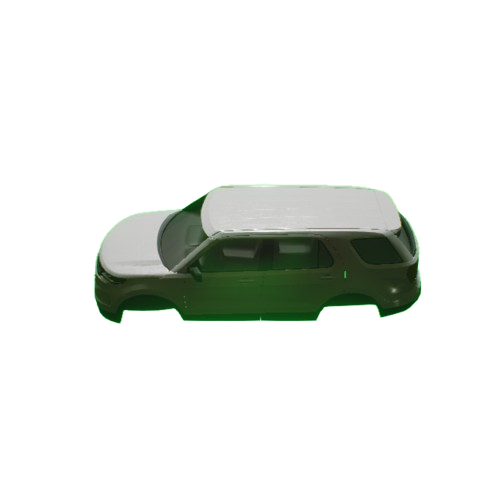
Car_01
104100962
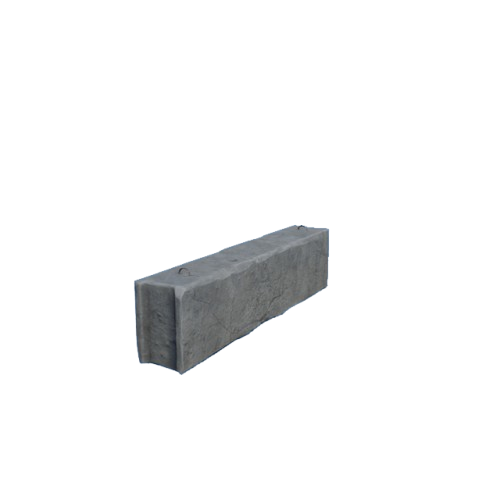
Concrete_01
100400962Concrete brick
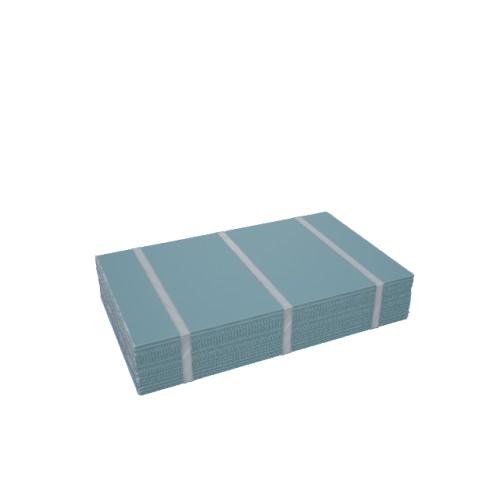
Drywall_01
100500962Drywall
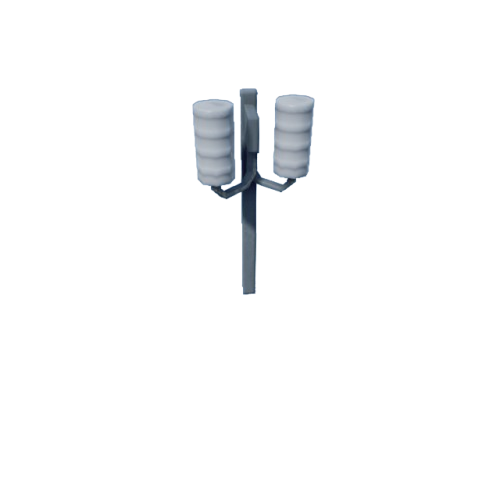
ElecPole_01
101300962Street light
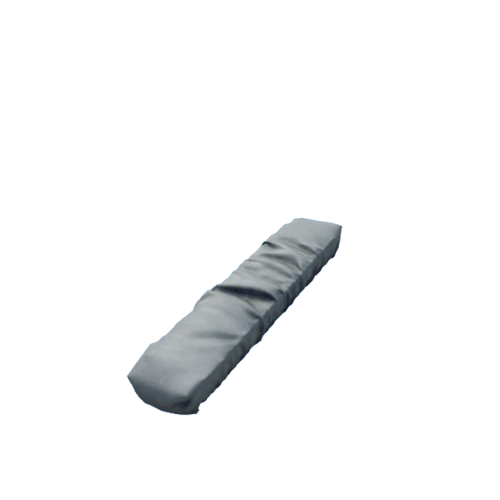
Goods_01
101500962Goods
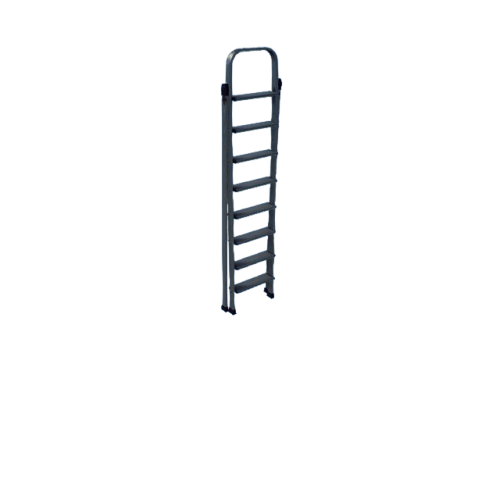
Ladder_01
101800962Step ladder
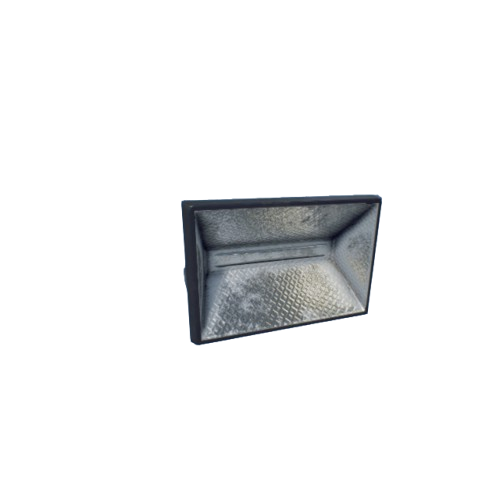
Lamp_01
101900962Lampshade
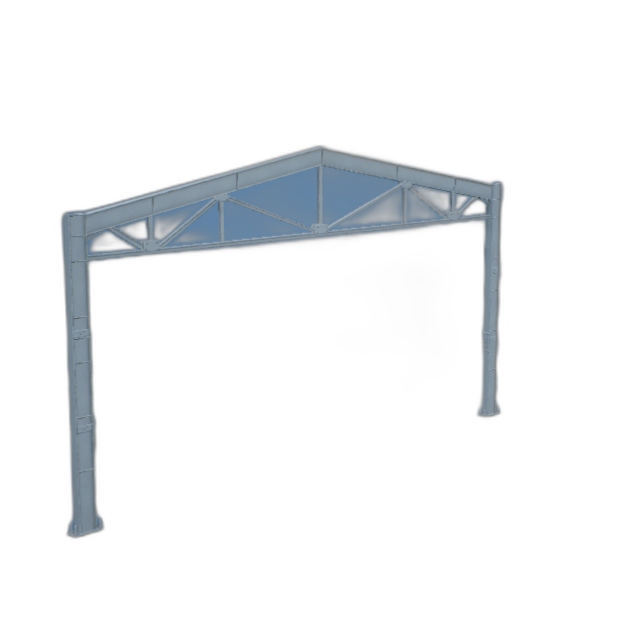
MetalColumn_01
102000962Metal column
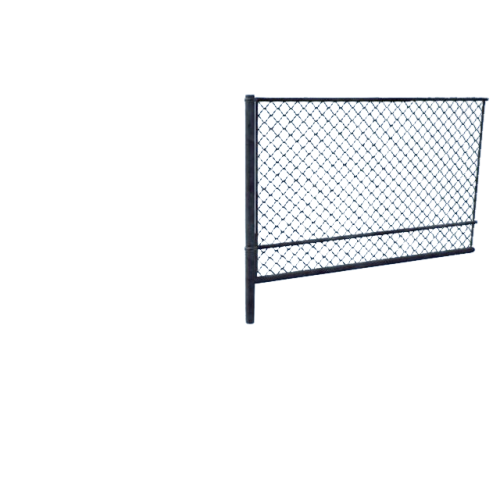
MetalFence_01
102100962Metal fence
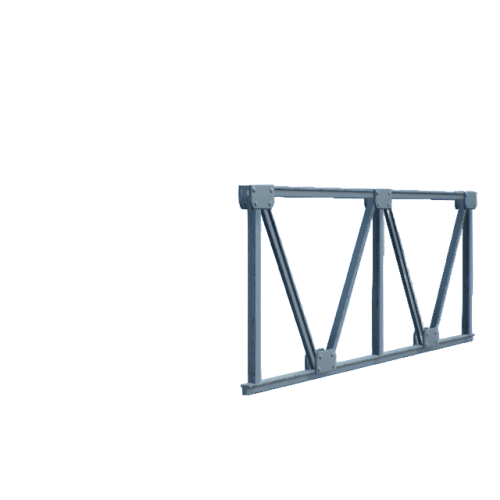
MetalFrame_01
102200962Metal frame
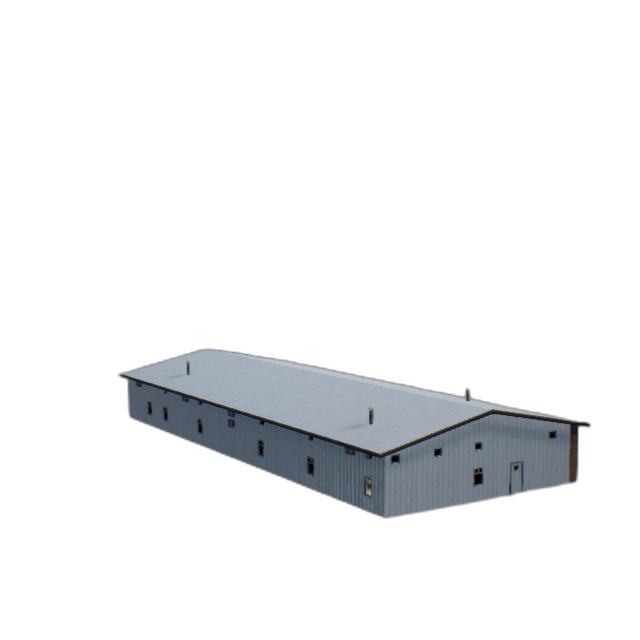
OfficeBuild_01
102300962Factory building
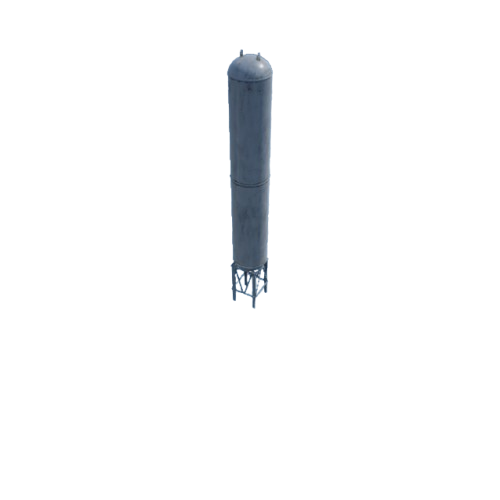
OilReservoir_01
102400962Large oil storage tank
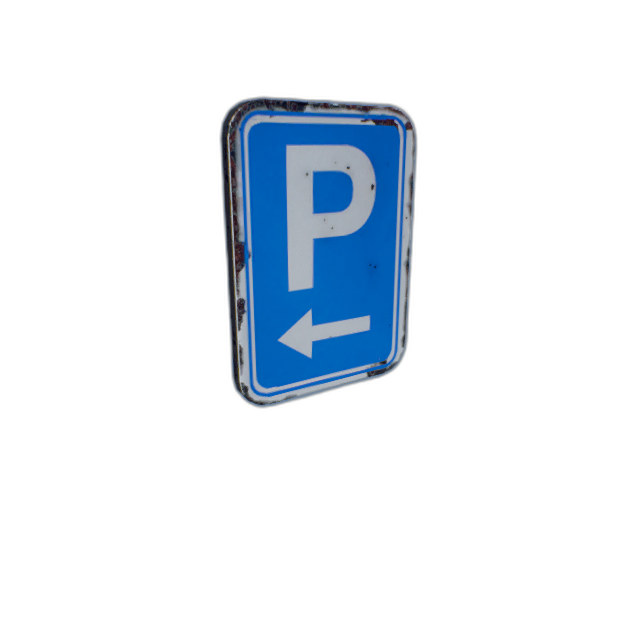
ParkingSign_01
102500962Parking sign
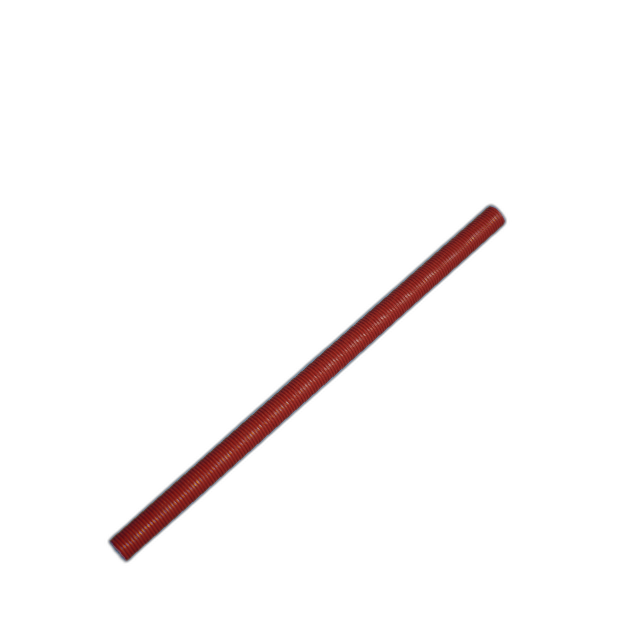
Pipe_01
102600962Plastic pipe
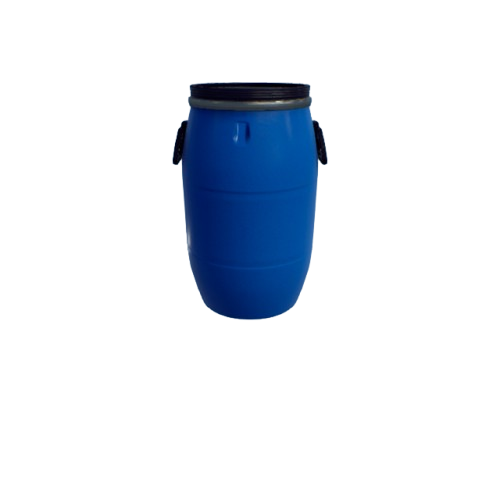
PlasticBarrel_01
102700962
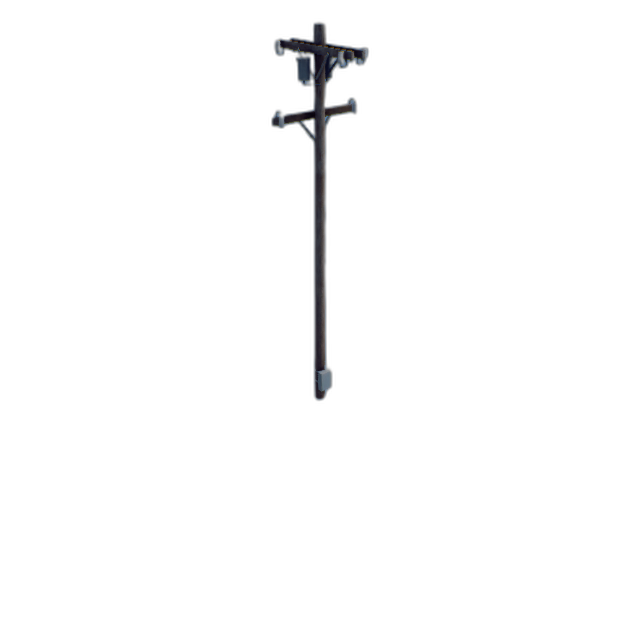
Pole_01
102800962Utility pole
Sign_01
102900962Sign board
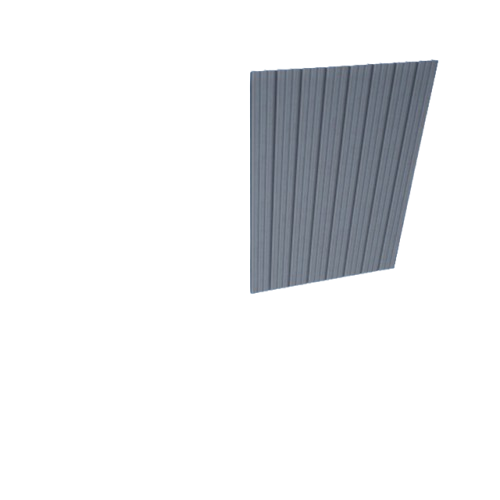
Slate_01
100900962Wall surface
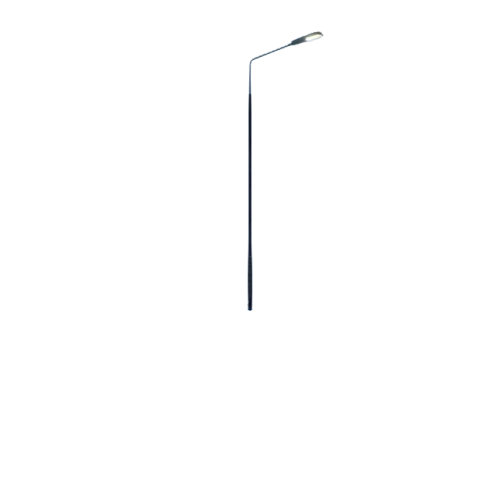
StreetPole_01
103000962Street light
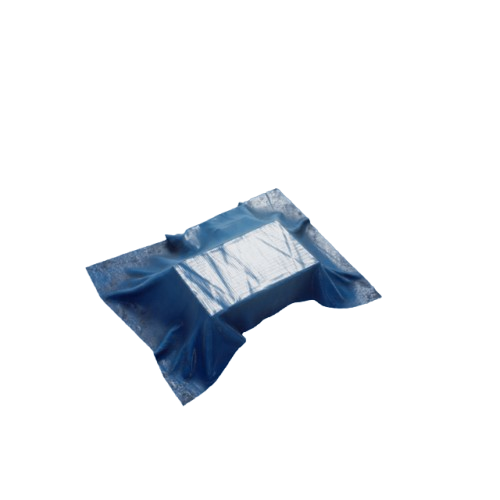
Tent_01
103100962Tent
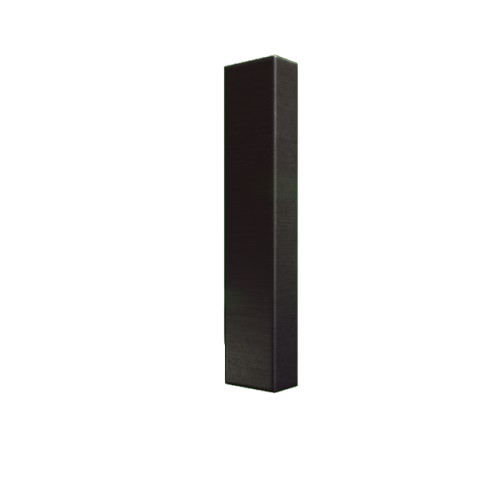
VentPipe_01
103500962Ventilation duct
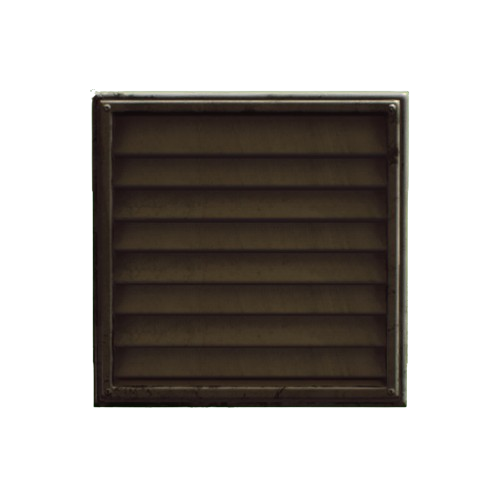
Vent_01
103400962Vent
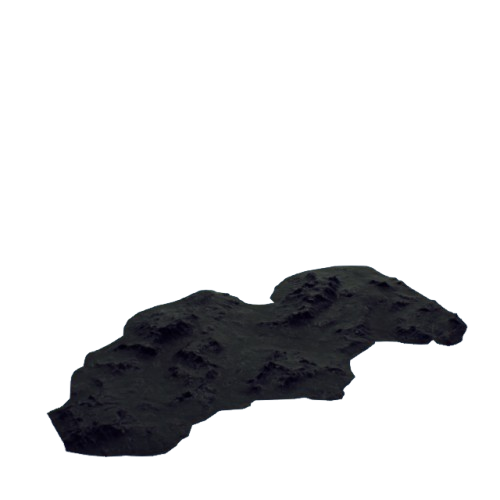
VistaMountain_01
101000962Terrain mountain
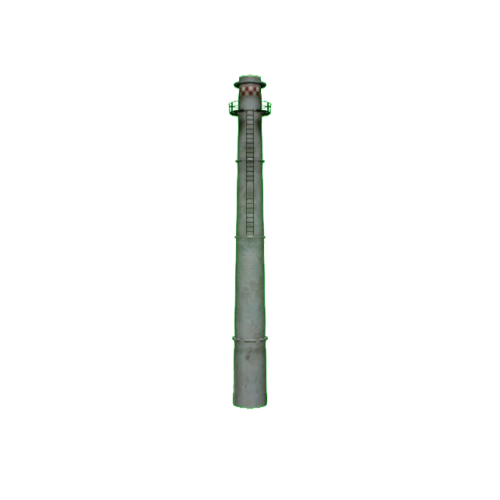
VistaTower_01
103600962Watchtower
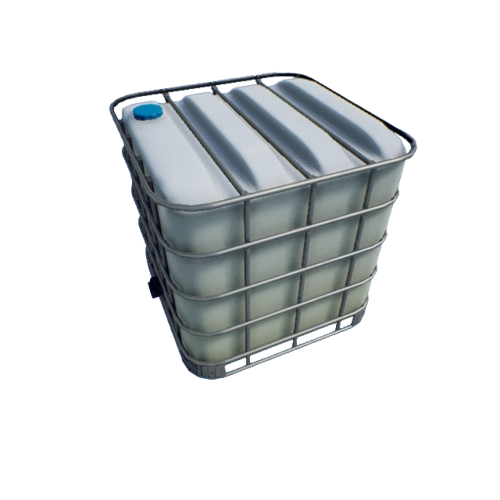
Watertank_01
103700962Water tank
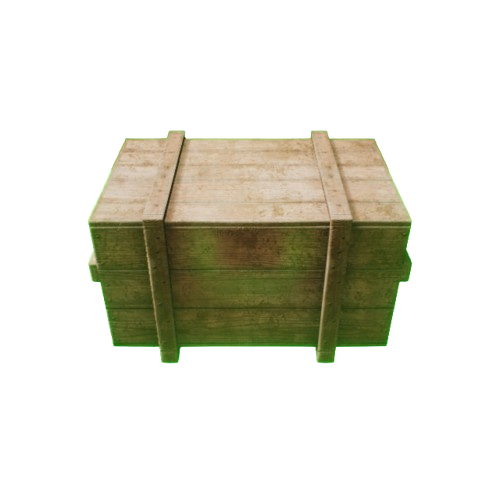
WoodenBox_01
103800962Wooden crate
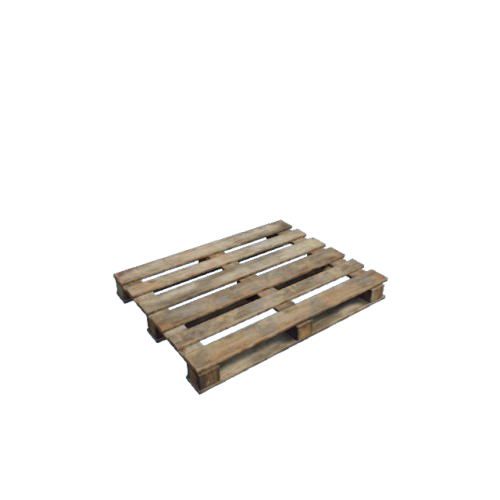
WoodenPalette_01
103900962Wooden pallet
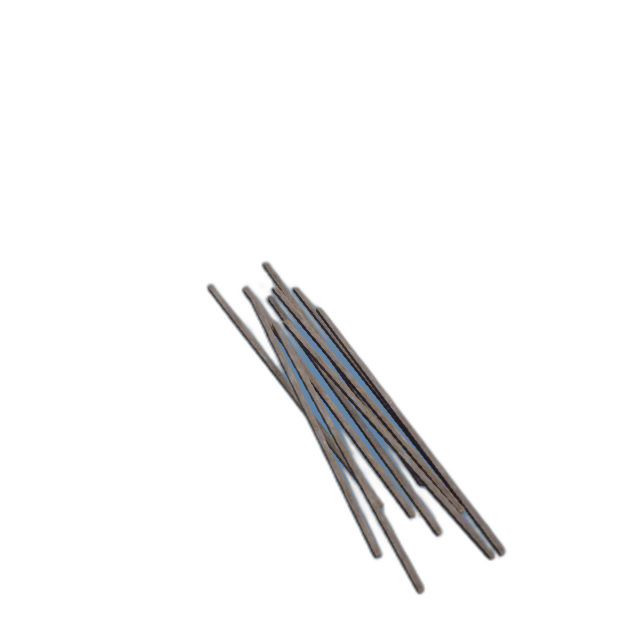
WoodenPlanks_01
104000962Wood
Vehicle Props (ClassID=963)
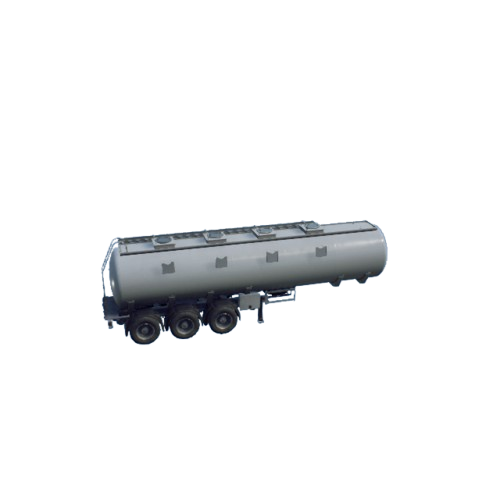
Gastanker_01
101400963Oil tanker
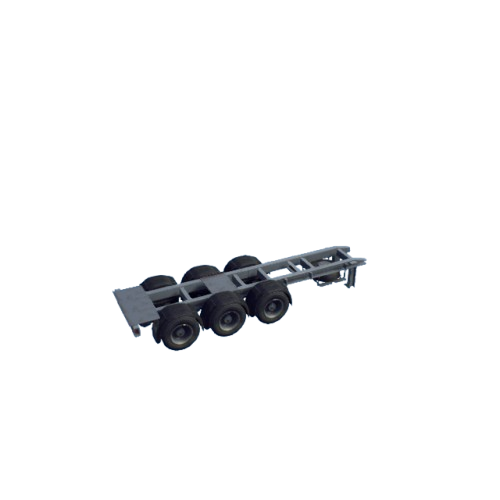
TrailerBase_01
103300963Trailer cab
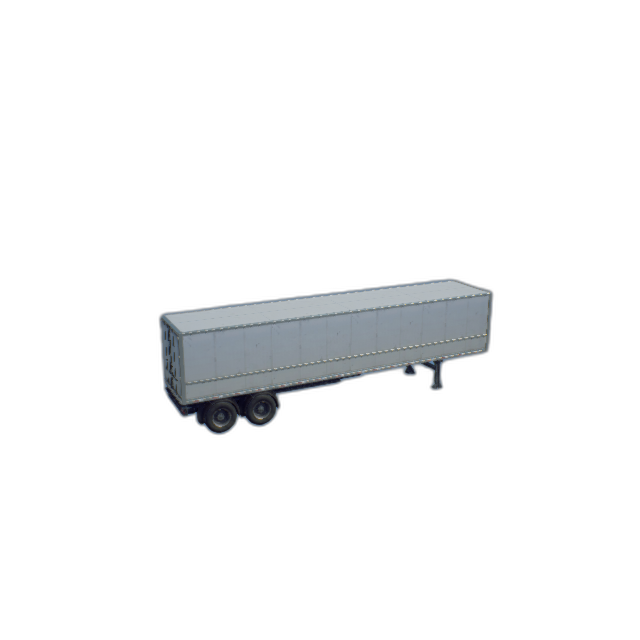
Trailer_01
103200963Trailer body
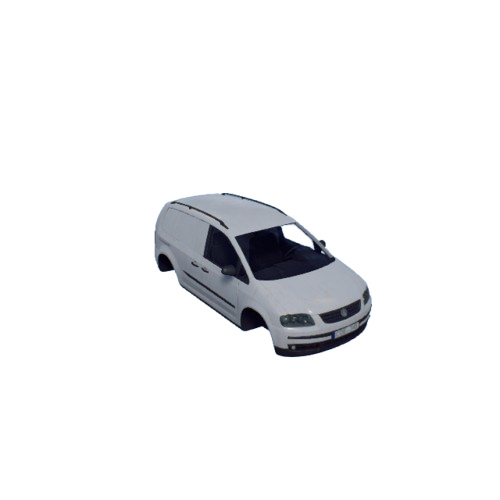
Van_01
104200963Light truck
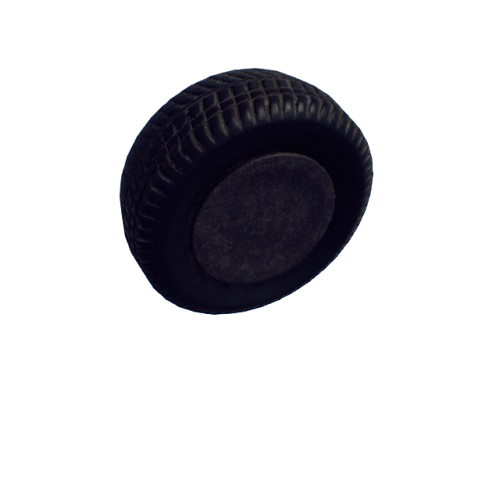
Wheel_01
104300963Wheel
Grass Vegetation (ClassID=965)
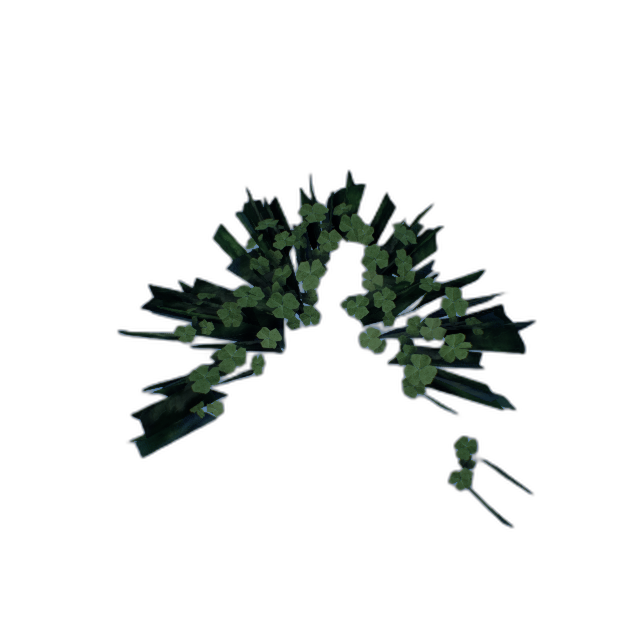
Clovers_01
100200965Clover
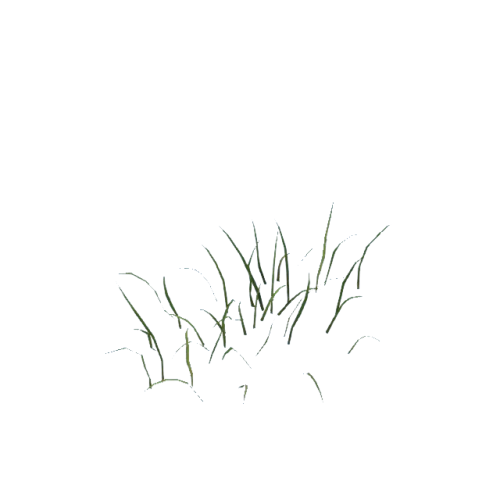
Grass_01
100600965Grass
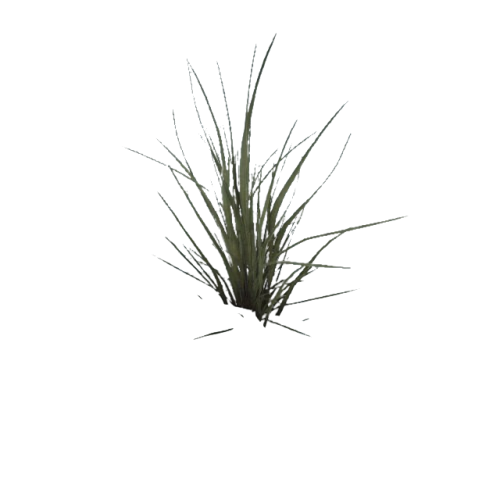
Grass_Med
100000965
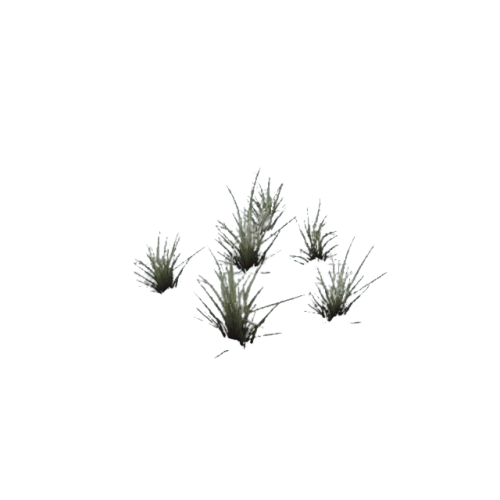
Grass_Med_Clump
100100965
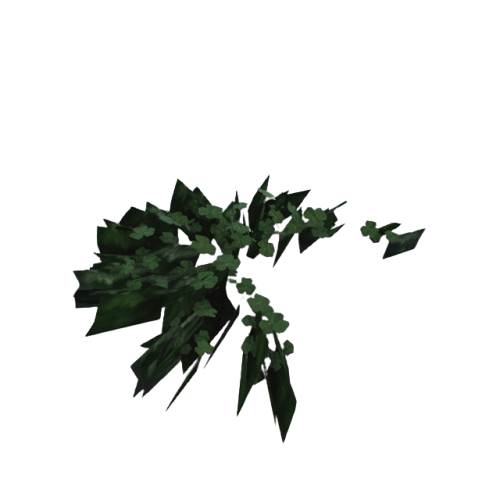
Grass_Med_Clump_Dry
100200965
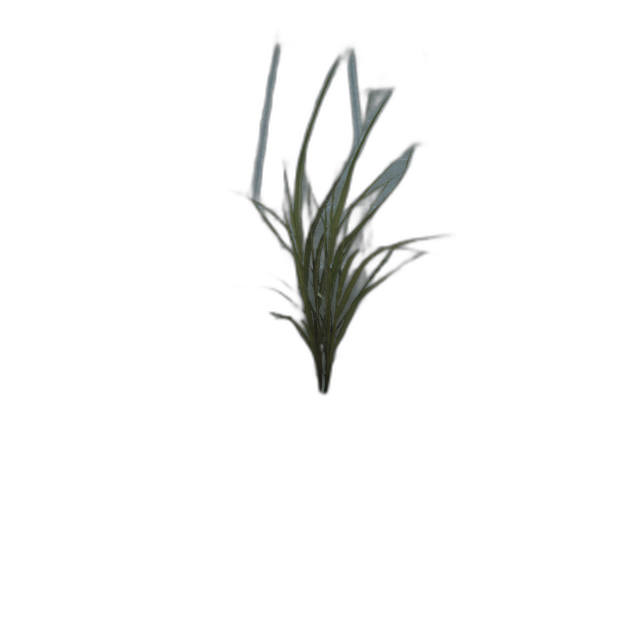
Grass_Short
100300965
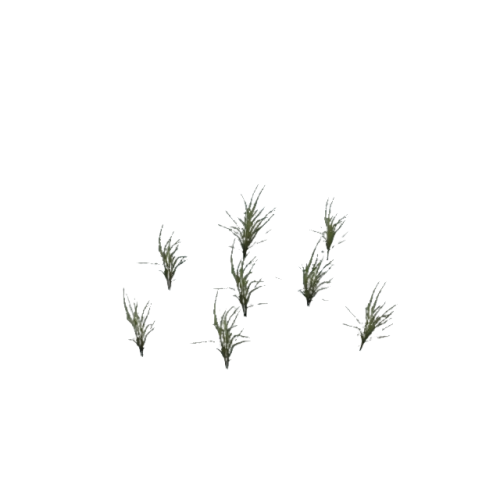
Grass_Short_Clump
100400965
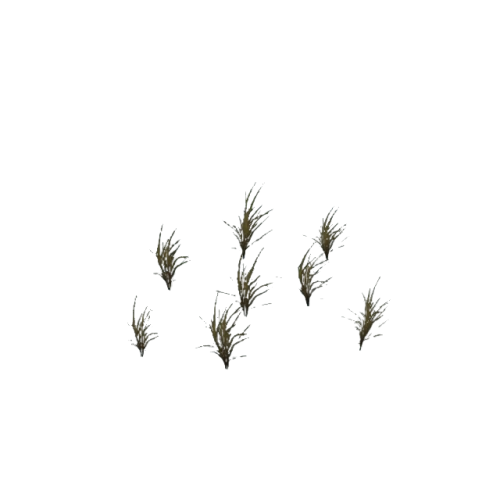
Grass_Short_Clump_Dry
100500965
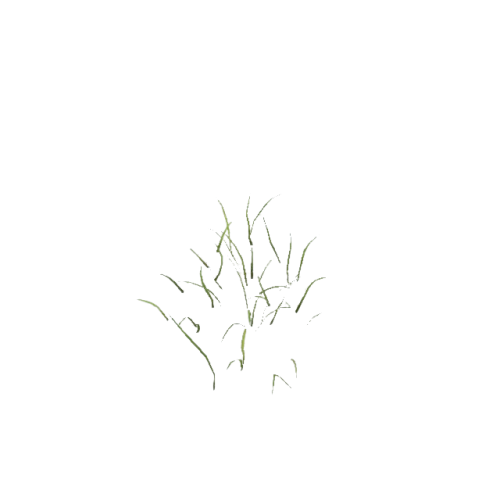
Grass_Tall
100600965
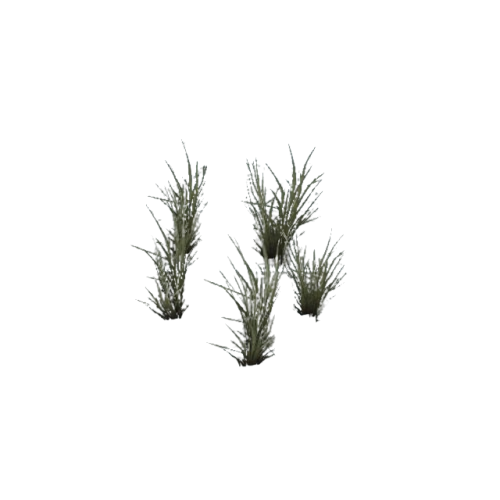
Grass_Tall_Clump
100700965
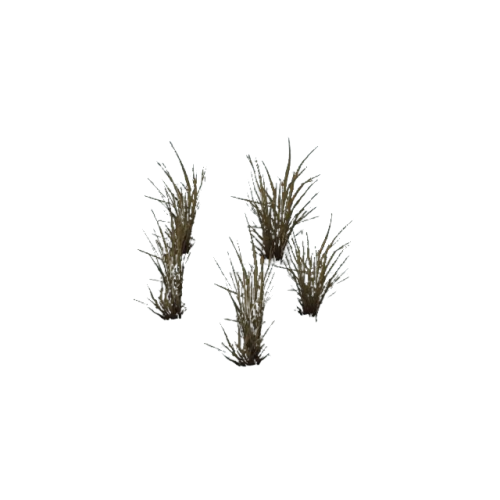
Grass_Tall_Clump_Dry
100800965
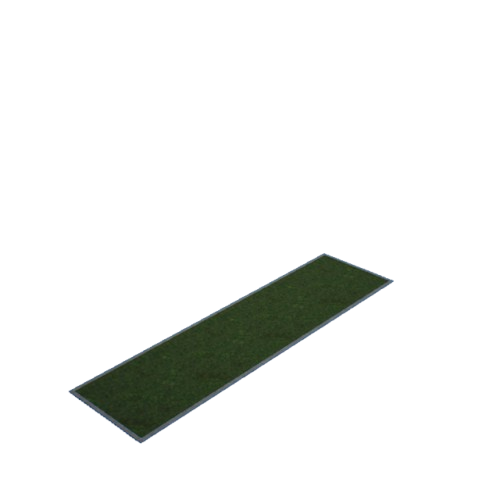
Grassplot_01
100700965Lawn
SM_Daisies_01
100900965
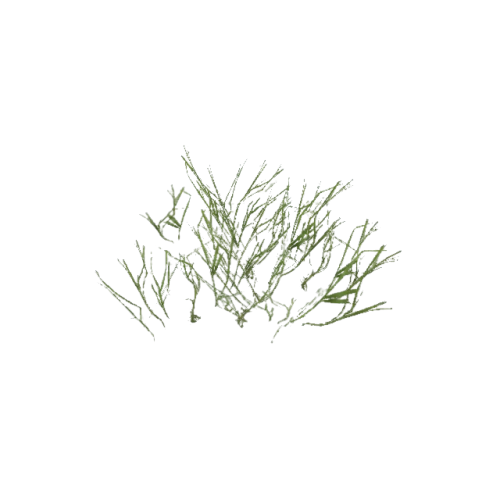
SM_Grass_01
101000965
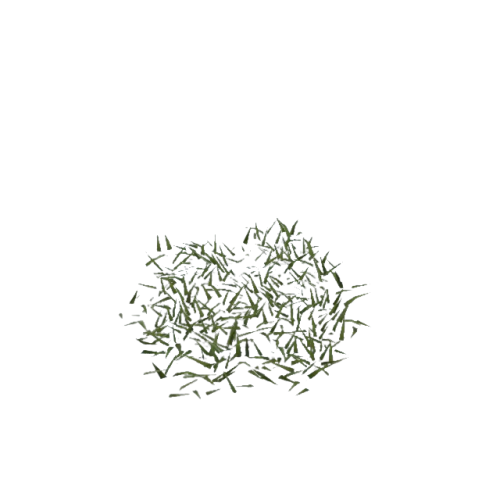
SM_Grass_Really_Short_01
101100965
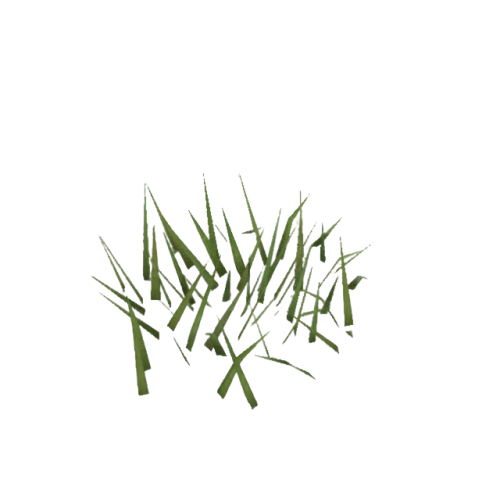
SM_Grass_Short_01
101200965
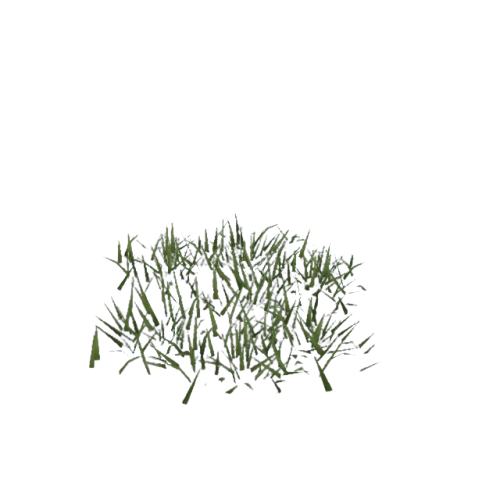
SM_Grass_Short_02
101300965
SM_Leaves_01
101400965
Cactus (ClassID=966)
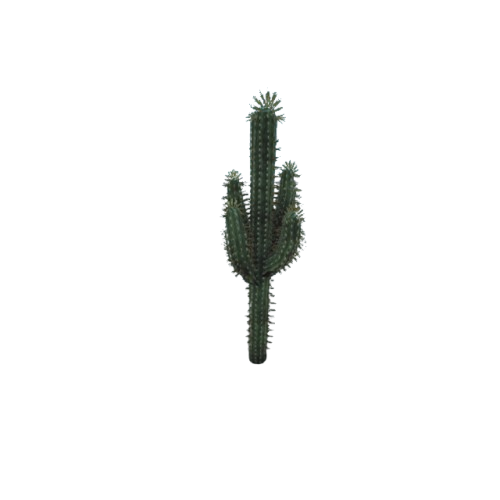
CactusA_VarA
100000966
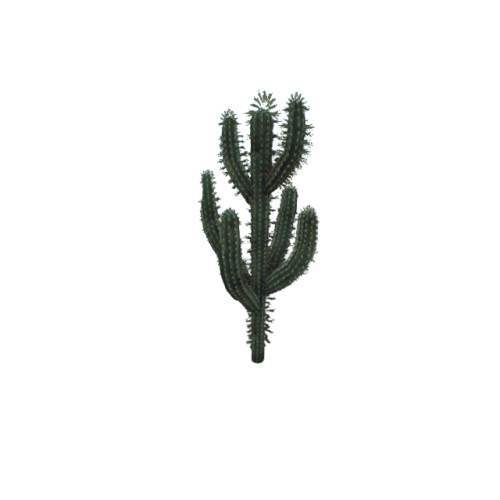
CactusA_VarB
100100966
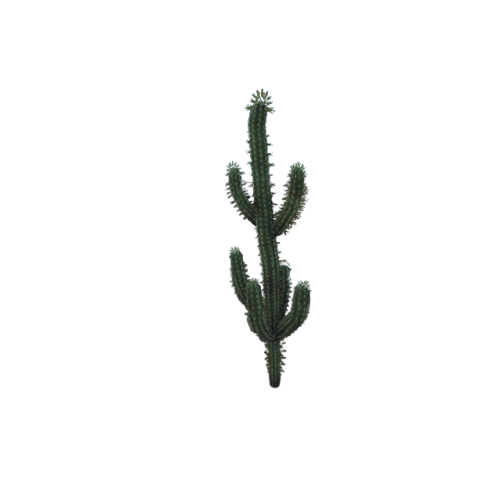
CactusA_VarC
100200966
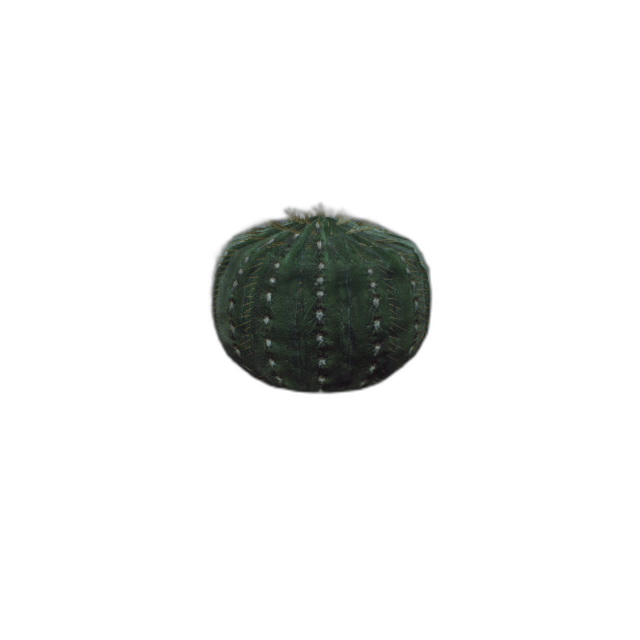
CactusC_VarA
100500966
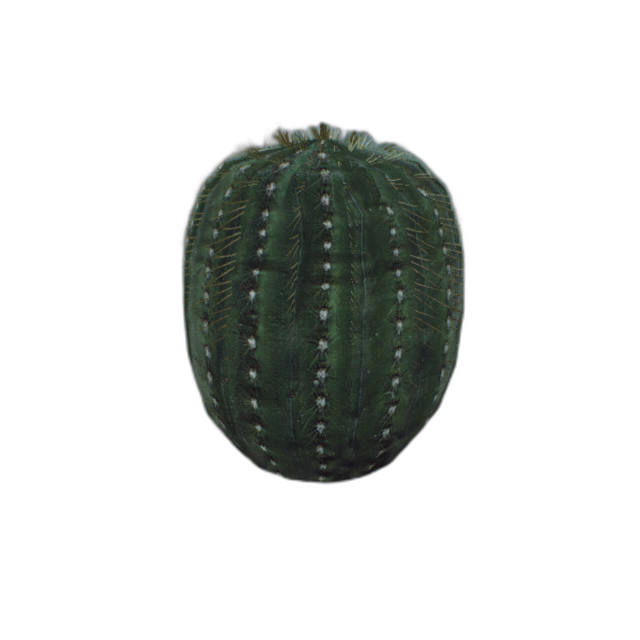
CactusC_VarB
100600966

CactusC_VarC
100700966
Bush Hedge (ClassID=967)
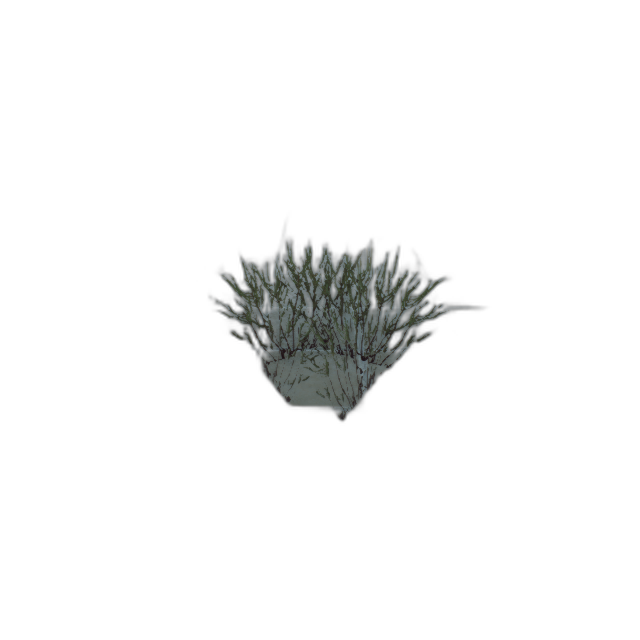
BushA
100000967
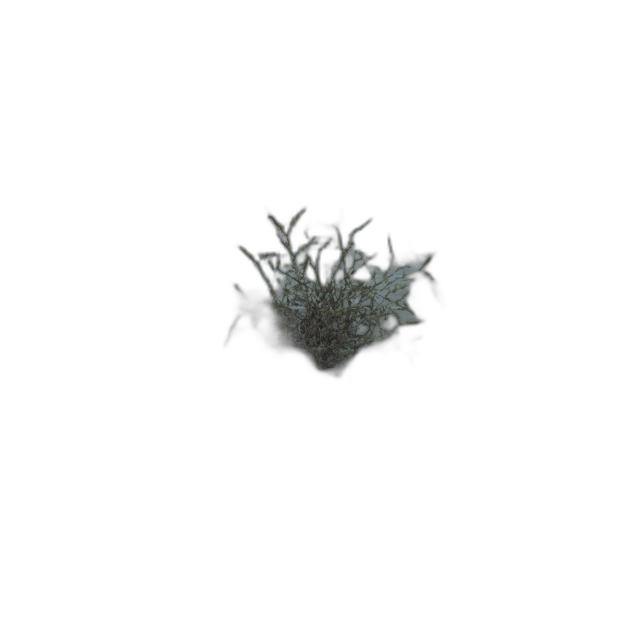
BushB
100100967
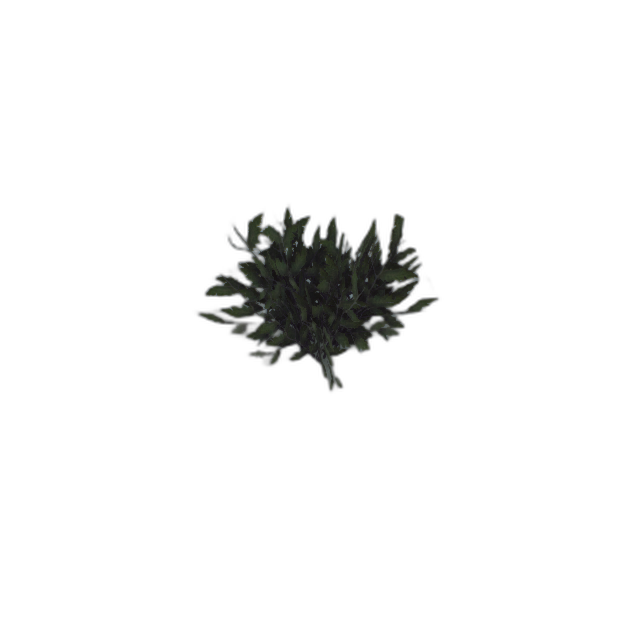
BushC
100200967
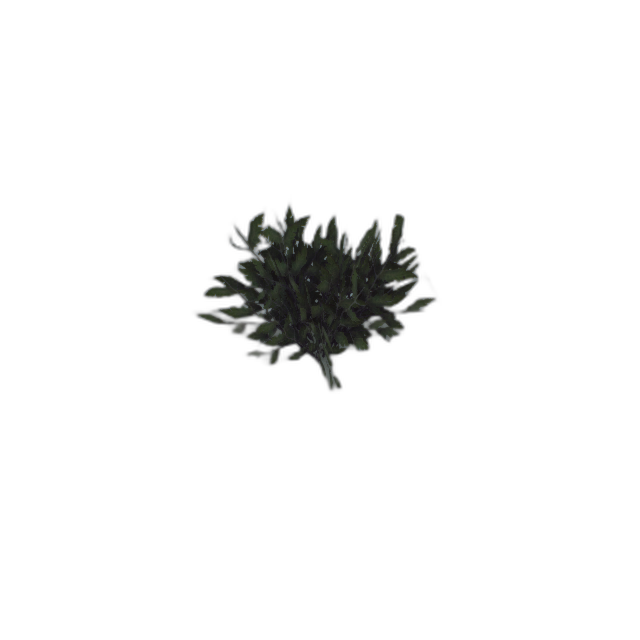
BushC_2
100300967
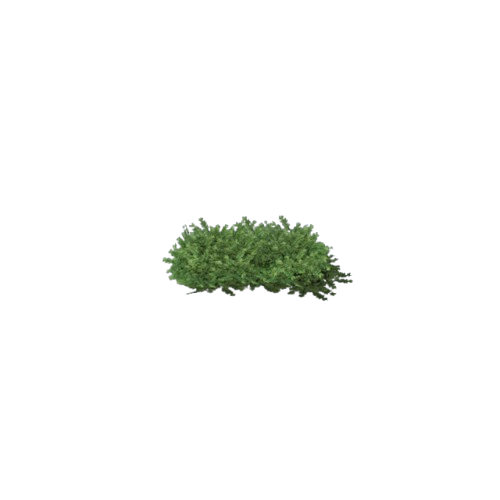
SM_Hedge_01
100400967
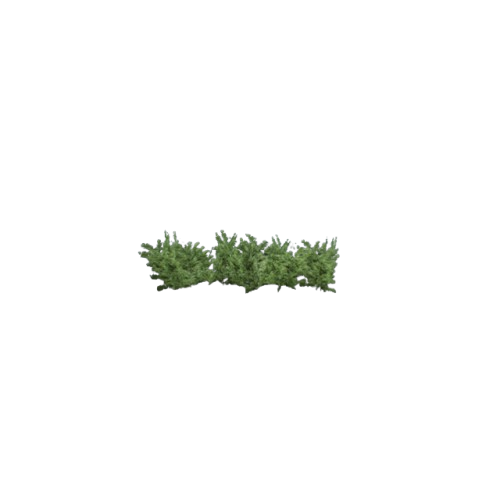
SM_Hedge_02
100500967
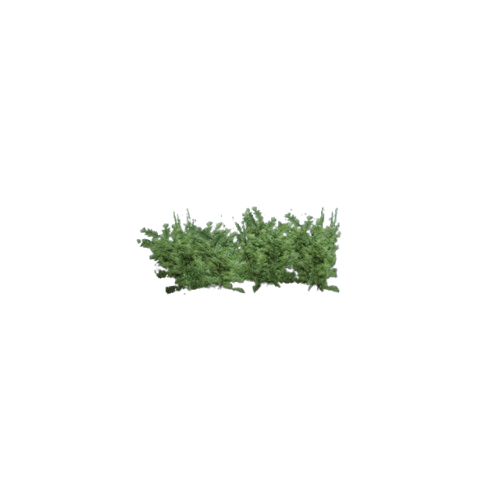
SM_Hedge_03
100600967
Trees (ClassID=968)
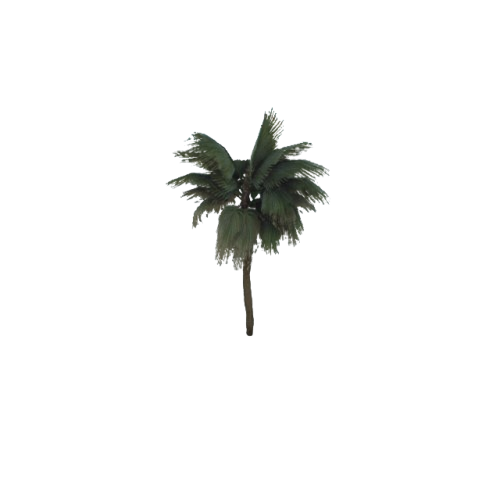
PalmMed
100000968
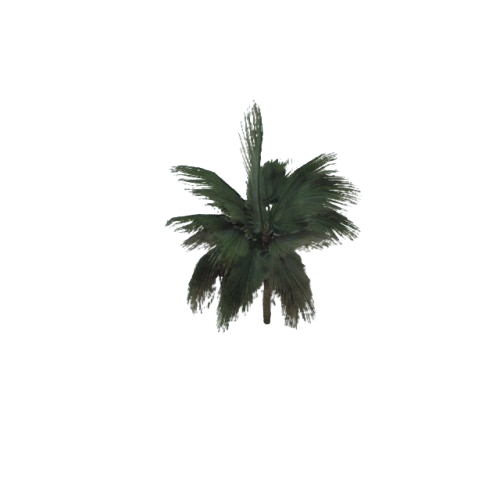
PalmShort
100100968
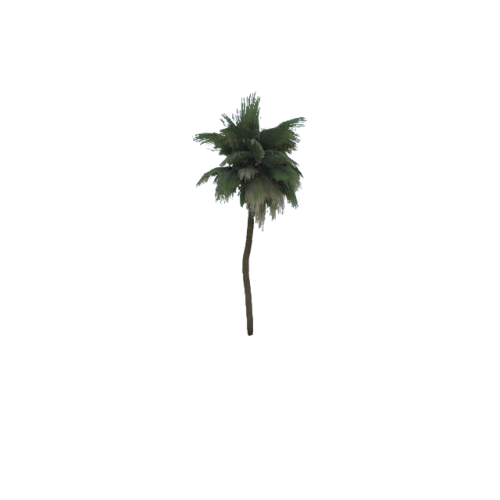
PalmTall
100200968
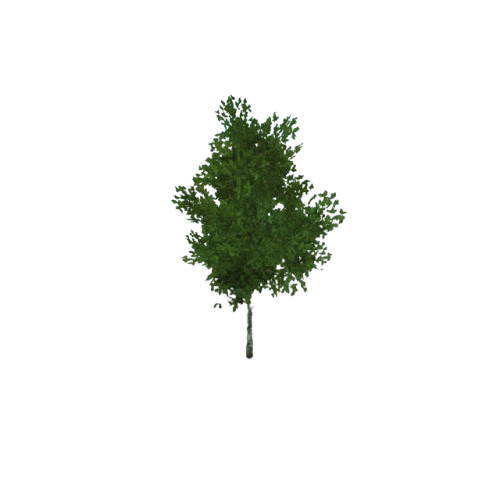
SM_Birch_01
100300968
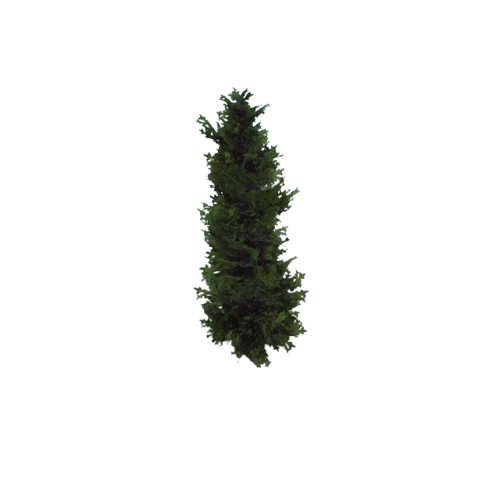
SM_Fir_01
100400968
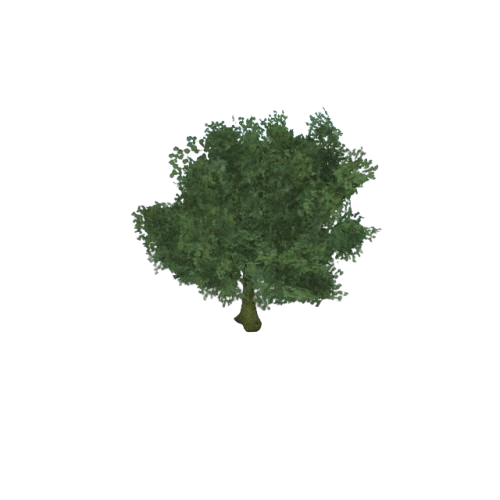
SM_Oak_03
100500968
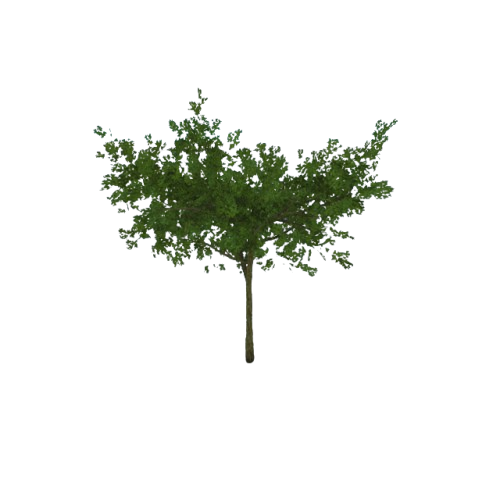
SM_Tree_01
100600968
MedicalChest (ClassID=969)
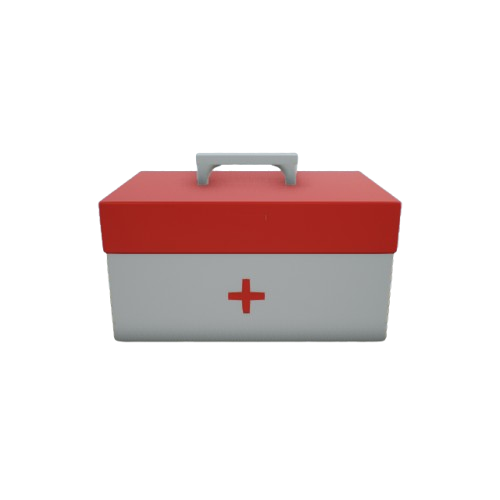
MedicalChest
100000969
(Not built into RflySimUE5)
Carton 1000 (ClassID=1000)
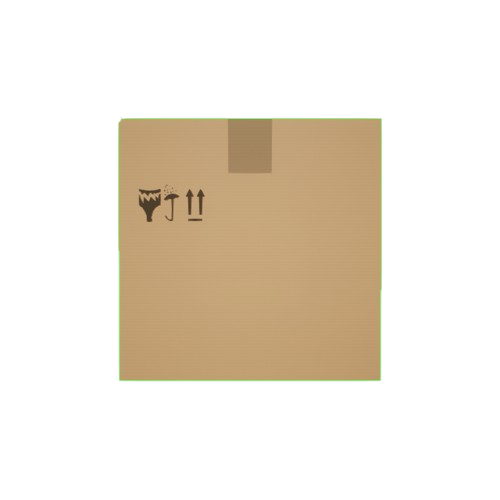
carton_1000
100001000Carton 1000x1000
(Not registered in the current installation)
AR Drone Blue No. 2 (ClassID=21)
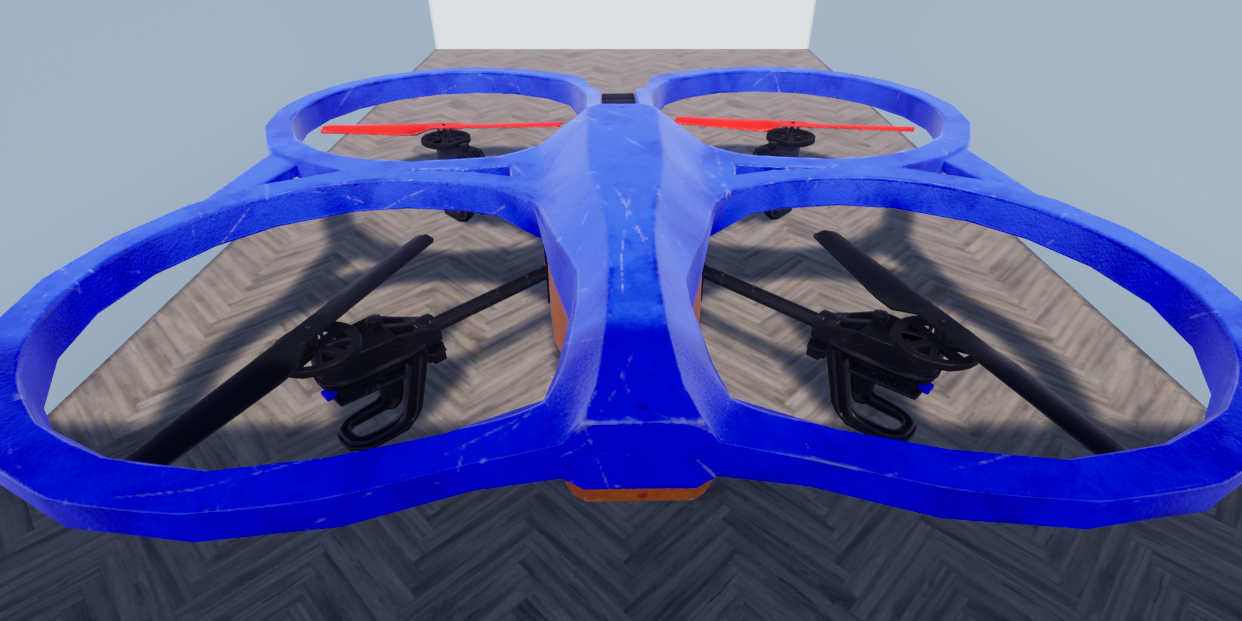
AR Drone Blue No. 2
Resource name:
AR_Drone_Blue2106000021XML type: Not specified; ModelType=Not specified
(Not built into RflySimUE5)
Hexacopter UAV (ClassID=22)
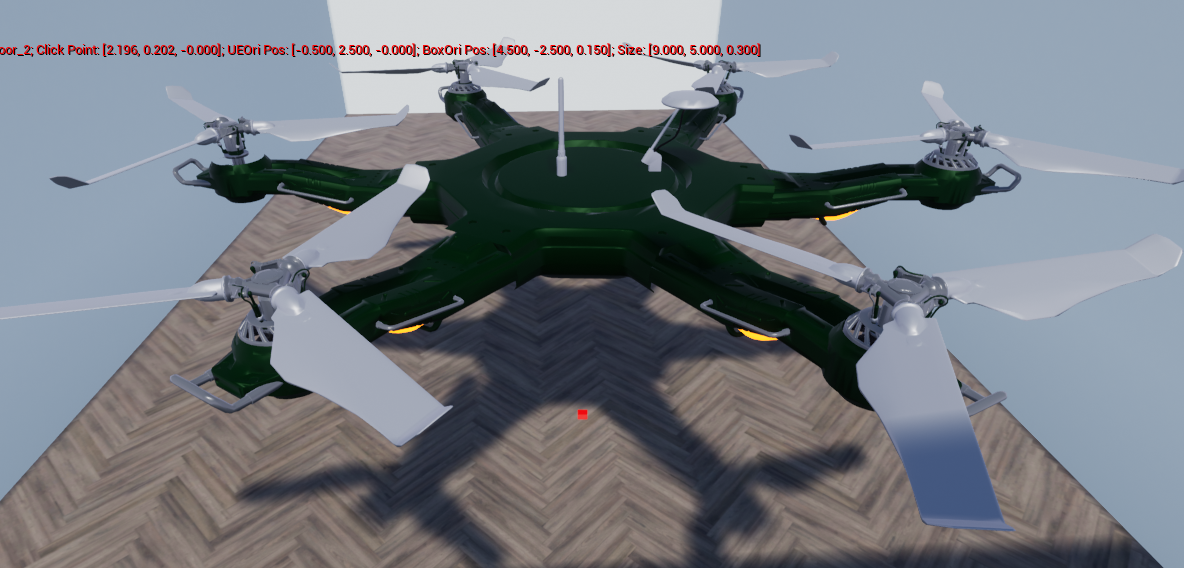
Hexacopter UAV
Resource name:
Hexacopter100000022XML type: Not specified; ModelType=Not specified
(Not built into RflySimUE5)
Custom ArUco Calibration Board (ClassID=43)
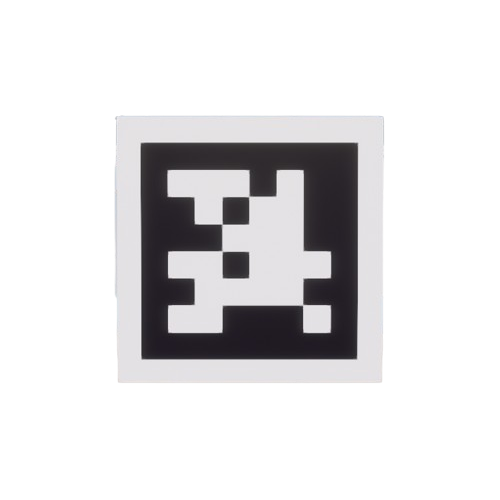
Custom ArUco Calibration Board
Resource name:
CustomAruco100000043XML type: Auxiliary tool; ModelType=Not specified
(Not built into RflySimUE5)
Standard Blue Car (ClassID=50)
Standard Blue Car
Resource name:
Standard_Car_Blue100200050XML type: Differential drive UGV; ModelType=Not specified
(Not built into RflySimUE5)
Ring Target (Blue) (ClassID=150)
Ring Target (Blue)
Resource name:
Ring_Target_Blue102000150XML type: Circular frame; ModelType=Not specified
(Only registered in RflySimUE5)
Marker Point (ClassID=152)
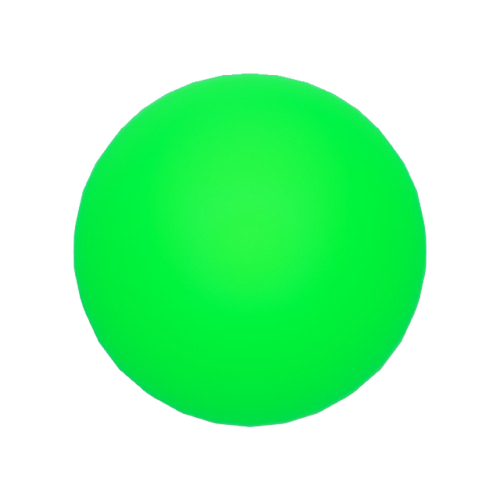
Sphere Target (Green)
Resource name:
Sphere_Target_Red101000152XML type: Marker; ModelType=Not specified
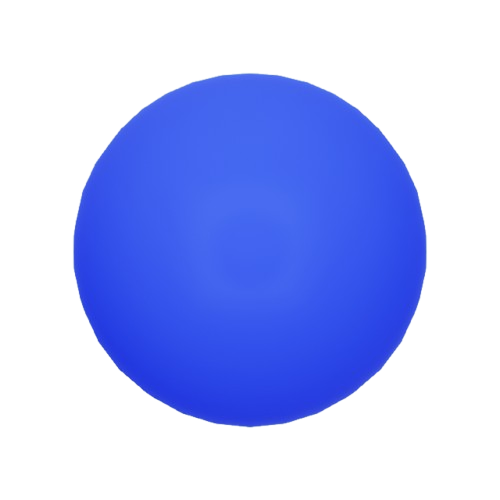
Sphere Target (Blue)
Resource name:
Sphere_Target_Red102000152XML type: Marker; ModelType=Not specified
Refueling Receiver (ClassID=213)
Refueling Receiver
Resource name:
Receiver10100213XML type: Not specified; ModelType=Not specified
(Not built into RflySimUE5)
Weather Controller (ClassID=804)
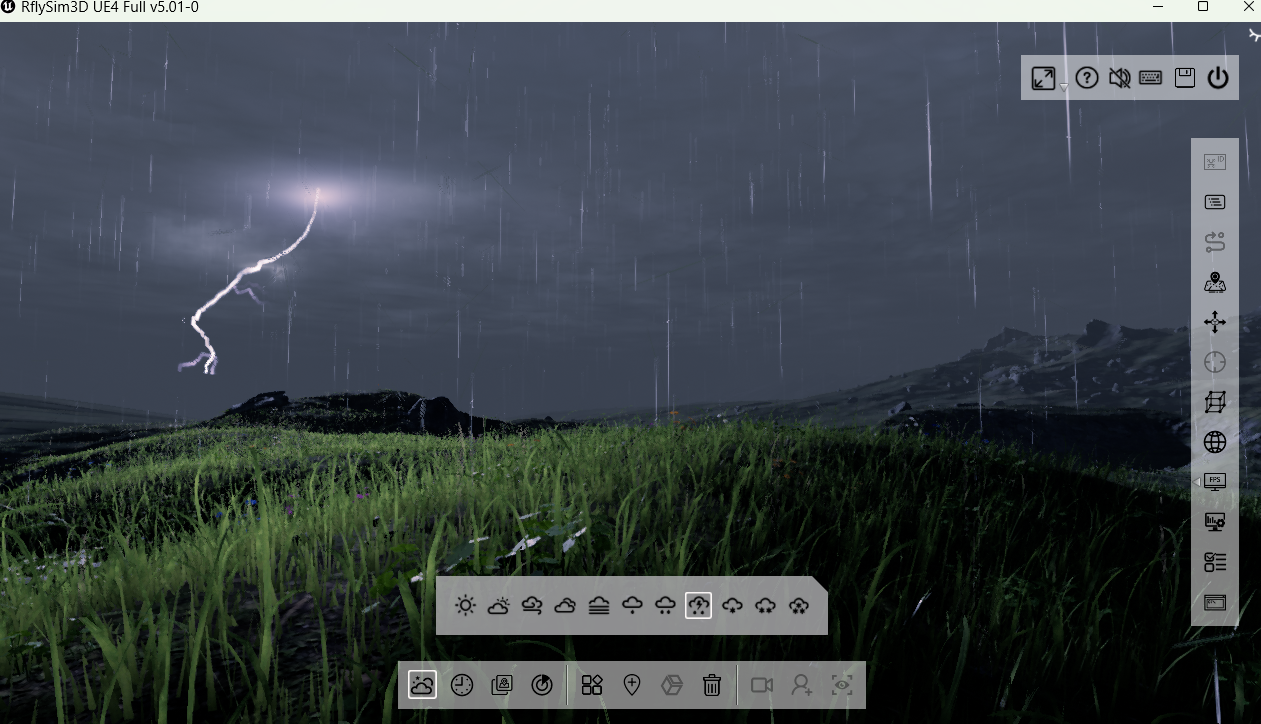
Weather Controller
Resource name:
WeatherController100000804XML type: Not specified; ModelType=2
H-shaped Marker (ClassID=810)

H-shaped Marker
Resource name:
H10000810XML type: Auxiliary tool; ModelType=Not specified
(Not built into RflySimUE5)
Obstacle Pillar (ClassID=813)
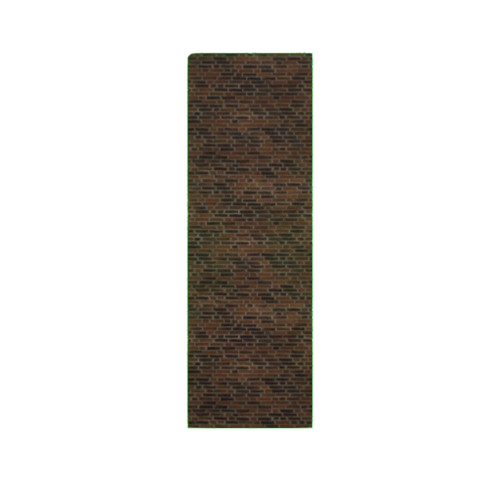
Obstacle Pillar
Resource name:
Pillar10000813XML type: Obstacles and markers; ModelType=Not specified
(Not built into RflySimUE5)
QR Code Car (ClassID=814)
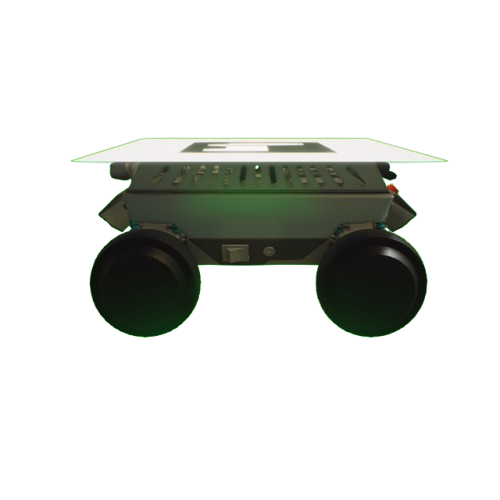
QR Code Car
Resource name:
Car10000814XML type: QR code car; ModelType=2
(Not built into RflySimUE5)
QR Code Car
Resource name:
Car100000814XML type: QR code car; ModelType=2
(Only registered in RflySimUE5)
QR Code Car
Resource name:
Car100100814XML type: QR code car; ModelType=2
(Not built into RflySimUE5)
Box Obstacle (ClassID=815)
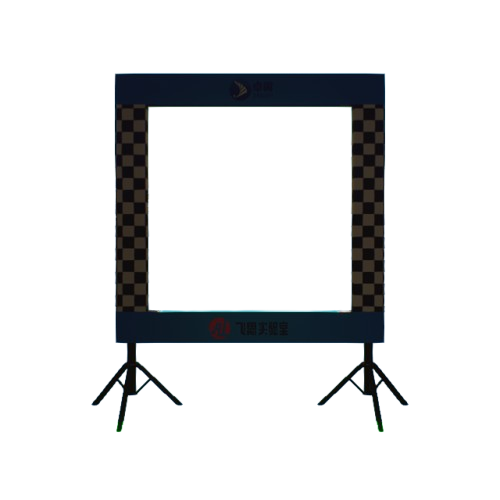
Box Obstacle
Resource name:
Box10000815XML type: Auxiliary tool; ModelType=Not specified
(Not built into RflySimUE5)
Box Obstacle (ClassID=818)
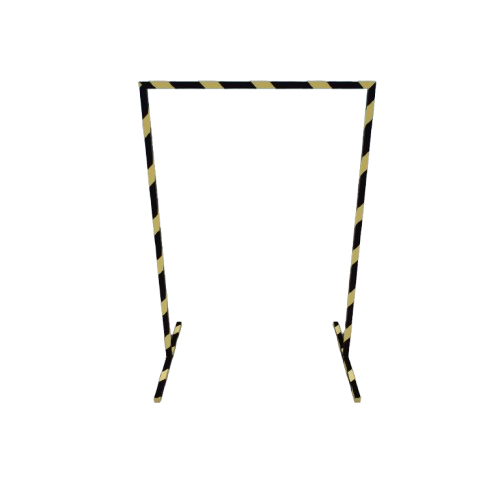
Box Obstacle
Resource name:
Box100000818XML type: Auxiliary tool; ModelType=0
(Not built into RflySimUE5)
Competition Field Ground (ClassID=819)
Competition Field Ground
Resource name:
Floor100100819XML type: Auxiliary tool; ModelType=2
(Not built into RflySimUE5)
Niagara Effect Base Class (ClassID=834)
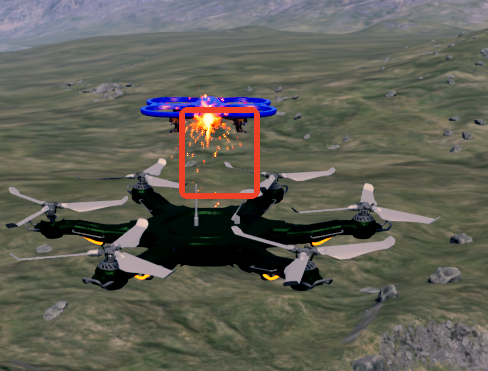
Niagara Effect Base
Asset name:
NiagaraBase100000834XML type: Not specified; ModelType=Not specified
(Only registered in RflySimUE5)
Laser Base (ClassID=835)
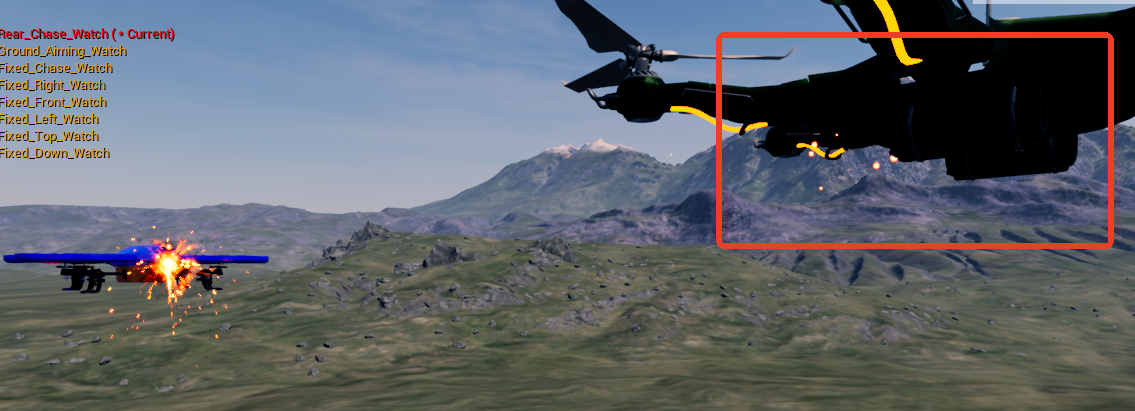
Laser Base
Asset name:
Laser_Base100000835XML type: Not specified; ModelType=Not specified
(Only registered in RflySimUE5)
Communication Arrow Effect (ClassID=850)
Communication Arrow Effect
Asset name:
SendEffArrow100000850XML type: Communication effect; ModelType=2
Communication Circle Effect (ClassID=851)

Communication Circle Effect
Asset name:
SendEffCircle100000851XML type: Communication effect; ModelType=2
Spherical Obstacle (ClassID=853)
Spherical Obstacle
Asset name:
BP_Sphere100000853XML type: Not specified; ModelType=2
(Not built into RflySimUE5)
User-Reserved ID Ranges (Custom Model Import)
The following ClassIDs are not occupied by the platform and are reserved specifically for users to import their own 3D models; DisplayOrder is numbered starting from 1001. For the complete allocation rules and XML syntax, see Section II.
12 – 20
Rotorcraft and Small Aircraft
9 available IDsCustom multirotor / coaxial / tiltrotor models
(User-reserved range)
102 – 119
Fixed-Wing / Compound Wing
18 available IDsAll fixed-wing models use this range
(User-reserved range)
41 – 42, 44 – 49
Calibration Boards and Markers
8 available IDsCustom calibration boards, QR codes, landmarks
(User-reserved range)
53 – 59
Car / Boat / Robot
7 available IDsGround vehicles, unmanned boats, submersibles, robots
(User-reserved range)
61 – 70
Targets and Scene Props
10 available IDsCustom targets, obstacles, props
(User-reserved range)
1 – 2, 7, 9
Miscellaneous Spares
4 available IDsEnabled only after the preceding ranges are exhausted
(User-reserved range)
II. ClassID Occupancy and Custom Reserved Ranges
Each model style in RflySim3D is described by an XML index file, and the unique index of a style is:
- XML index locations: UE4 uses
PX4PSP\RflySim3D\RflySim3D\Plugins\Rfly3DSimPlugin\Content(including all its subdirectories at every level) and...\RflySim3D\Content; the UE5 equivalents arePX4PSP\RflySimUE5\RflySim3D\Plugins\Rfly3DSimPlugin\Contentand...\RflySim3D\Content. The synchronization script recursively scans these directories, not limited to a subdirectory namedXML. - Preview image convention: Model thumbnails are placed in the same directory as the XML file of the same name (
modelname.xml↔modelname.png), and the RflySim3D scene element UI reads them automatically; if an image is missing, only the name is displayed. - Full index export: Press F2 in RflySim3D to generate
[RflySim installation path]\RflySim3D\ModelData.csv, which is the complete list of styles actually in effect for the current installation.
2.1 ClassID Allocation Rules
- ClassID must be less than 1000 and should be taken as early as possible — the low number range is the platform's primary index area, while the later ranges are reserved for scene elements and plugin assets.
- Fixed-wing models (including transport aircraft, reconnaissance/strike UAVs, and the fixed-wing portion of composite-wing aircraft) must fall within the free range of 100 – 250, grouped into the same major range as the built-in
ClassID=100fixed-wing/flying-wing models. DisplayOrderis numbered starting from1001: values less than 1000 will be sorted before built-in styles and seize the top of the list; duplicates under the same ClassID are not allowed, otherwise theUnique3DClassIDwill be identical and the later-loaded one will overwrite the earlier-loaded one.- Merge by major category where possible: Models of the same type should preferentially reuse an existing ClassID (a new quadcopter simply uses
ClassID=3+ a newDisplayOrder); only open a new range when the major category truly does not exist.
Functional positioning of each number range:
| Number Range | Functional Positioning |
|---|---|
| 1 – 19 | Rotorcraft and small aerial vehicles |
| 20 – 39 | Characters, roles, and special rotorcraft |
| 40 – 59 | Calibration boards, ground vehicles, and markers |
| 60 – 99 | Lights, sensors, and scene props |
| 100 – 250 | Fixed-wing, flying-wing, transport aircraft (fixed-wing models must use this range) |
| 251 – 299 | Targets, effects, and legacy-compatible models |
| 300 – 399 | Special-purpose aerial vehicles and system models |
| 400 – 599 | Ground vehicles, training props, and teaching models |
| 600 – 699 | Ships, submarines, VTOL, and surface/underwater models |
| 700 – 799 | Training, display, and extended props |
| 800 – 899 | Plugins, blueprints, and interactive custom assets |
| 900 – 999 | Environment, vegetation, animals, and architectural props |
2.2 ClassIDs Reserved for User-Defined Models
To avoid conflicts with built-in models added in platform upgrades, this document sets aside the following number ranges, which will not be occupied by subsequent platform versions. When importing your own 3D models, take from them by category, occupying from smallest to largest within the same category; the "User-reserved range" group at the end of Section I provides quick-reference cards using the same division:
| Reserved ClassID | Quantity | Suggested Use |
|---|---|---|
| 12 – 20 | 9 | Custom rotorcraft and small aerial vehicles (multirotor, coaxial, tiltrotor, etc.) |
| 102 – 119 | 18 | Custom fixed-wing / composite-wing — fixed-wing always uses this range |
| 41 – 42, 44 – 49 | 8 | Custom calibration boards, QR codes, and markers |
| 53 – 59 | 7 | Custom ground vehicles, unmanned surface vehicles, underwater vehicles, and robots |
| 61 – 70 | 10 | Custom targets, obstacles, and scene props |
| 1 – 2, 7, 9 | 4 | Miscellaneous spare (7 is released after the blueprint fixed-wing is renumbered) |
Example: To import a custom fixed-wing, take the smallest reserved ClassID=102 and DisplayOrder=1001 according to the rules, then Unique3DClassID = 1001 × 100000 + 102 = 100100102.
<?xml version="1.0" encoding="utf-8"?>
<ModelInfo>
    <ClassID>102</ClassID>
    <DisplayOrder>1001</DisplayOrder>
    <Name>MyFixedWing</Name>
    <!-- For the remaining tags, see "RflySim3D Model Import XML Configuration Rules" -->
</ModelInfo>
Place MyFixedWing.xml together with the same-name preview image MyFixedWing.png into the XML index directory, and copy the model resources into RflySim3D\RflySim3D\Content according to MeshPath; set CLASS_3D_ID=100100102 in the BAT script, or call ue.sendUE4Pos(..., vehicleType=100100102, ...) in Python to load it. After importing, press F2 to re-export ModelData.csv and verify that the index matches expectations.
For the complete tag descriptions and import workflow, see RflySim3D Model Import XML Configuration Rules.
III. 3D Scenes
When RflySim3D/RflySimUE5 starts, it automatically scans all .umap maps in the RflySim3D\RflySim3D\Content directory (those starting with - are hidden sublevels and are not included); some scenes are not distributed with the installation package and are loaded online after being selected in the map menu. To switch maps: use the console command RflyChangeMapbyName <map name>. The engine ownership of a scene is determined by its respective scene registry (the scenes available in UE4 and UE5 differ; the annotations have the same meaning as above).
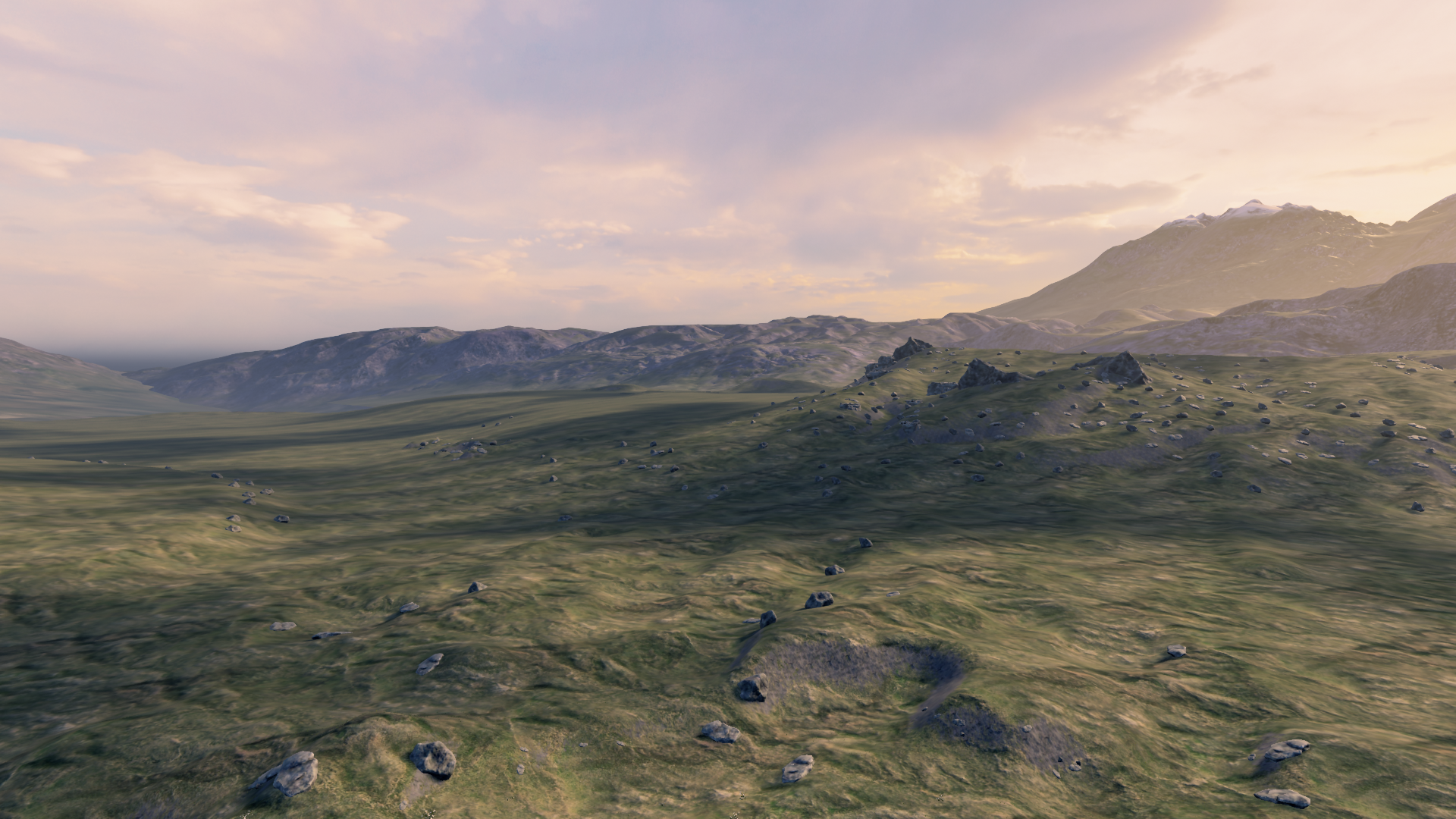
3DDisplay
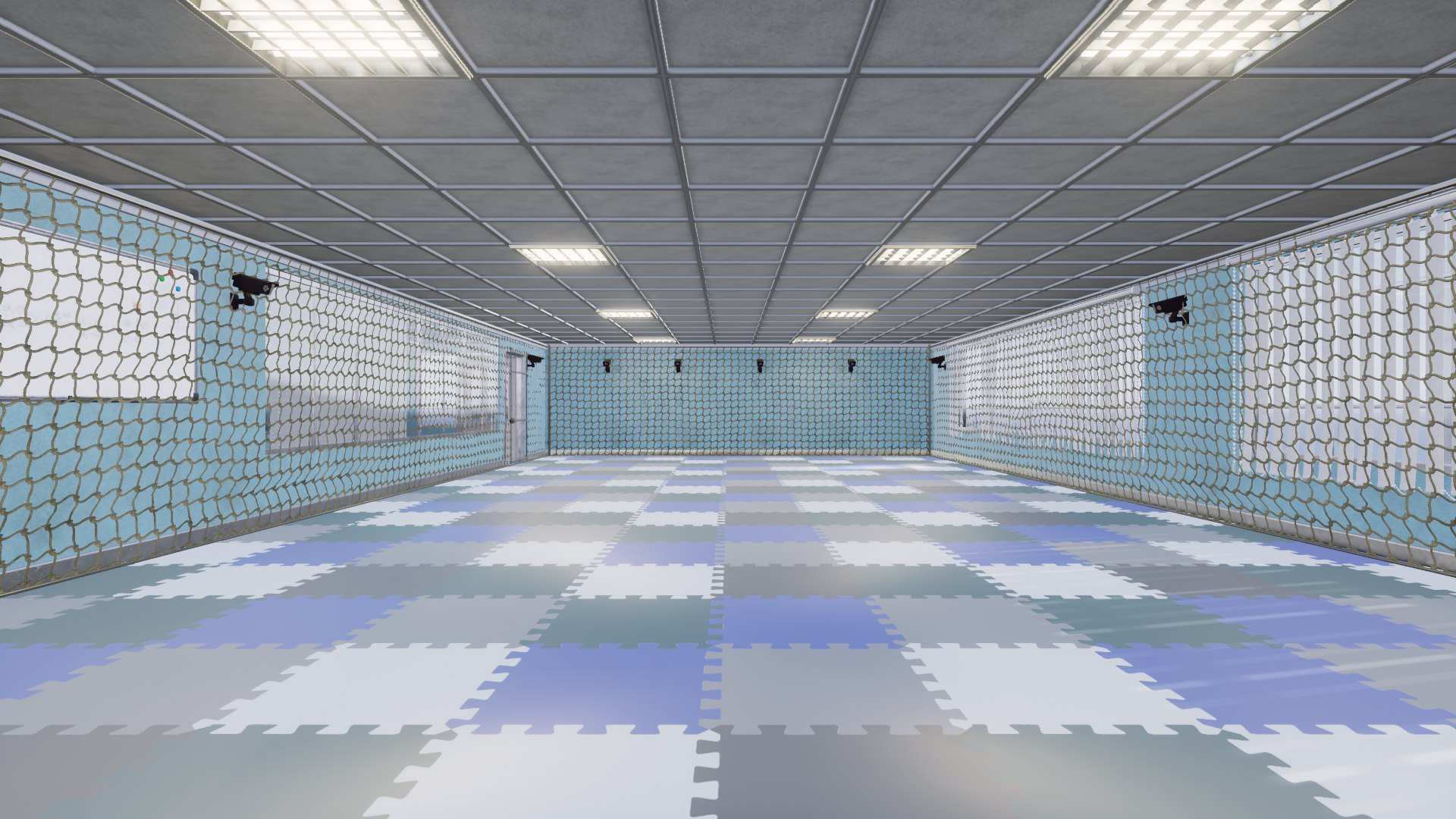
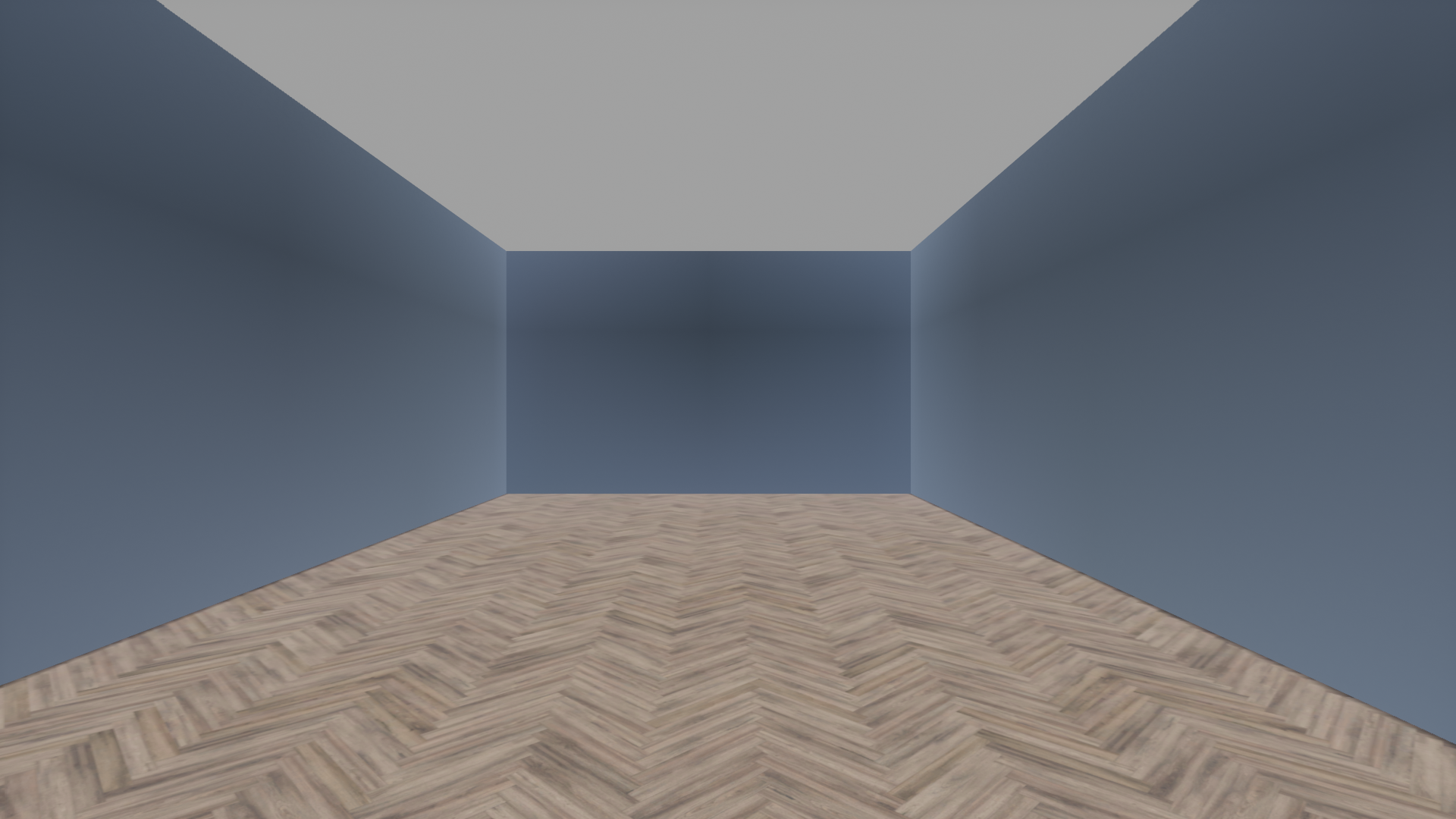
CameraRoom
(Not built into RflySimUE5)
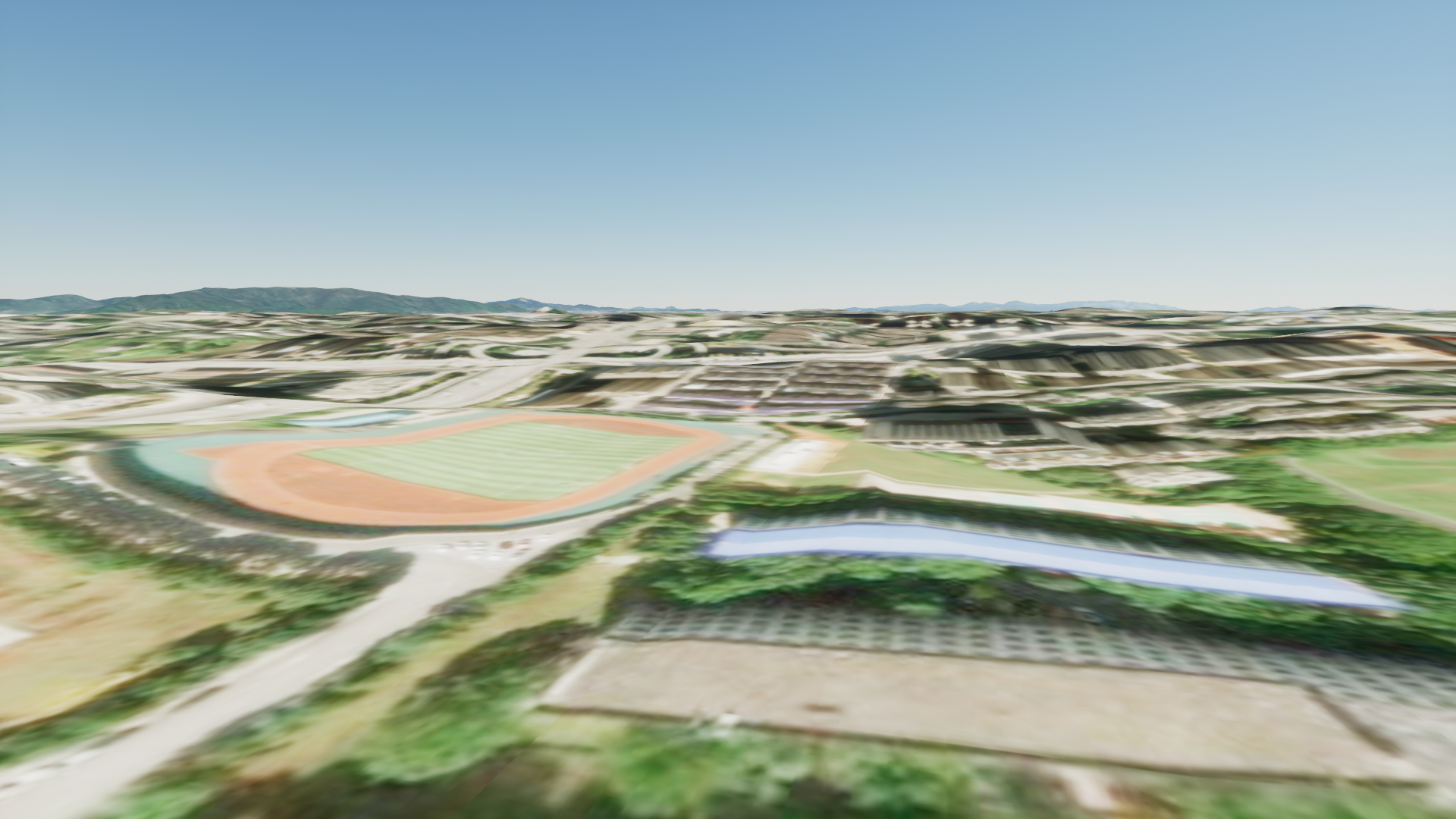
ChallengeMap
(Not built into RflySimUE5)
Changsha
(Not built into RflySimUE5)
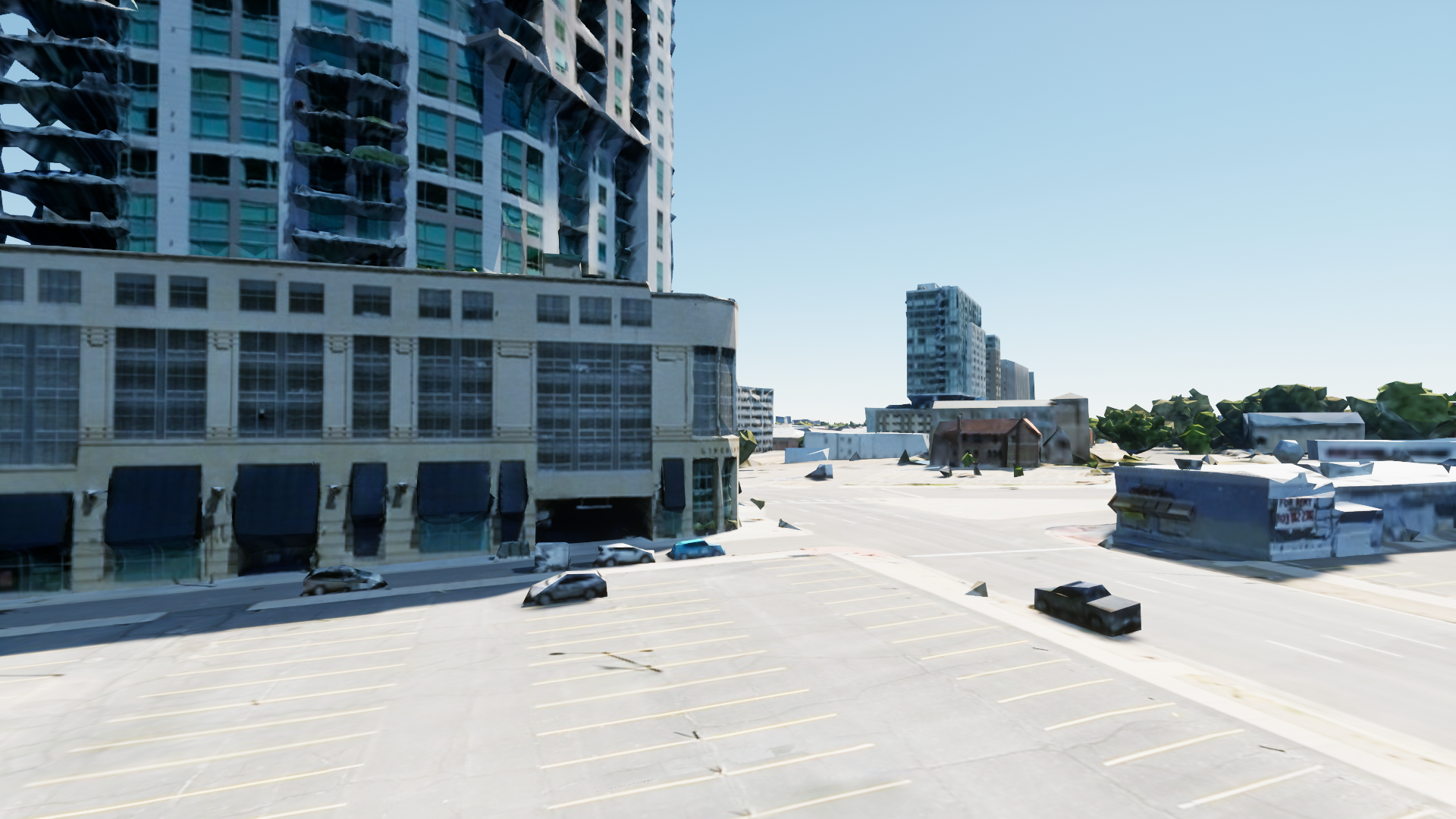
Denver
(Not built into RflySimUE5)
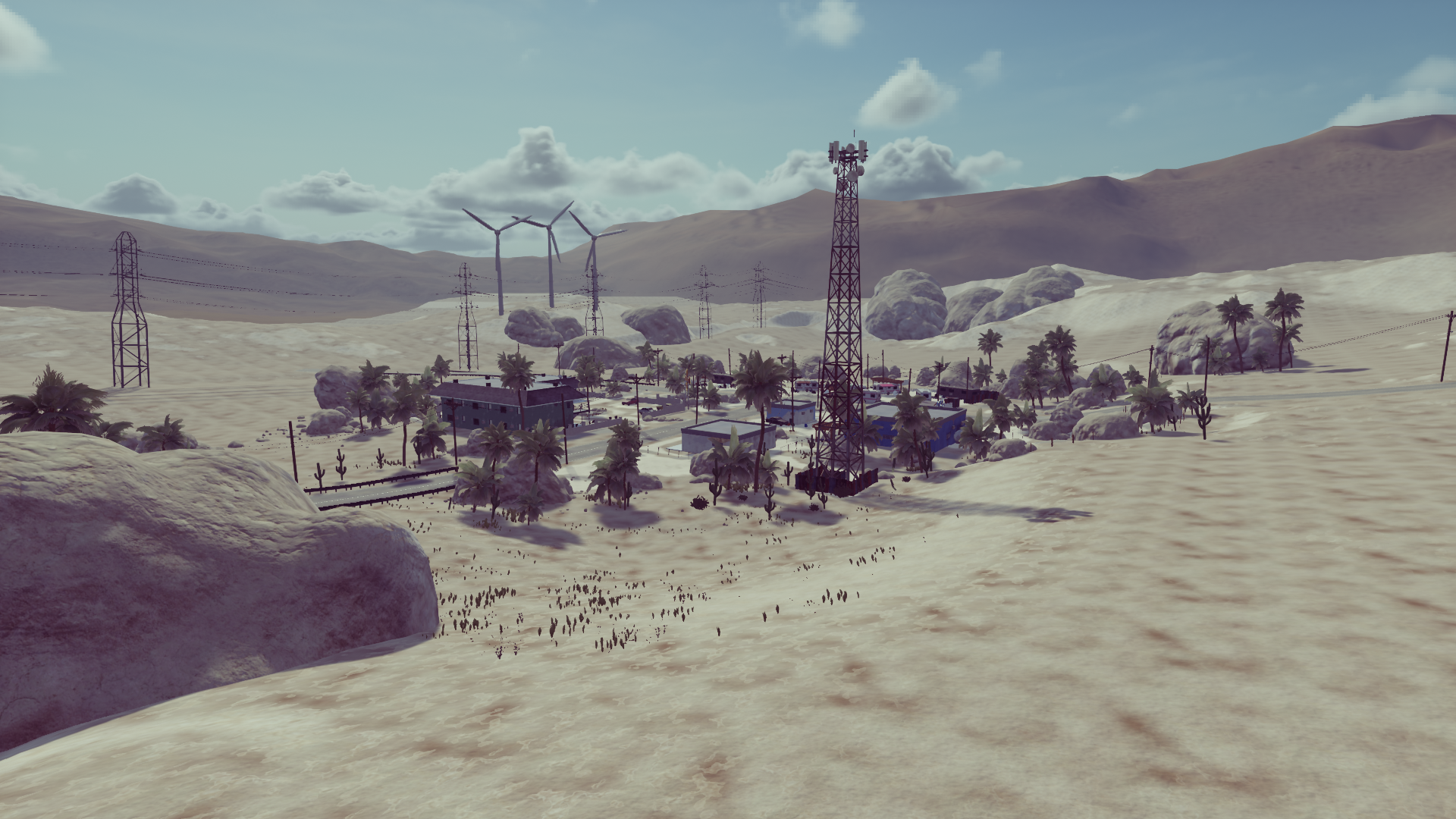
DesertTown
(Full Edition and above only)
(Not built into RflySimUE5)
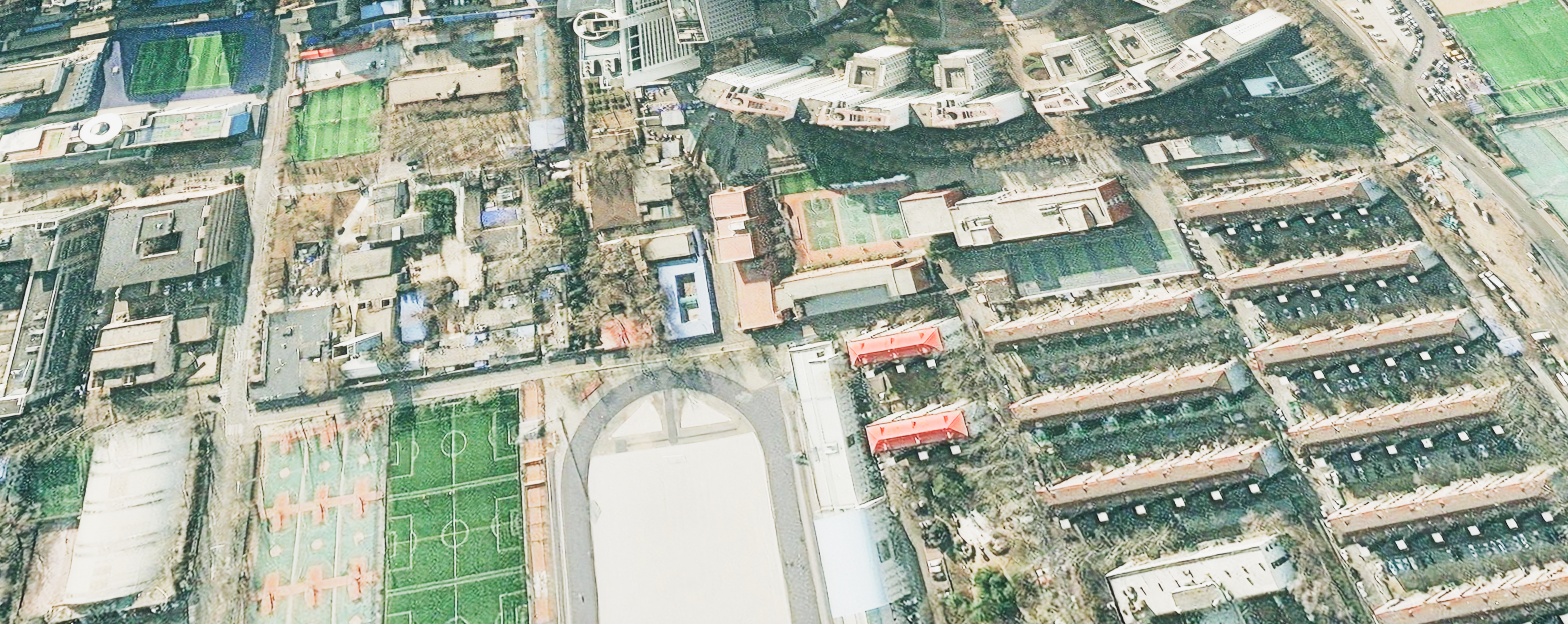
EarthMap
(Not built into RflySimUE5)
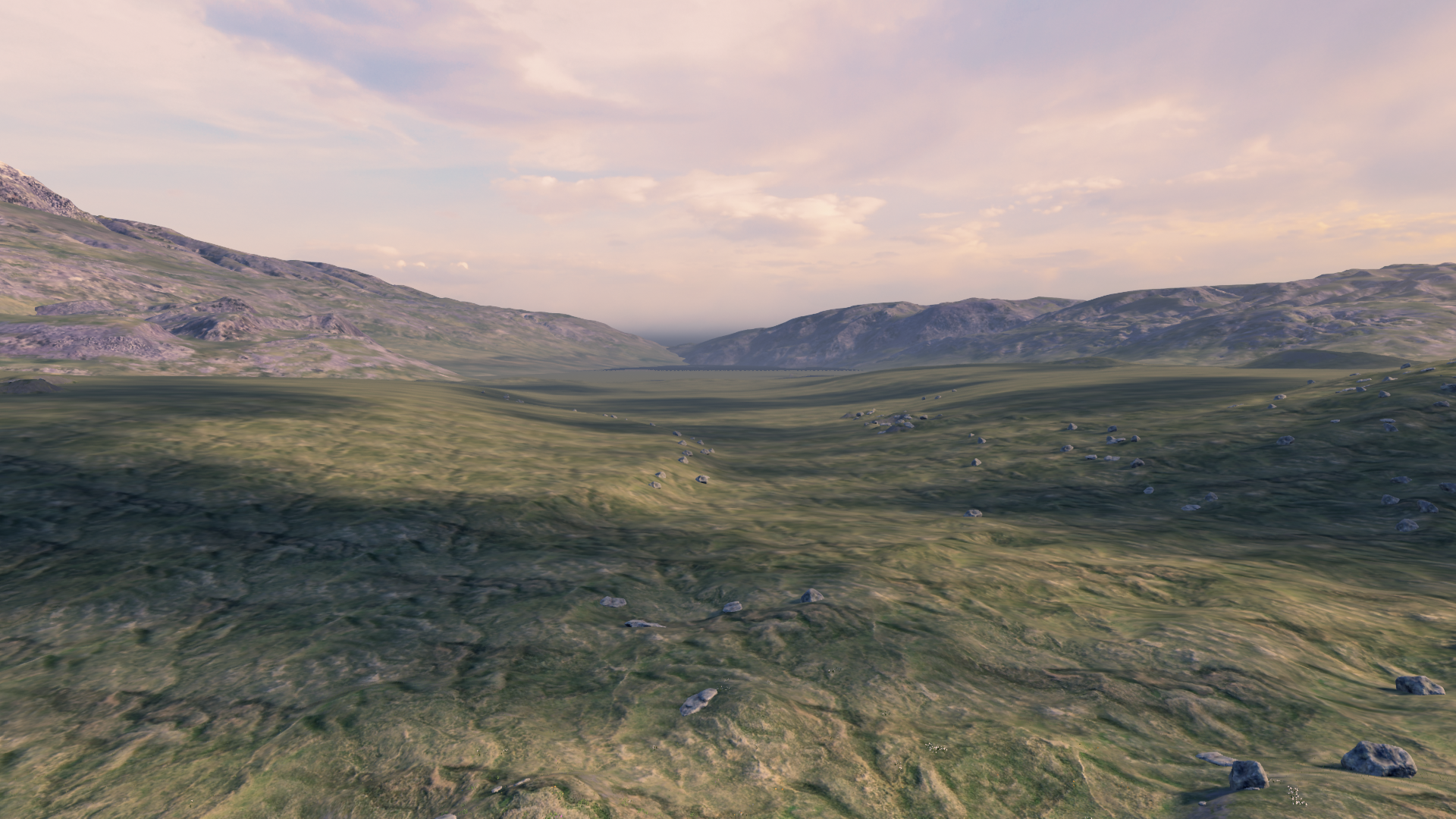
Grasslands

LightShow
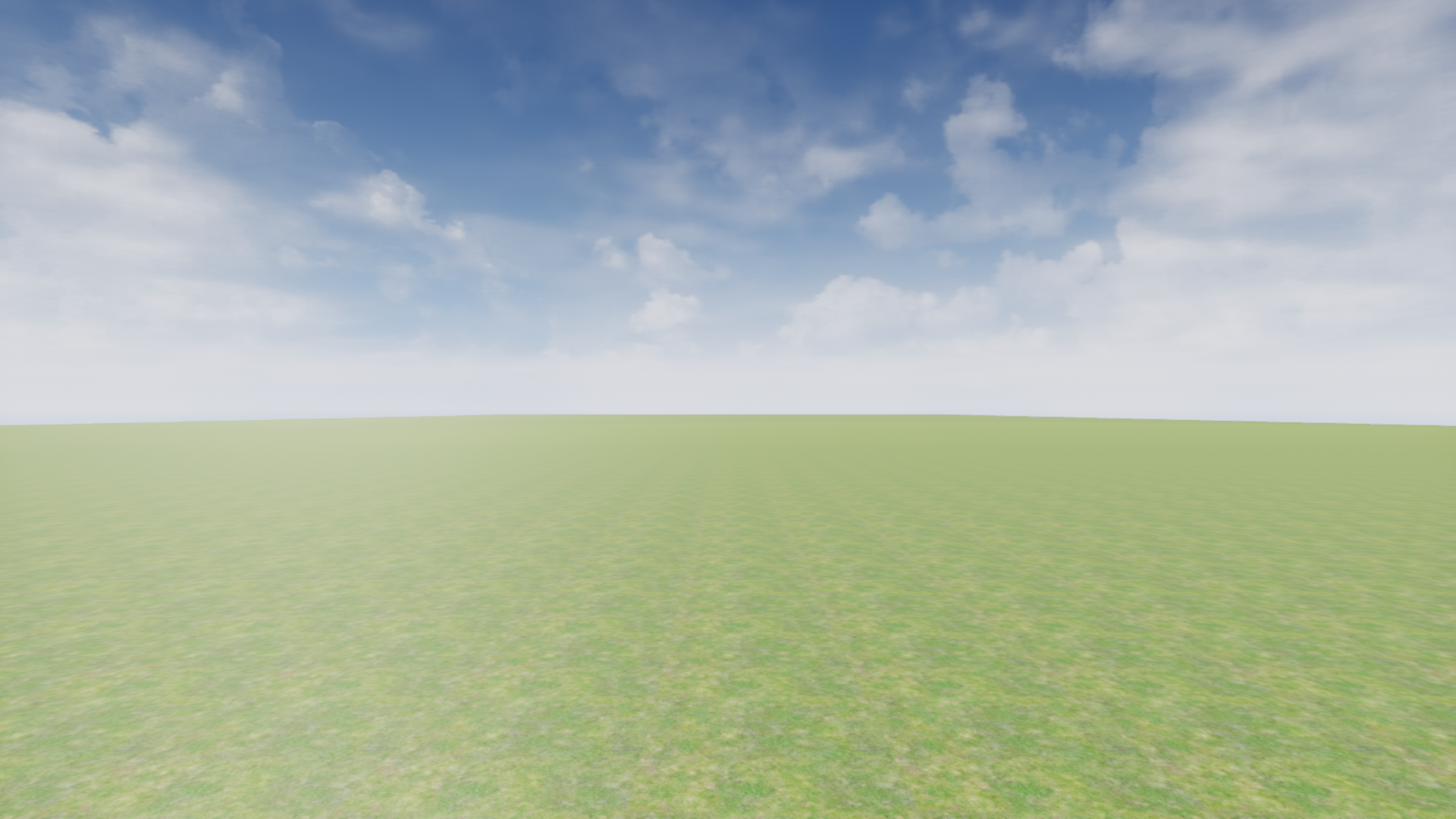
LowGPU
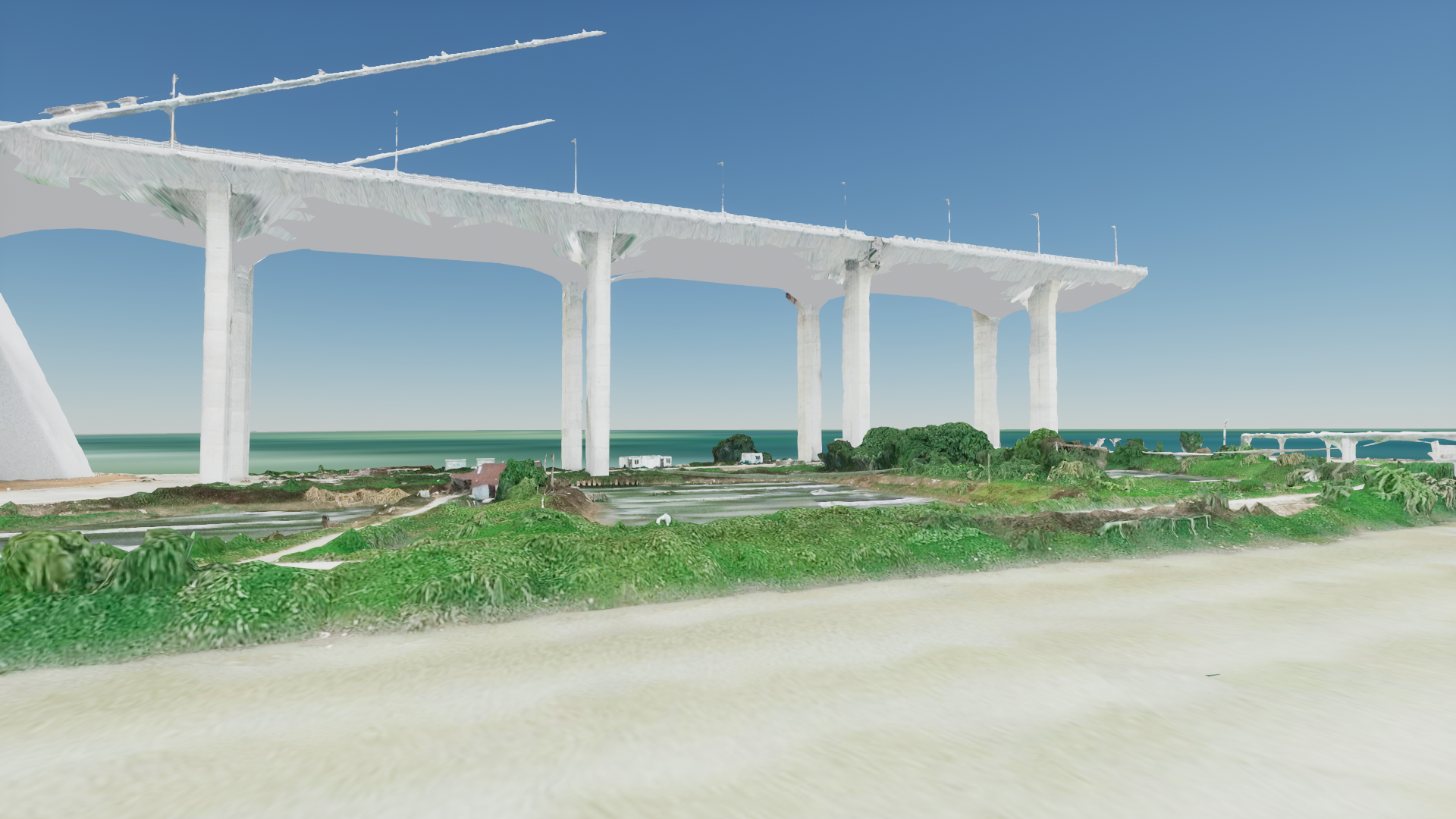
MapData
(Not built into RflySimUE5)
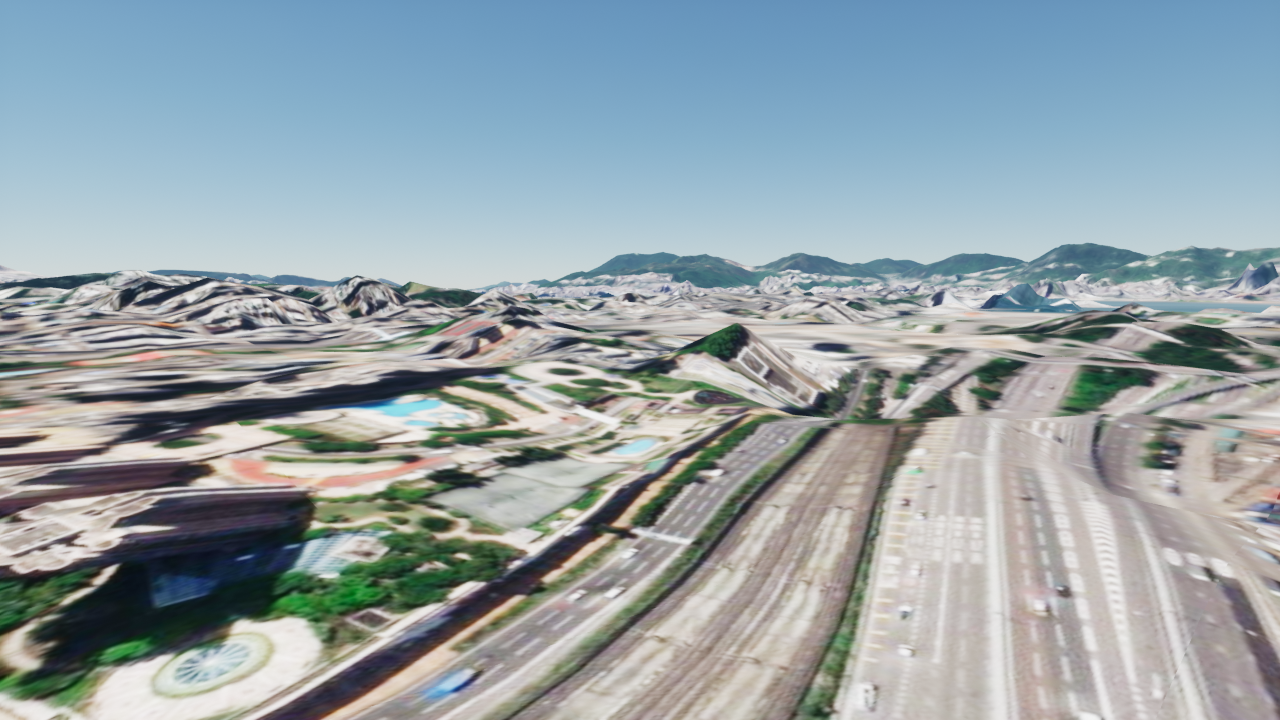
MapDataHongkong
(Not registered in the current installation)
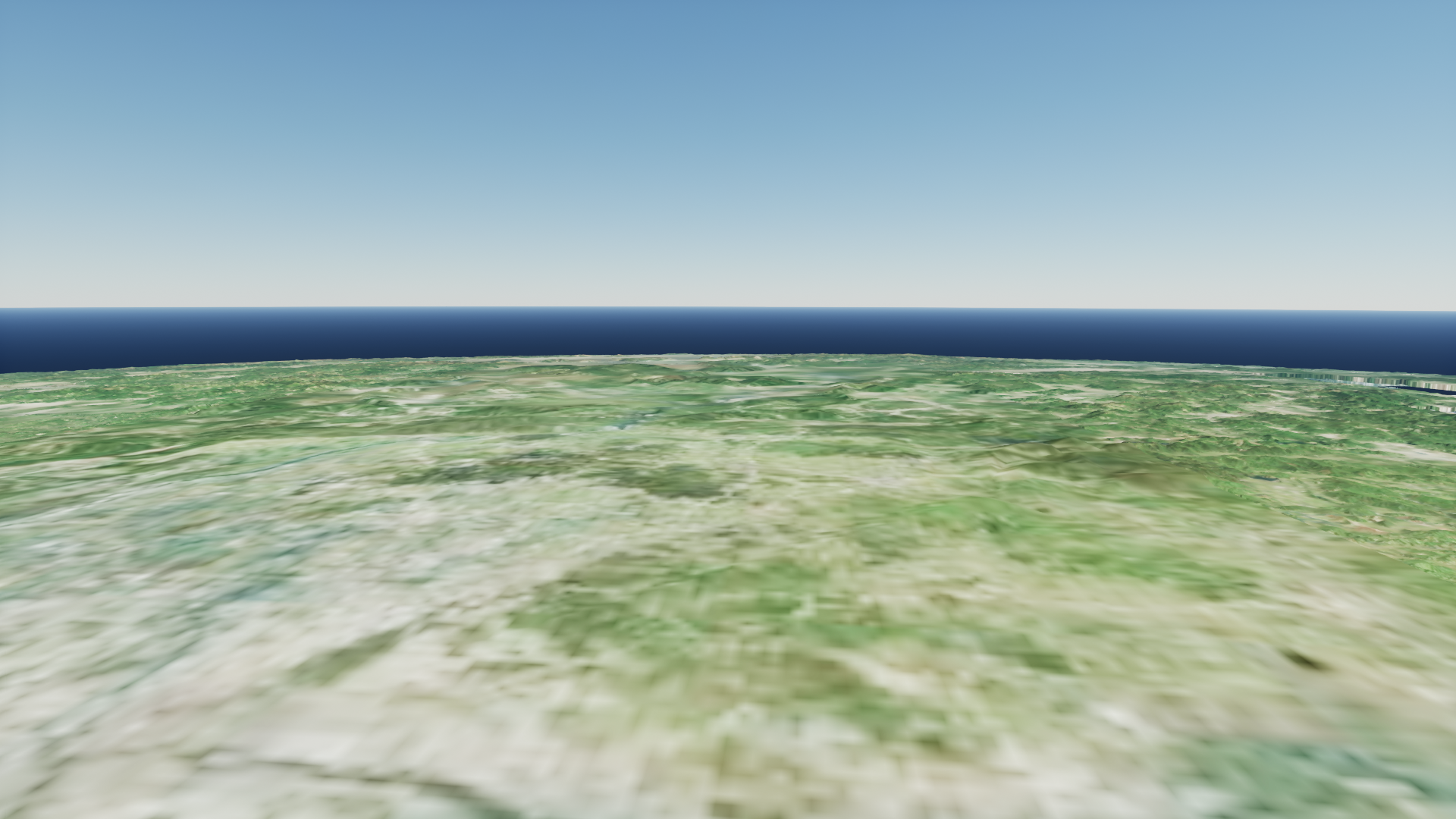
MapSmall
(Not built into RflySimUE5)
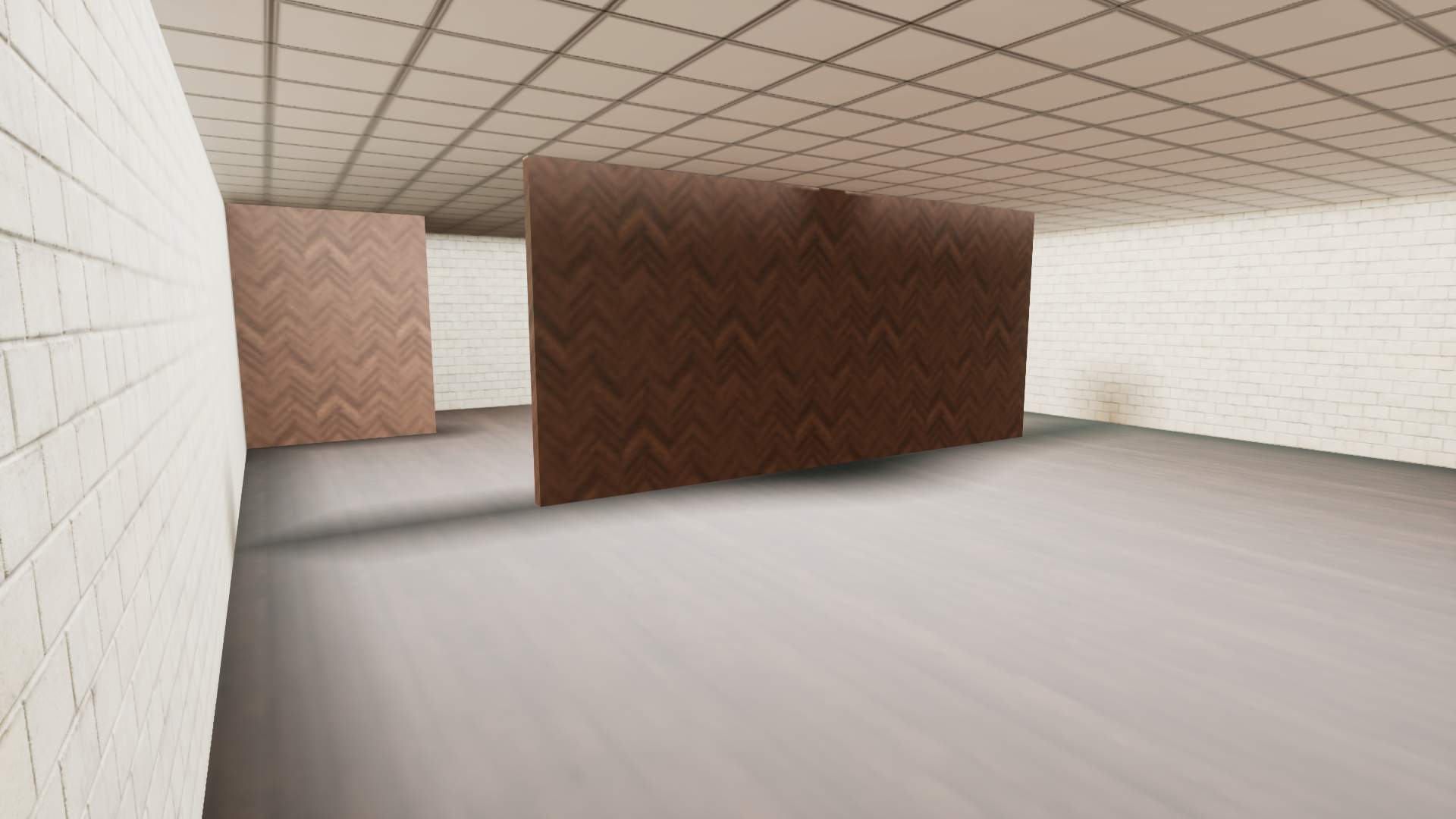
MatchScene
(Not built into RflySimUE5)
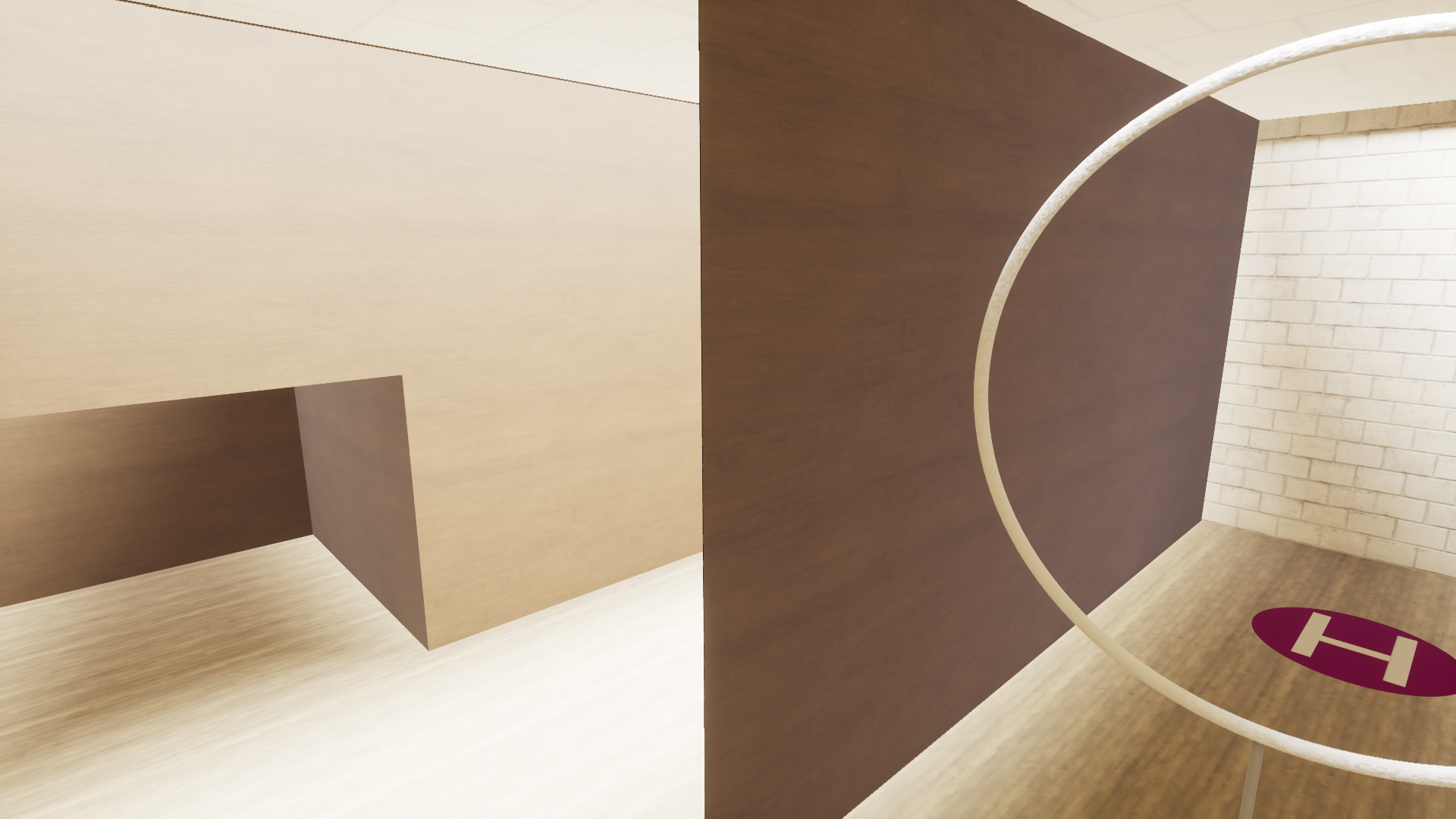
MatchScene2
(Not built into RflySimUE5)
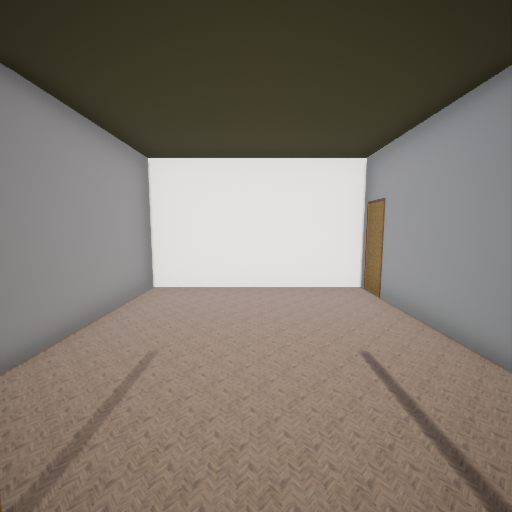
MatchScene2025
(Not built into RflySimUE5)
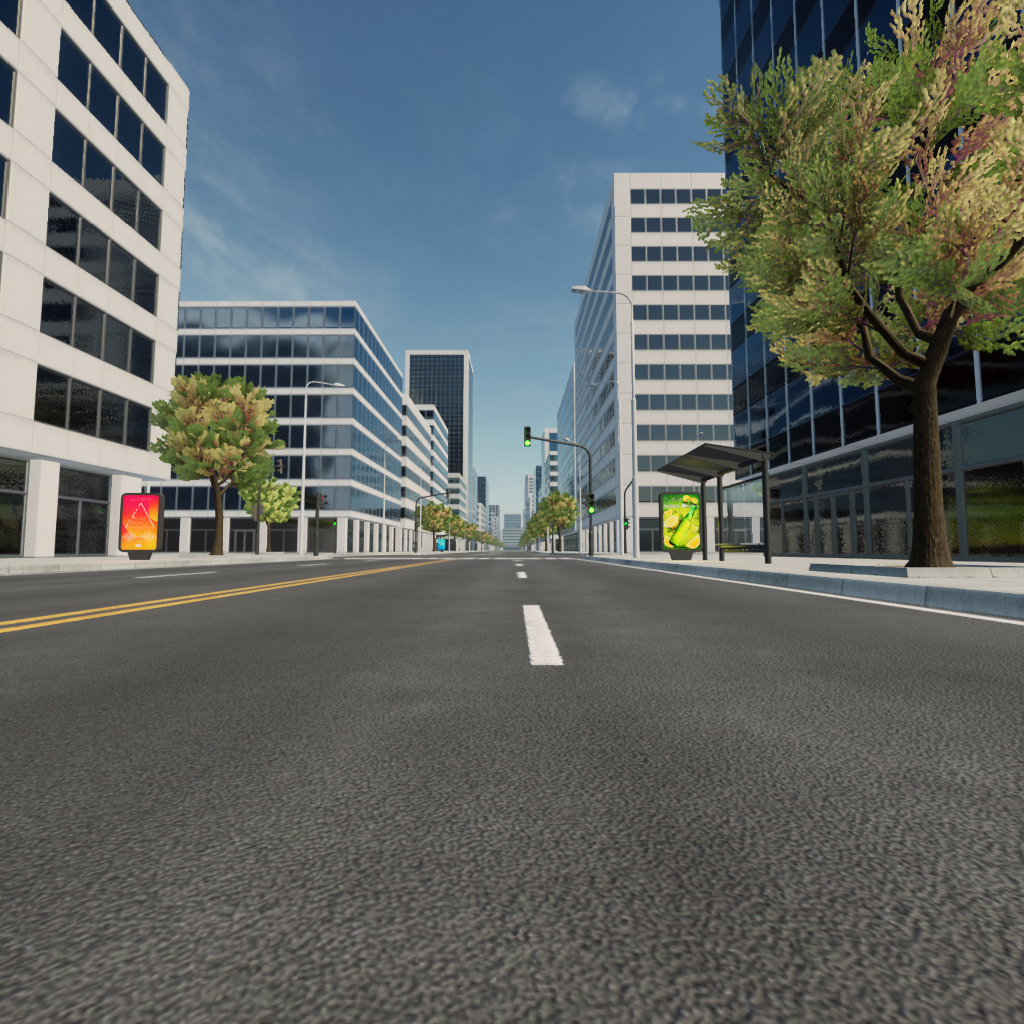
ModernCityBundle
(Full Edition and above only)
(Not built into RflySimUE5)
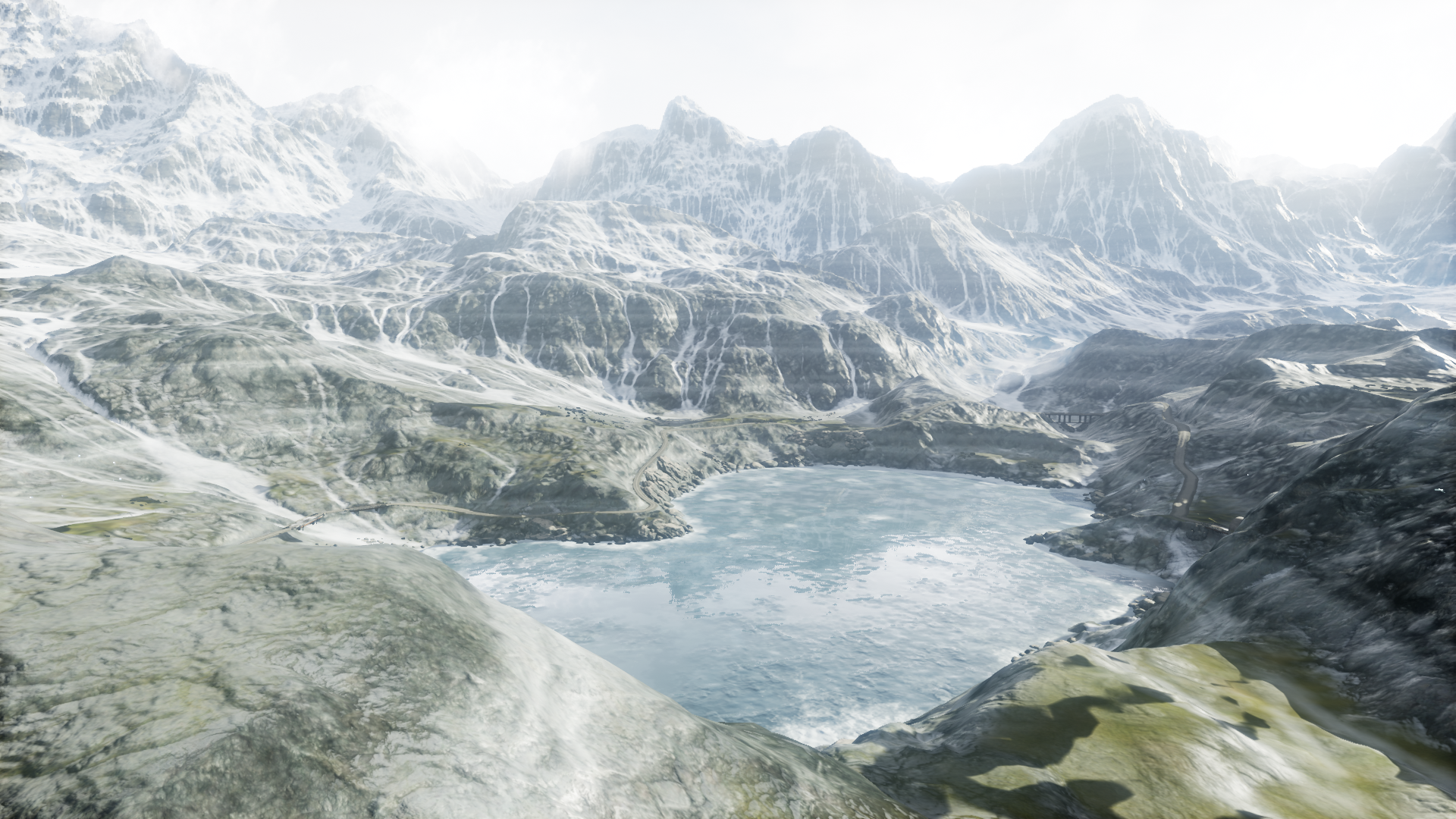
MountainTerrain
(Not built into RflySimUE5)
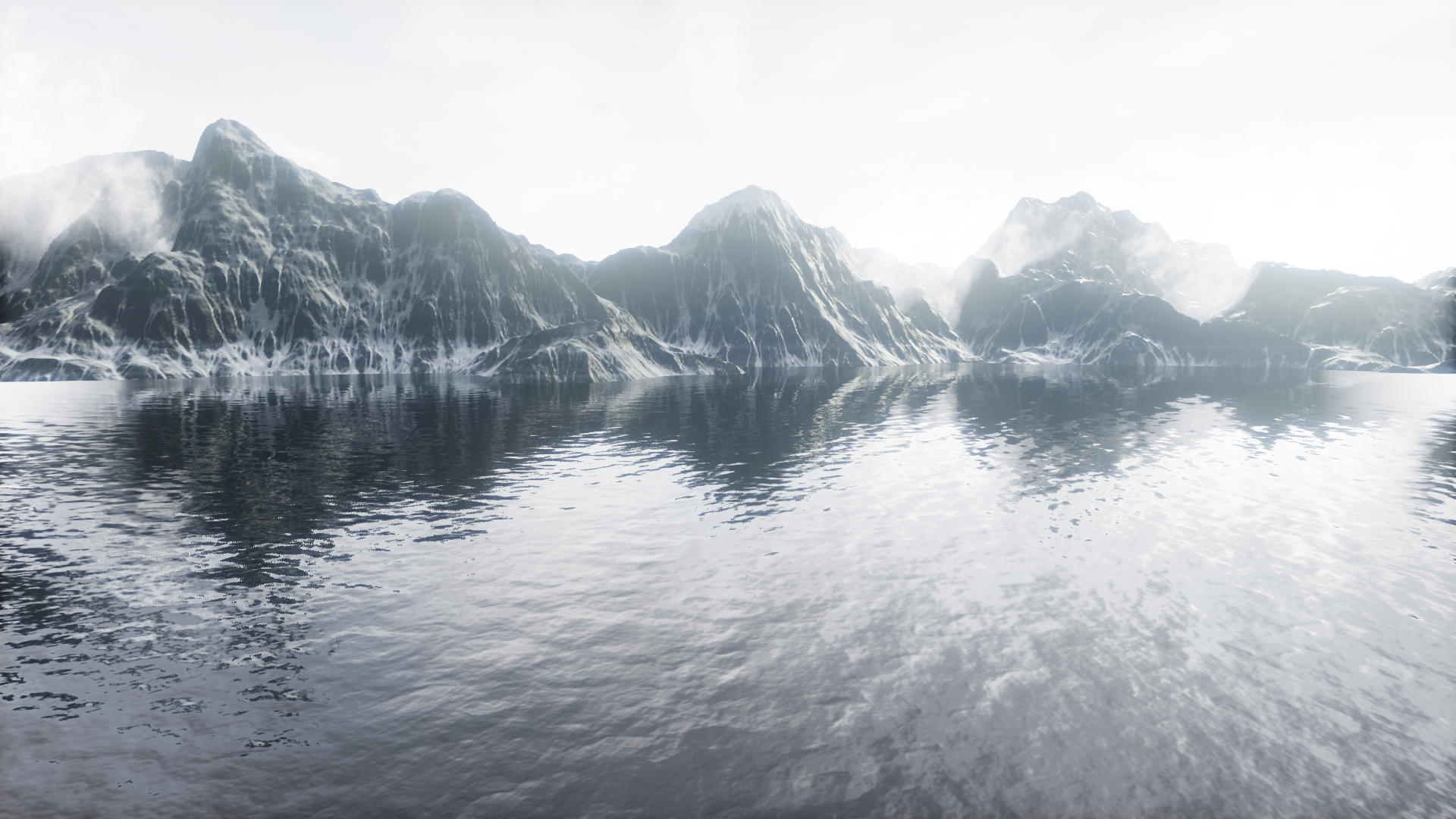
MountainTerrain_Water
(Not built into RflySimUE5)
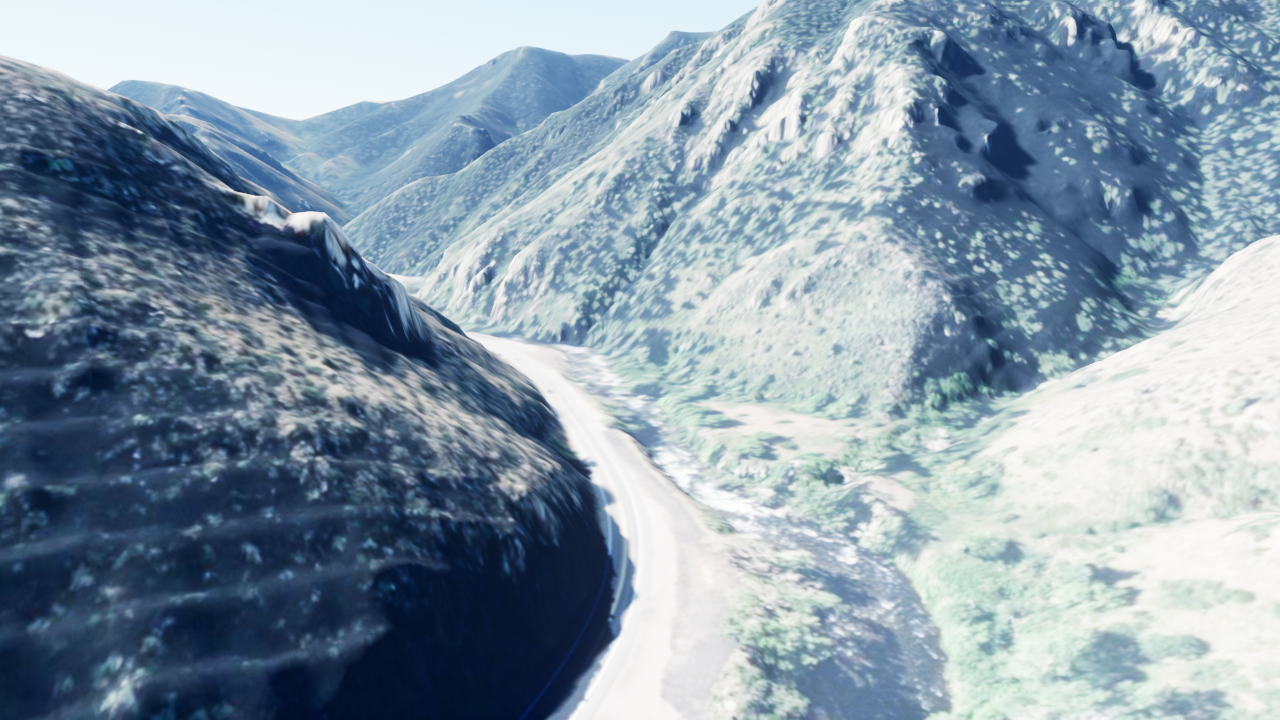
MoutainRoad
(Not built into RflySimUE5)
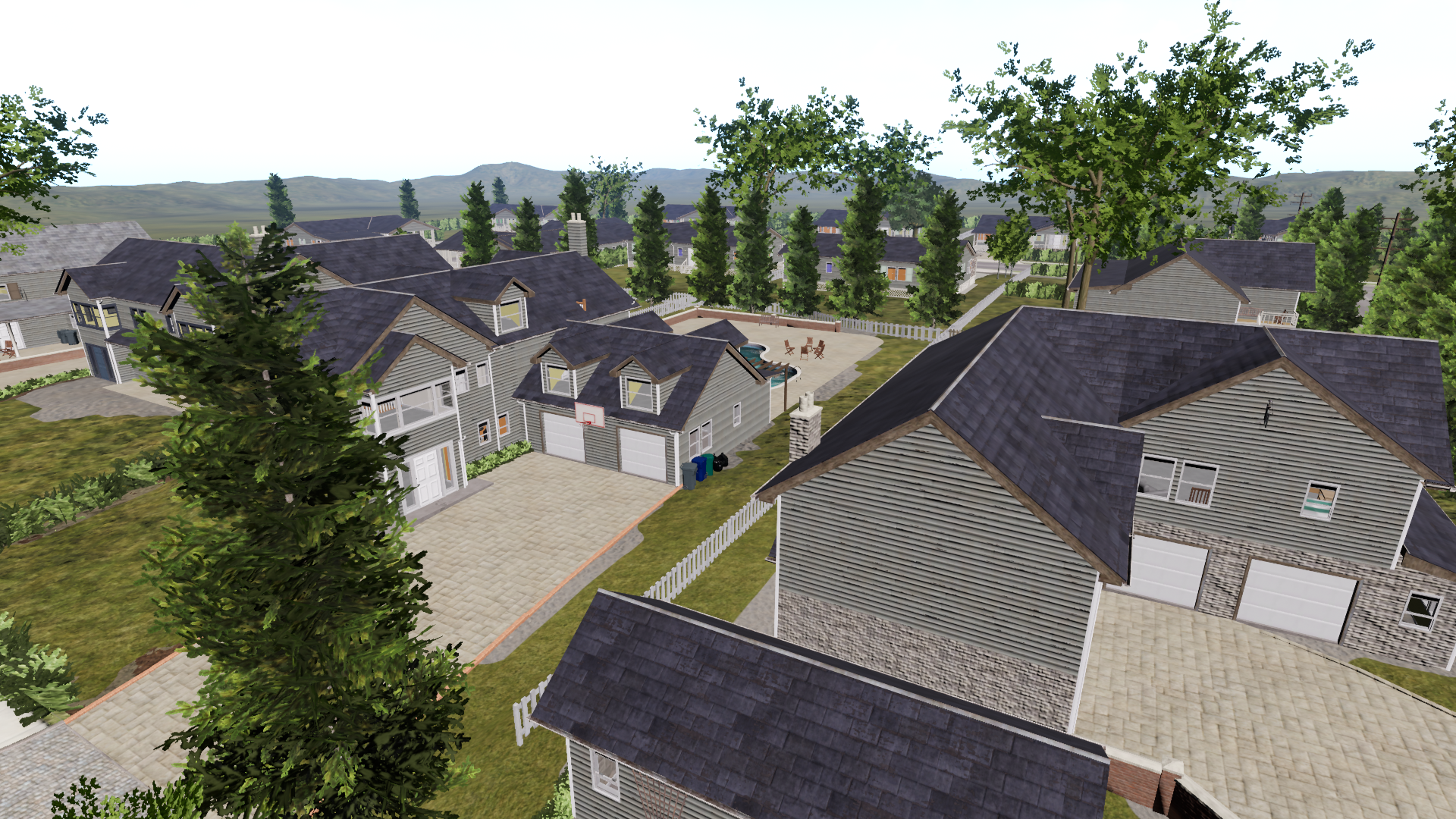
NeighborhoodPark
(Not built into RflySimUE5)
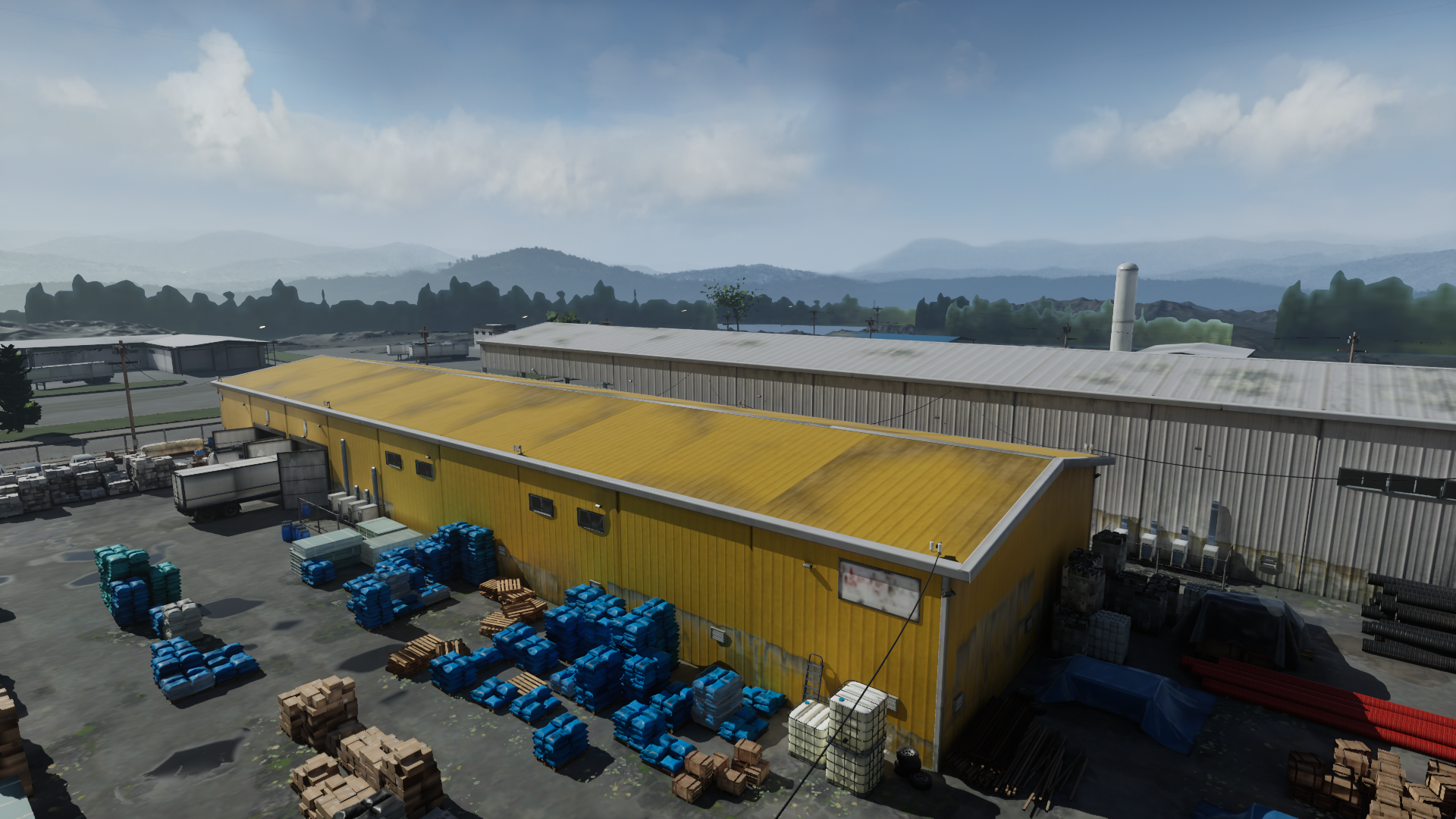
OldFactory
(Not built into RflySimUE5)
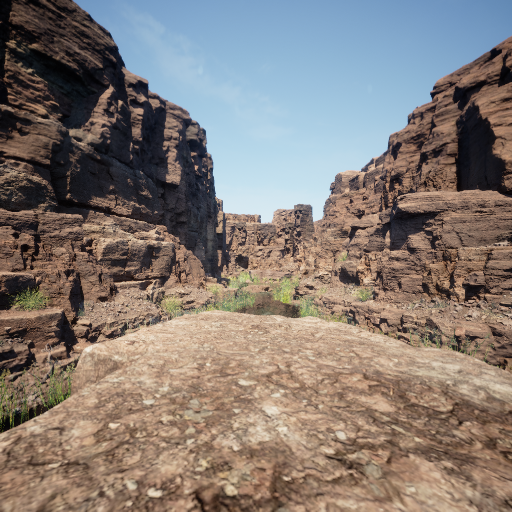
Quarry
(Only registered in RflySimUE5)
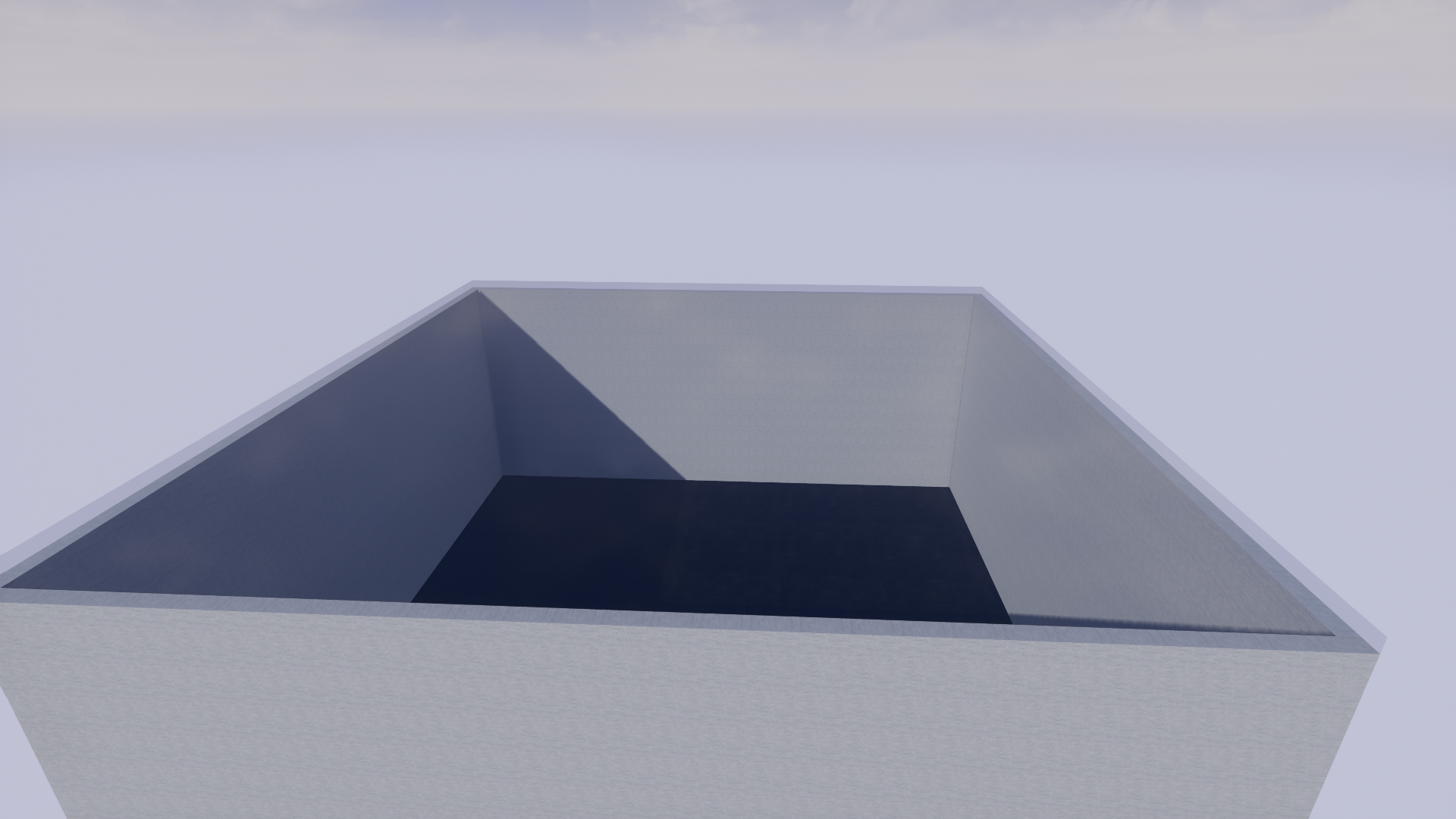
SLAMScene
(Not built into RflySimUE5)
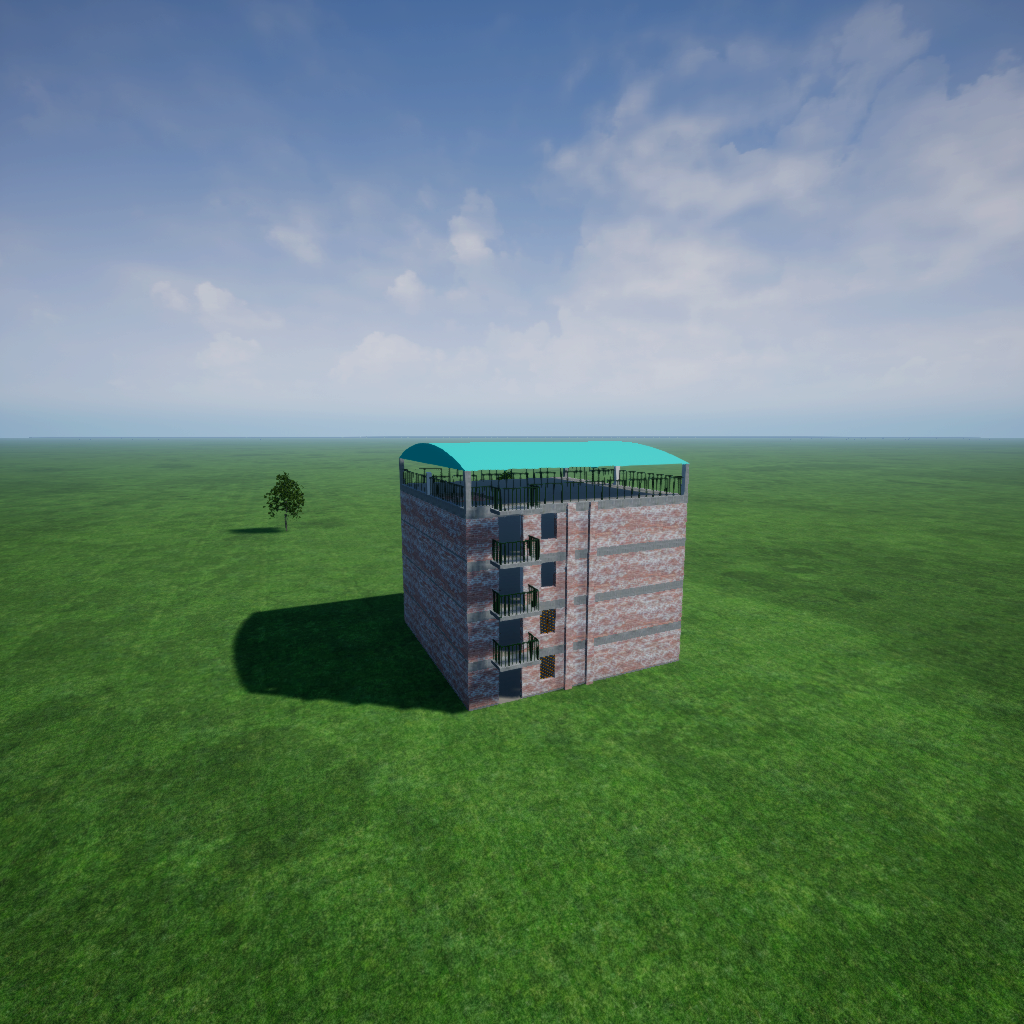
TerrorTest
(Not built into RflySimUE5)
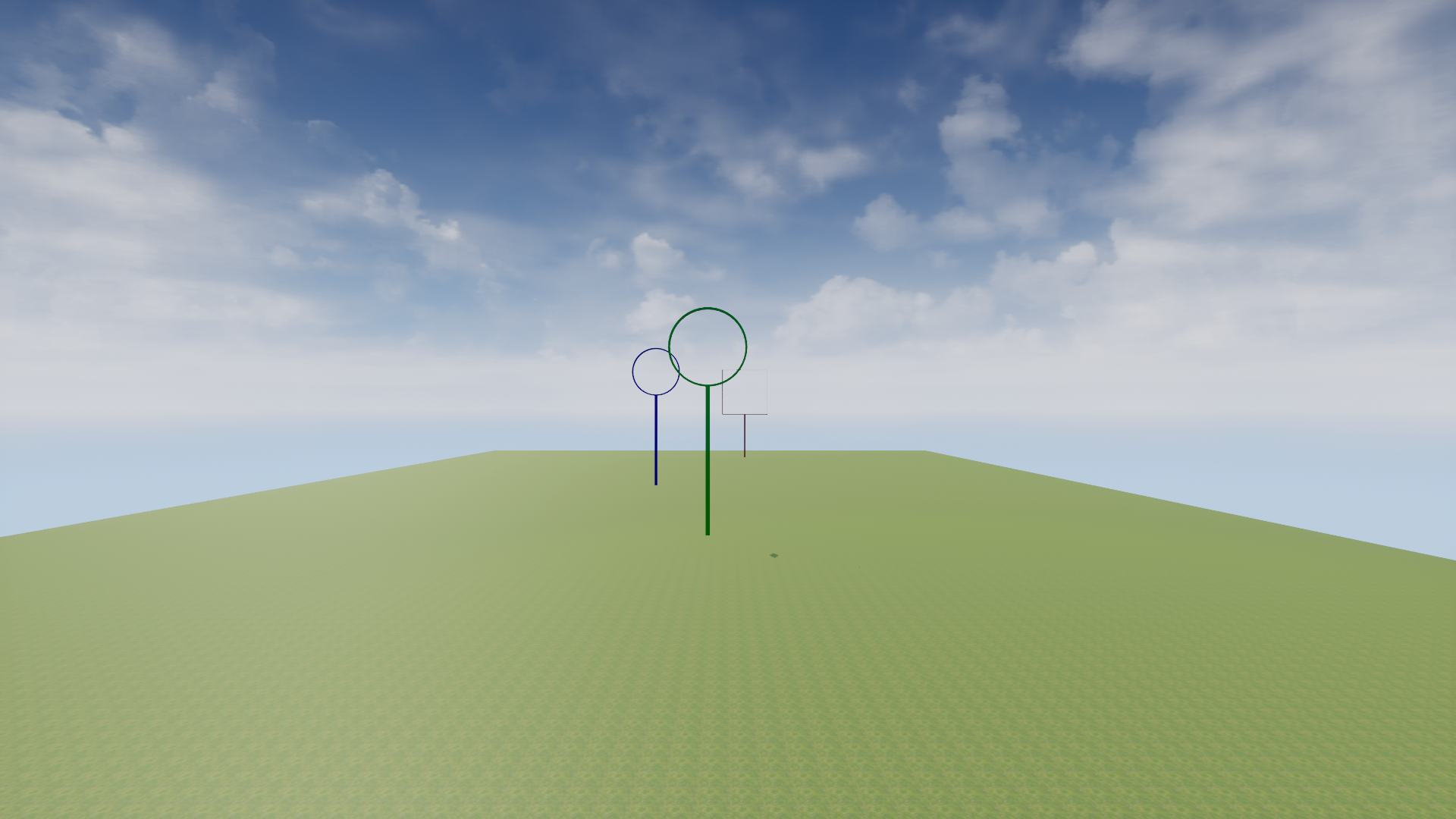
VisionRing
VisionRingBlank
WhiteMap
Platform Scene Resources
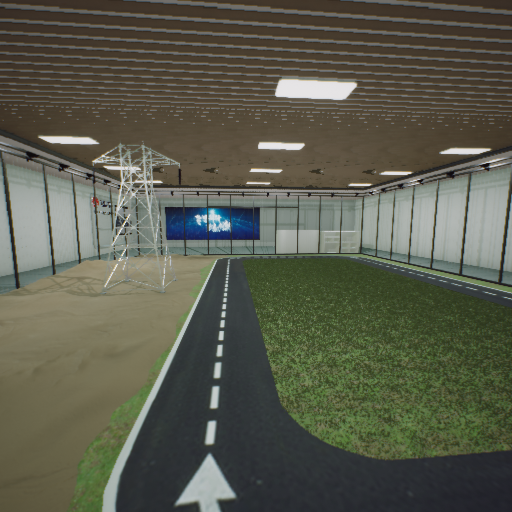
ExhibitionHall
UMAP asset
(Not built into RflySimUE5)
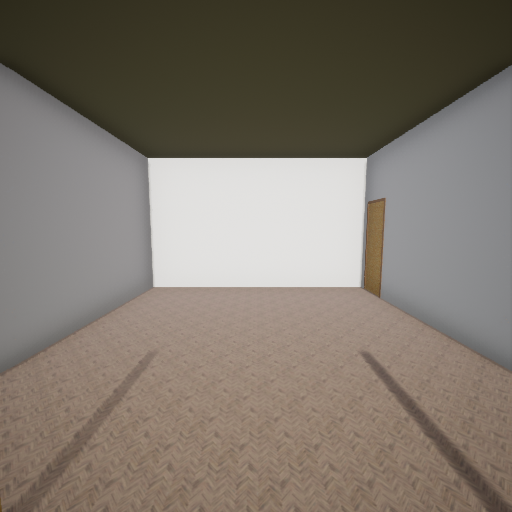
MatchScene2025_Height
UMAP asset
(Not built into RflySimUE5)
IV. Custom Scenario Import
Required Files for RflySim3D Scenarios
A complete simulation scenario in RflySim3D requires two parts of information:
1. Scenario File (****.umap)
After cooking, copy the scenario file from the directory
【UE Project Main Folder】\Saved\Cooked\WindowsNoEditor\【Project Name】\Content
to the directory
【Installation Directory】\RflySim3D\RflySim3D\Content.
Notes:
- After cooking and copying, do not modify the names of the resulting files or folders, nor create new folders under
\RflySim3D\Content. Renaming must be performed only within the UE editor. - Each
****.umapmap file (note: the name may differ before and after cooking) corresponds to an independent 3D scene. RflySim3D/RflySimUE5 automatically scans all.umapfiles in thePX4PSP\RflySim3D\RflySim3D\Contentdirectory. - The height below the horizontal plane in the scene must not exceed 50 m. This is determined by the reference altitude of the initial point in the CopterSim DLL model, specified by the
ModelParam_envAlitudeparameter in theinit.mfile. To ensure the lowest point in the scene lies above the horizontal plane, the lowest point in the scene should be set as the scene reference point. The following uses the OldFactory scene as an example to illustrate this process:
First, import the scene into RflySim3D, visually estimate the lowest point in the scene, and double-click to read its elevation data. Here, it is found that the lowest point in this scene lies 70 m below the horizontal plane.
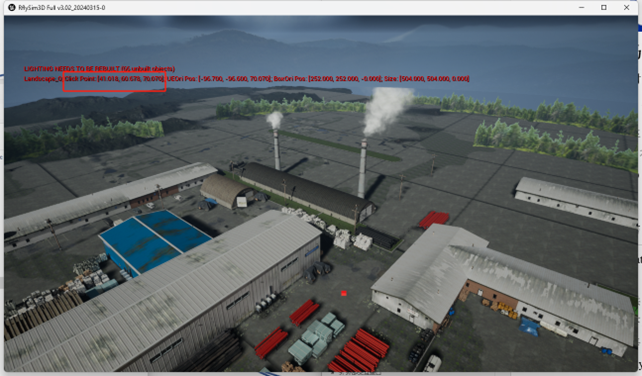
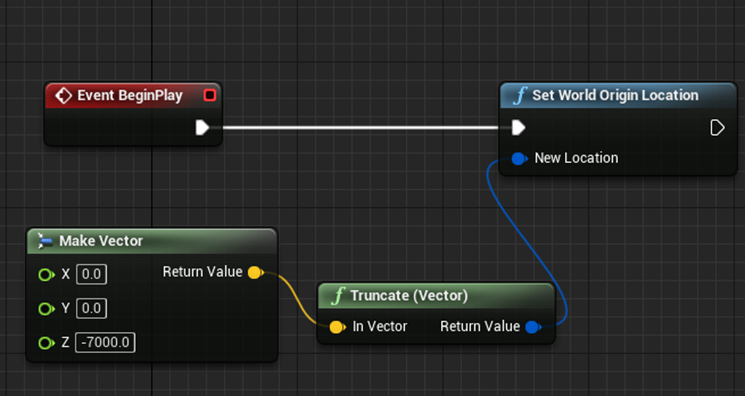
Therefore, open the Level Blueprint of this scene in UE, and set the lowest point in the scene (7000 cm below the horizontal plane) as the reference point—equivalent to shifting the entire scene upward by 70 m. Save the Level Blueprint, then repackage and import the scene into RflySim3D.
2. Terrain Elevation Data (****.png)
Before importing the scene, observe and record the approximate dimensions of the scene in the UE editor (unit: centimeters). After cooking and importing the scene into RflySim3D, use the RflyScanTerrainH (terrain scanning) command in RflySim3D with a range slightly larger than that of the ****.umap scene (unit: meters). This will generate corresponding ****.png and ****.txt files in the PX4PSP\RflySim3D directory, storing the elevation data and terrain calibration/range information, respectively. Copy these two files into PX4PSP\CopterSim\external\map to complete the import.
Notes:
- The PNG terrain file is essentially a 2D matrix stored in image format, containing the elevation map of the scene. Storing the matrix in PNG format enables efficient compression of the elevation matrix, thereby saving storage space.
- The PNG elevation file does not include information such as coordinate origin, scale, or scene boundaries. Therefore, a calibration file is required. The RflySim platform uses a TXT file to input a 9-dimensional or 12-dimensional array (the latter includes additional latitude, longitude, and altitude geodetic reference information) to provide calibration data.
3. Terrain Calibration Data (****.txt)
The TXT calibration file in the platform stores the 3D coordinates of three points: - The top-right 3D point (both x and y are positive, z positive upward), - The bottom-left 3D point (both x and y are negative, z positive upward), - A third 3D point (its position can be chosen freely; theoretically, it should have a significant height difference relative to the first two points to help calibrate the vertical scale).
All units are in centimeters. The first two points define the terrain's range and center coordinates, while the third point aids in height scale calibration.
Additionally, when using Cesium-based global large-scale scenes in RflySim3D (available only in the Personal Advanced Edition and above), the TXT file may include 3D GPS terrain data after the above 9-dimensional data. The GPS data should be entered in the order of latitude, longitude, and altitude, and can be configured to match the reference coordinate displayed in QGroundControl.