4.3 Frequently Asked Questions
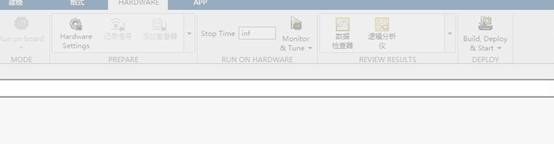
4.3.1 When trying to use Connect IO mode to build the controller, everything works normally. But after copying the code to PX4 and switching to Run on Board mode, clicking Build gets stuck at 60%. What is the cause?
Answer:
Currently, the RflySim Toolchain only supports copying code to the templates that come with the platform.
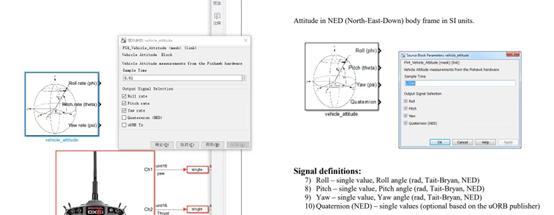
4.3.2 The vehicle_attitude module differs between Simulink and the PSP official documentation — one measures angular velocity and the other measures angle. Why is that?
Answer:
The RflySim platform has undergone secondary development, and the angle is calculated from quaternions. In Simulink, the vehicle_attitude module is designed for attitude control simulation, so it measures angle information (pitch, roll, yaw). In the PSP environment, it may measure angular velocity (attitude rate) instead. The module's function depends on the specific software environment and use case — refer to the context-specific documentation.
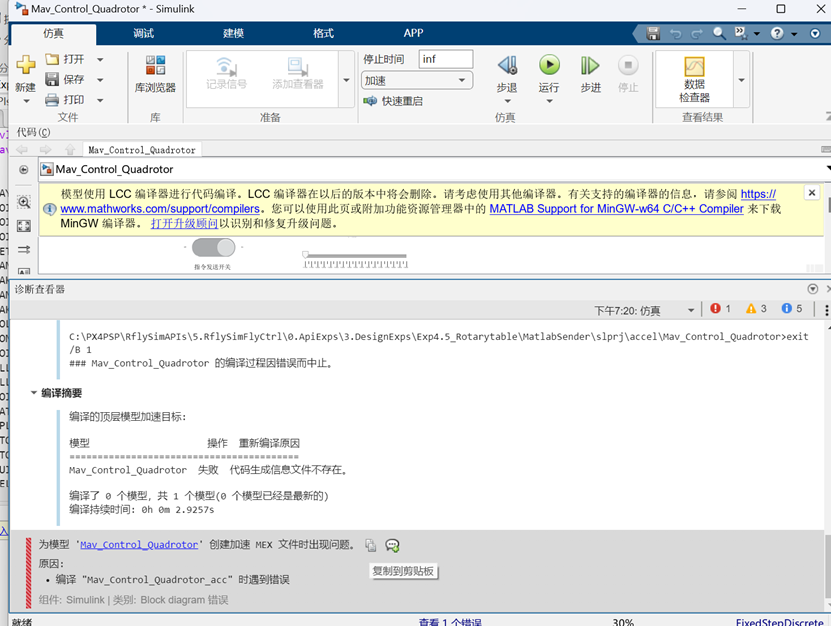
4.3.3 An error occurs when running the Mav_Control_Quadrotor Simulink file. How do I change the compiler for the model?
Answer:
You need to install Visual Studio on your computer. This program runs as a Windows Simulink program (not burned to the flight controller). Install Visual Studio and configure the MEX compiler to run the program normally.
4.3.4 Can the flight route be changed during fixed-wing aircraft flight?
Answer:
It is not possible to change the flight mission during flight, but you can change the flight waypoints. After drawing the route, return to the QGC home page and right-click on the map interface during the flight mission to select a new flight point.
4.3.5 What firmware needs to be flashed for unmanned vehicle HIL simulation?
Answer:
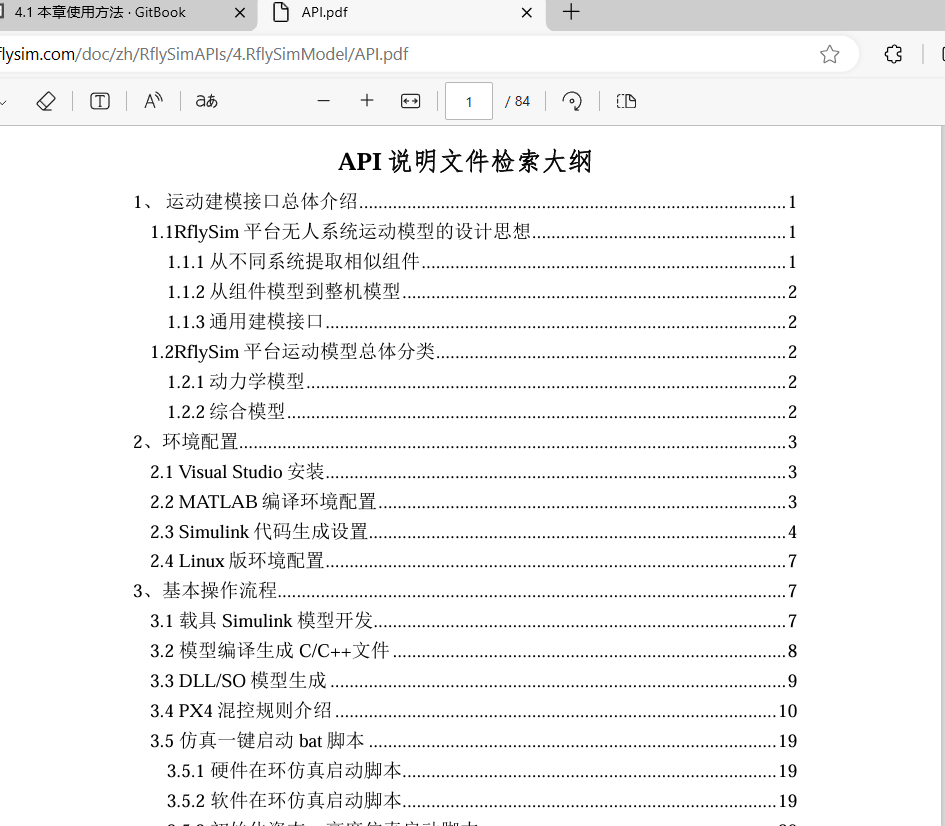
Flash the corresponding official PX4 firmware from: https://github.com/PX4/PX4-Autopilot/releases, and change the frame type to the corresponding vehicle. For the specific model import method, refer to:
[RflySim Installation Directory]\RflySimAPIs\4.RflySimModel\API.pdf
4.3.6 Can we modify the underlying cascade model to control the pitch and roll angles of the UAV?
Answer:
The Offboard interface currently uses velocity, altitude, and yaw angle. It is uncertain whether a pitch/roll control interface is available, but velocity, altitude, and yaw angle control can achieve the same effect.
4.3.7 Where can the CopterSim data protocol (send/receive) be found?
Answer:
Refer to the API PDF document:
[Installation Directory]\RflySimAPIs\4.RflySimModel\API.pdf
4.3.8 In the inCopterData input interface experiment under 4.RflySimModel, the ExtToPX4 output value cannot be read in uORB rfly_sim — it shows "never published". How to solve this?
Problem description:
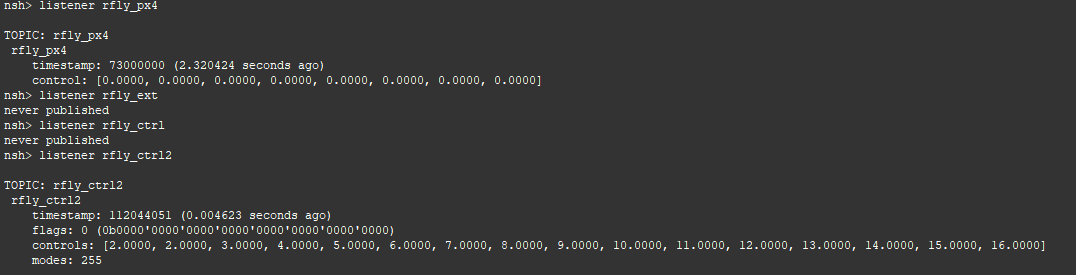
Answer:
Update the RflySim Toolchain. The latest version has fixed this issue.
4.3.9 When modifying the UAV control distribution matrix model based on routine 6.1, compilation errors occur regarding unrecognized signals and incorrect matrix dimensions. How to resolve this?
Problem description:

Answer:
First build a blank model to test whether matrix operations (multiplication, etc.) produce expected results. This helps deepen your understanding of Simulink programming.
4.3.10 In the code burned to the aircraft in section e6.4, is motor PWM information published via actuator_outputs or actuator_outputs_rfly?
Problem description:
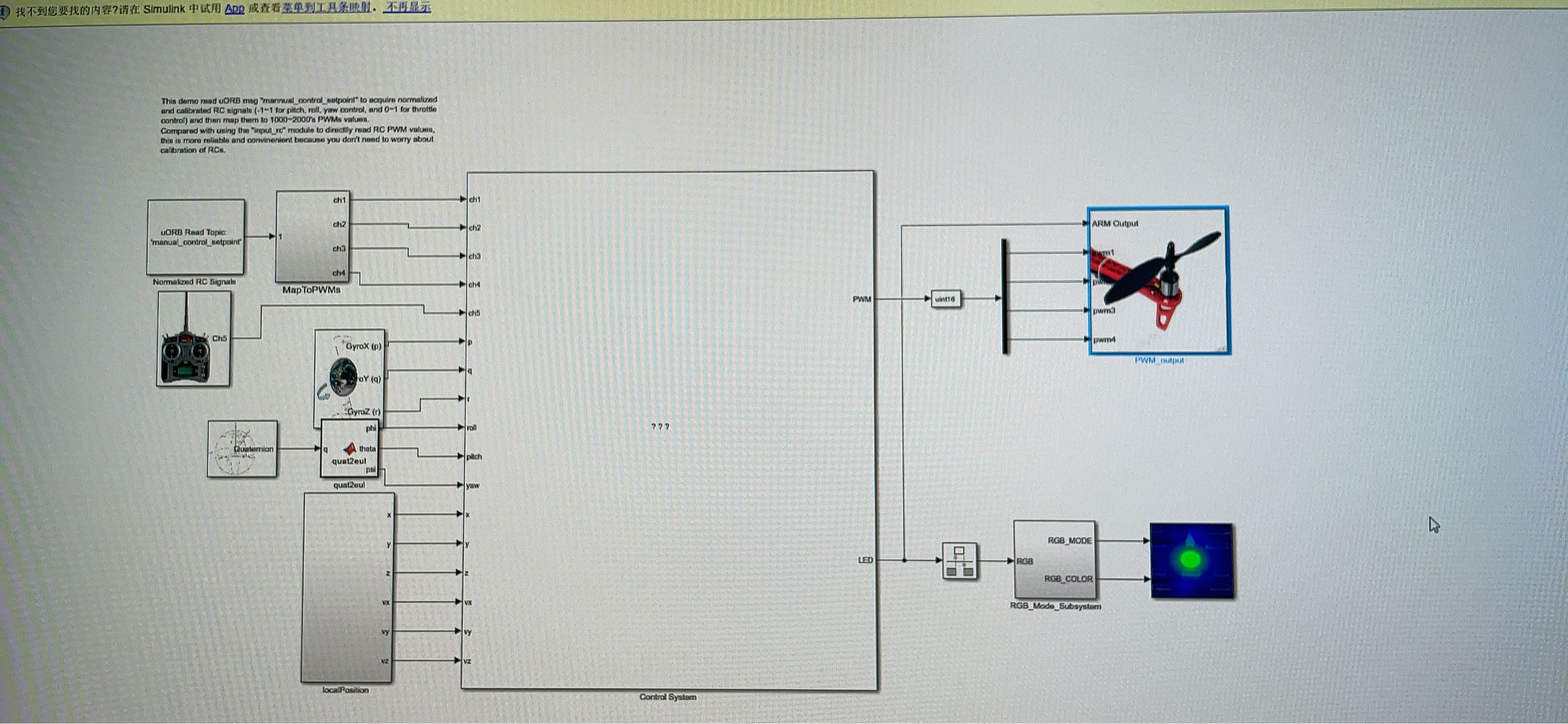
Answer:
You need to check the definition and purpose of each uORB message to determine which one to use.
4.3.11 The Simulink controller output was published through the PWM_output module, compiled, and downloaded to Pixhawk — but data inconsistency was found when checking motor output. The official PX4 controller output has already been blocked. What is the cause?
Answer:
When writing a custom controller, you may not have the input/output interfaces configured correctly. If the PWM pulse width is written directly in the program, the data may not be read correctly.
4.3.12 The IMU frequency seems too low due to computer performance. After using px4ctrl, takeoff is very unstable, and using the Offboard routine causes large oscillations after takeoff. What is the cause?
Problem description:
Answer:
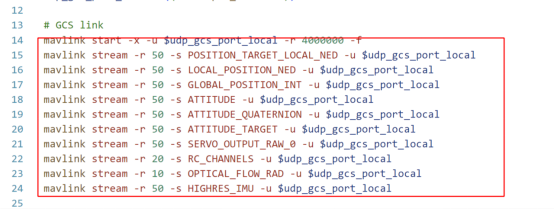
For SITL simulation, modify the following file:
C:\PX4PSP\Firmware\ROMFS\px4fmu_common\init.d-posix\px4-rc.mavlink
The default IMU transmission frequency is 50 Hz — change it to 200 Hz. Unused messages in this file can be commented out to avoid consuming too much bandwidth.
4.3.13 In the attitude control experiment, the hardware cannot recognize the flight controller during HIL simulation. Repeated plug/unplug does not help, but the ApiExps experiments work fine. The flight controller is a ZhuoWing H7. What is the cause?
Answer:
Try disabling unused COM ports in the Windows Device Manager. If that does not work, flash the firmware through QGC.
4.3.14 For low-level control development using the DShot protocol (which reportedly does not require ESC calibration), with the ESC signal wire connected to the FMU port — can the pwmout module in the toolbox be used?
Answer:
Use the force and torque module instead. The pwmout module does not support DShot.
4.3.15 Why does the frame and RC configuration in QGC need to be reset every time firmware is downloaded from MATLAB to the flight controller during HIL experiments? (ZhuoWing H7 flight controller)
Answer:
Upgrade the bootloader. Find the SYS_BL_UPDATE parameter in QGC, set it to 1, and restart the flight controller.
For more questions, please visit: https://github.com/RflySim/Docs/issues